
Vougly vs Photoroom: AI clothing photography compared
Compare Vougly and Photoroom using documented features, the same source garments and a practical checklist for accuracy, time and plan conditions.

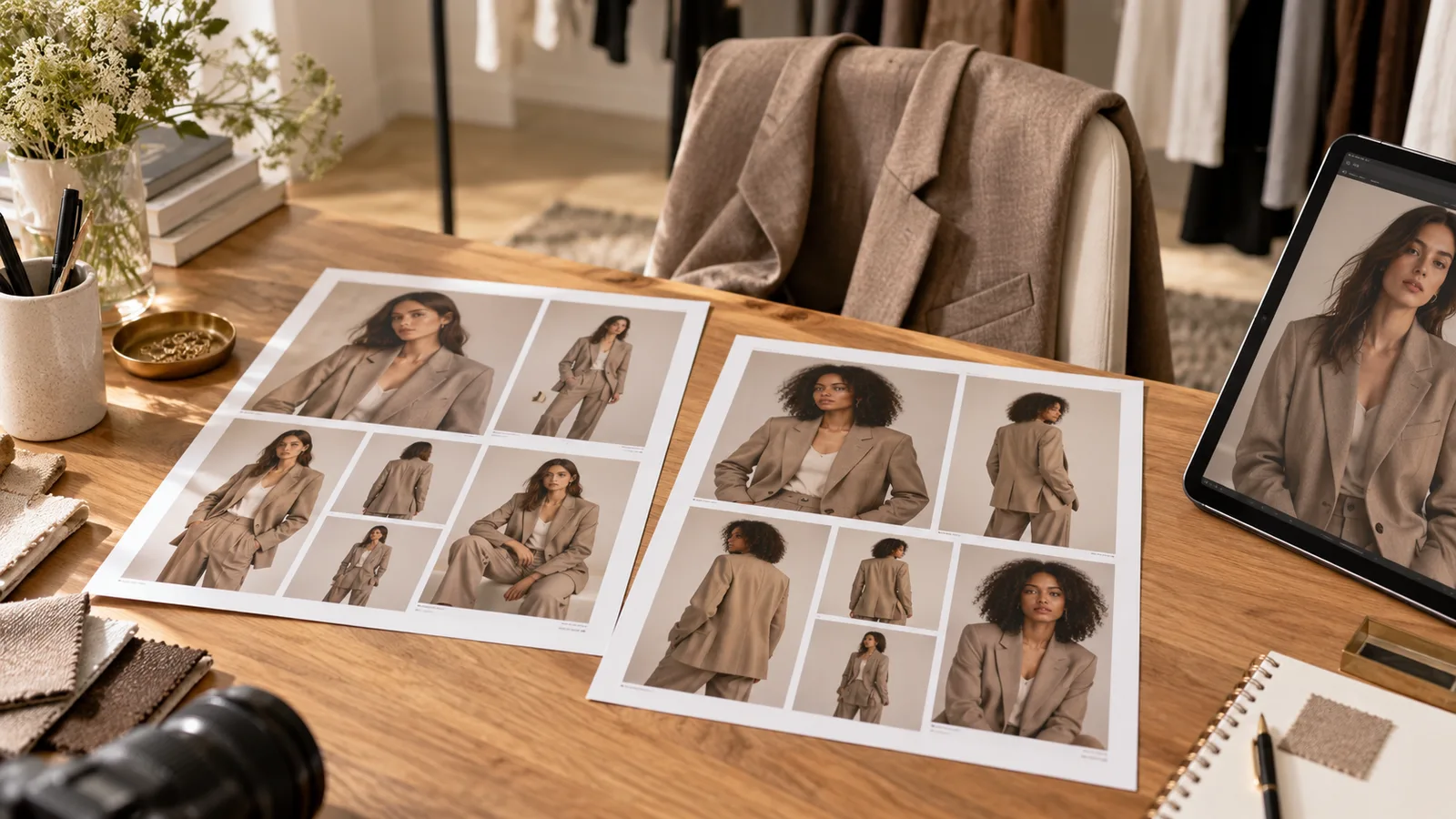
Vougly and Photoroom both generate clothing images on AI models. Vougly is a mobile clothing-photo app with on-model, flat-lay/background and creative Studio modes. Photoroom documents a broader editing workflow with fashion tools, batch editing and Shopify integration. Start with the job you need to finish, then test garment accuracy.
This comparison is written by the Vougly team. It compares documented capabilities, not results from a controlled head-to-head test. We have not established a winner for image quality, speed or cost. Sources were checked on 9 October 2026.
Vougly vs Photoroom: documented features
| Task | Vougly | Photoroom |
|---|---|---|
| Put a garment on a model | Choose a preset, your own model photograph or a random model in the listing flow. | AI Fashion Models supports model, pose, background and aspect-ratio settings. |
| Use your own model photograph | Upload one full-body photograph; adding it is free and does not train a model. | The model selector includes a custom image upload. |
| Create a flat-lay view | Flat lay/background mode presents clothing on a selected surface or background. | A separate Flat Lay tool generates a top-down clothing view. |
| Work across a catalogue | The documented Vougly workflow creates individual photos in the mobile app. | Fashion Models and Flat Lay are available through batch tools and Photoroom for Shopify. |
| Make creative outfit images | Studio combines a required model with a scene, optional garment references and outfit instructions. | Fashion Models includes prompts and background settings; further editing is available. |
| Understand usage | One Vougly photo uses one generation. | The documented AI tools consume AI credits; settings can affect usage. |
Photoroom entries come from its AI Fashion Models guide and Flat Lay guide. These are manufacturer descriptions, not independently verified quality claims. Vougly workflows are explained on our on-model, flat-lay and Studio sections.
Which workflow should you try first?
Try Vougly when you want to work garment by garment on your phone. For example, photograph a dress, choose a model and room, then review the generated neckline, print and hem against the original. You can also explore a flat-lay presentation or create a separate Studio outfit image without treating the creative image as evidence of the item’s condition.
Evaluate Photoroom when batch editing or Shopify is a requirement. Before subscribing, check that the specific fashion tool, export format and batch capacity you need are included in the offer available to you. A feature name alone does not establish that the whole workflow is included in every plan.
For straightforward condition documentation, start with a camera. If you only need front, back, label and flaw photographs, a well-lit phone photo set may already solve the problem. Choosing an AI tool does not remove a marketplace’s image requirements.
A garment test you can actually repeat
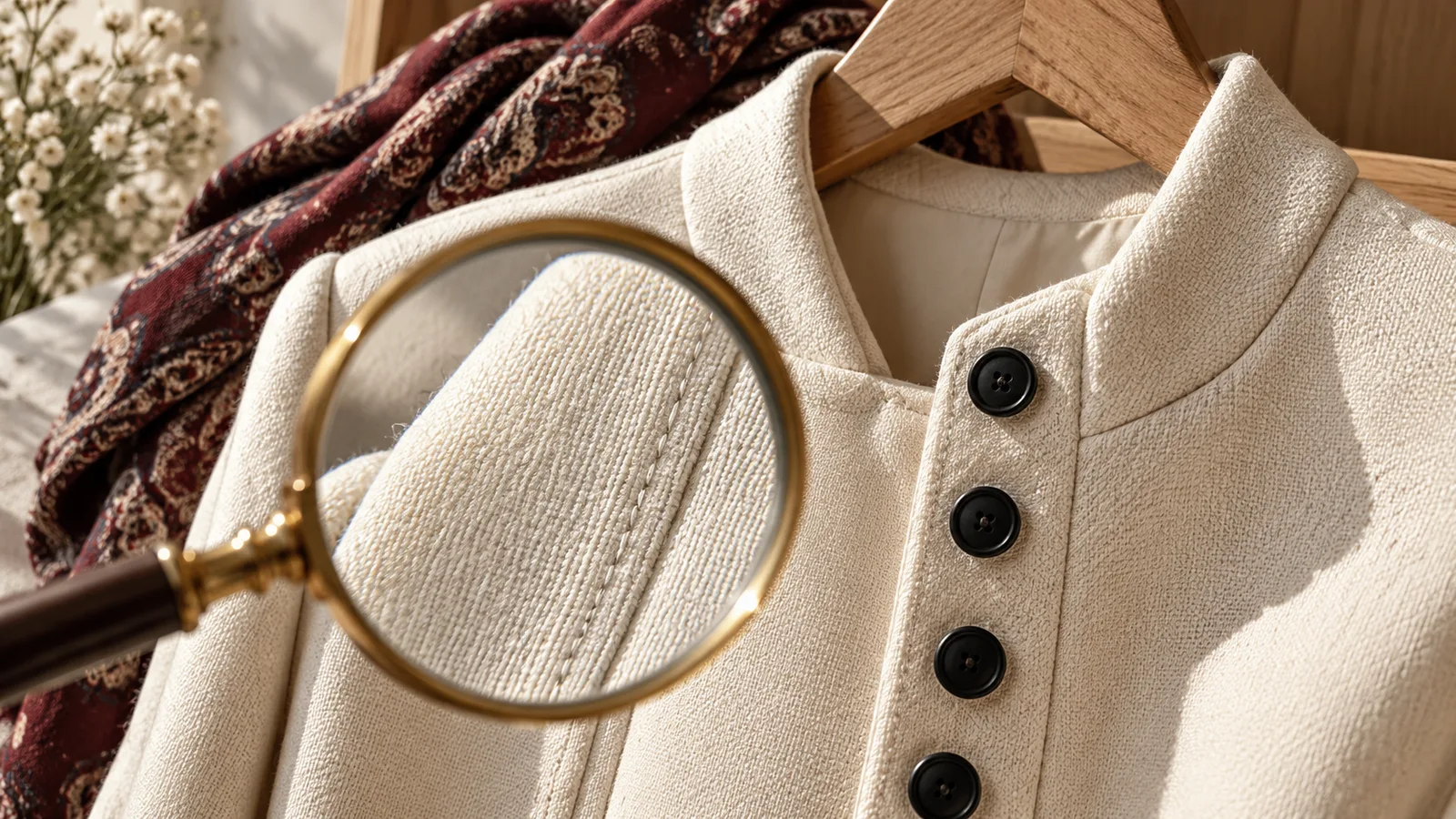
Use three of your own items: a striped shirt, lace or embroidery, and dark knitwear. Keep the source files, target presentation and review criteria the same for both tools. Decide your acceptable retry limit before generating so that one lucky image does not determine the conclusion.
| Garment | Inspect at full size | Reason to reject an image |
|---|---|---|
| Striped shirt | Button count, stripe order at the placket, collar and cuffs | Added fastenings or a changed pattern |
| Lace dress | Neckline, lining, openwork and hem | Invented lining or altered lace shape |
| Dark knit | Ribbing, cuffs, texture and visible wear | Smoothed pilling or loss of knit detail |
Record the input, selected settings, every attempt, elapsed time and reason for acceptance or rejection. Evaluate the garment before the face or scenery. This is a proposed test protocol, not a test we claim to have run. Our real before/after examples show Vougly outputs only.
Compare the cost of an accepted image
Use actual spending divided by the number of images you accept, and track your preparation and review time separately. Include unsuccessful attempts. Compare equivalent billing periods rather than an annual monthly equivalent against a rolling monthly price.
Vougly offers 15 generations renewed weekly, 60 renewed monthly, or 50 renewed monthly with annual billing. The pricing page explains those allowances; regional prices and offer eligibility appear in the app. Check Photoroom’s current in-product offer and credit conditions before comparing totals.
For Vinted specifically, follow its own-photo and no-editing requirements. An AI visualisation is not proof of actual fit, measurements or condition, whichever tool produced it.