Crochet dress
Compare the openwork pattern, neckline and length. A different arrangement changes how the stitching appears.
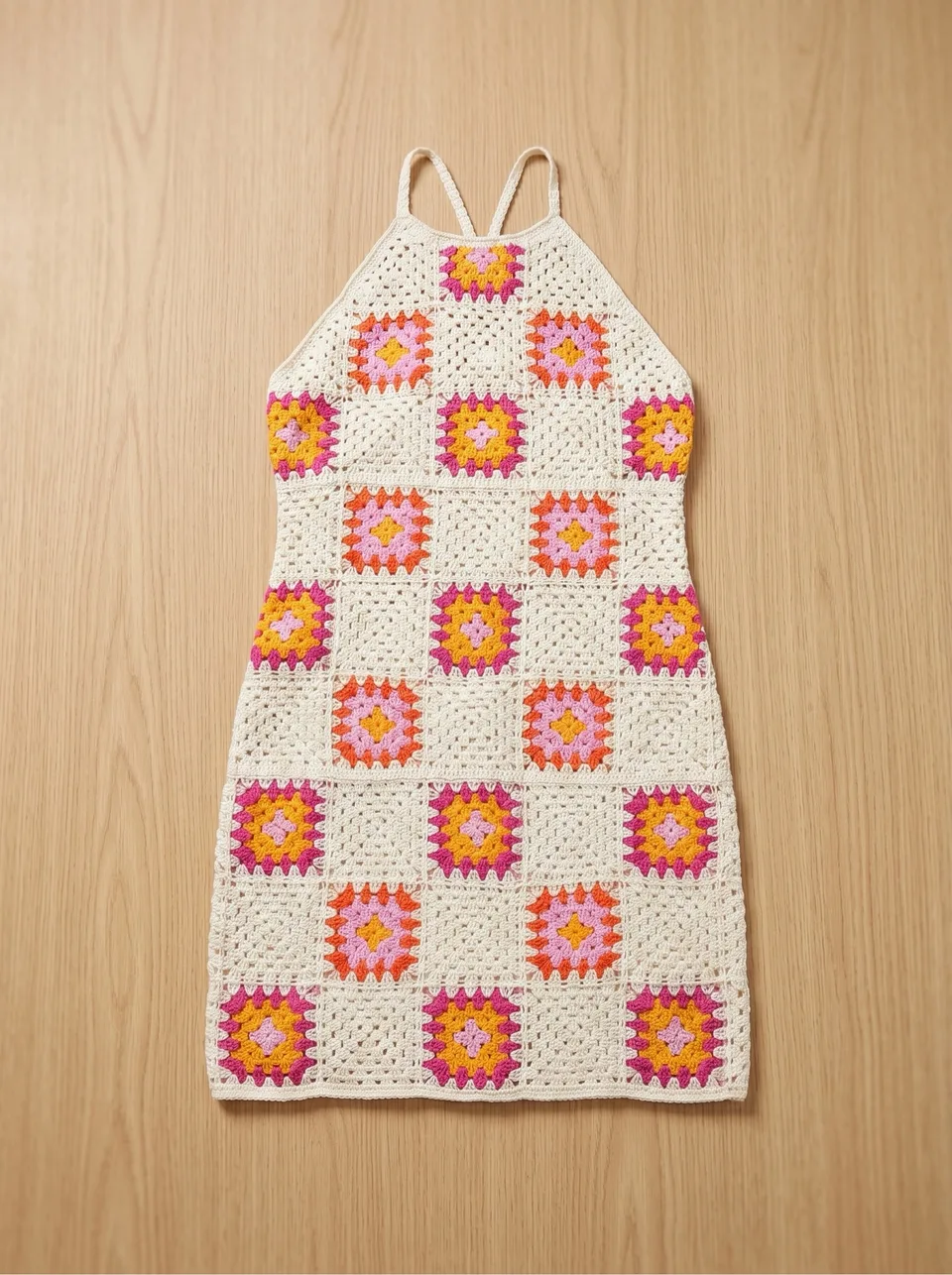
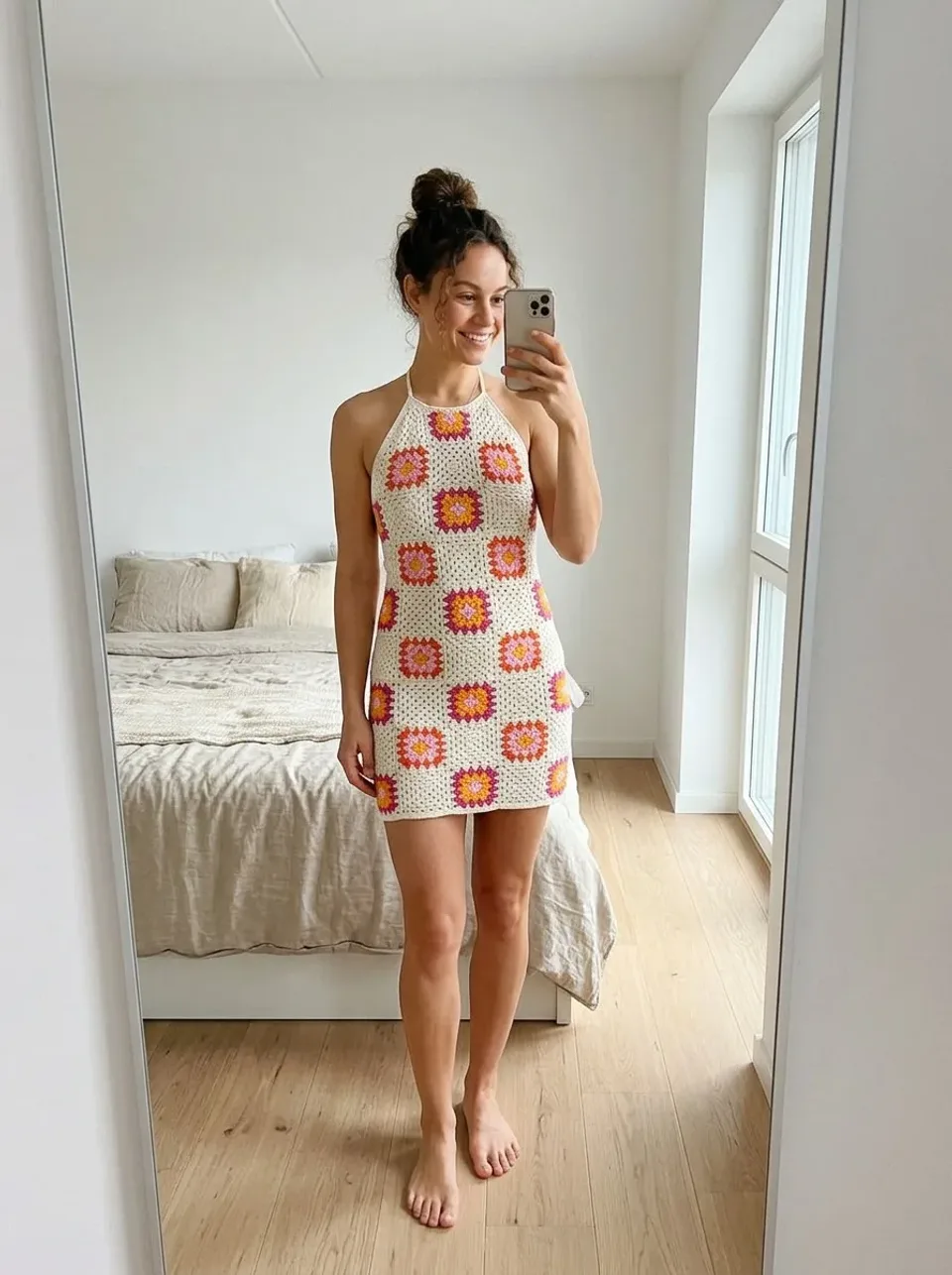
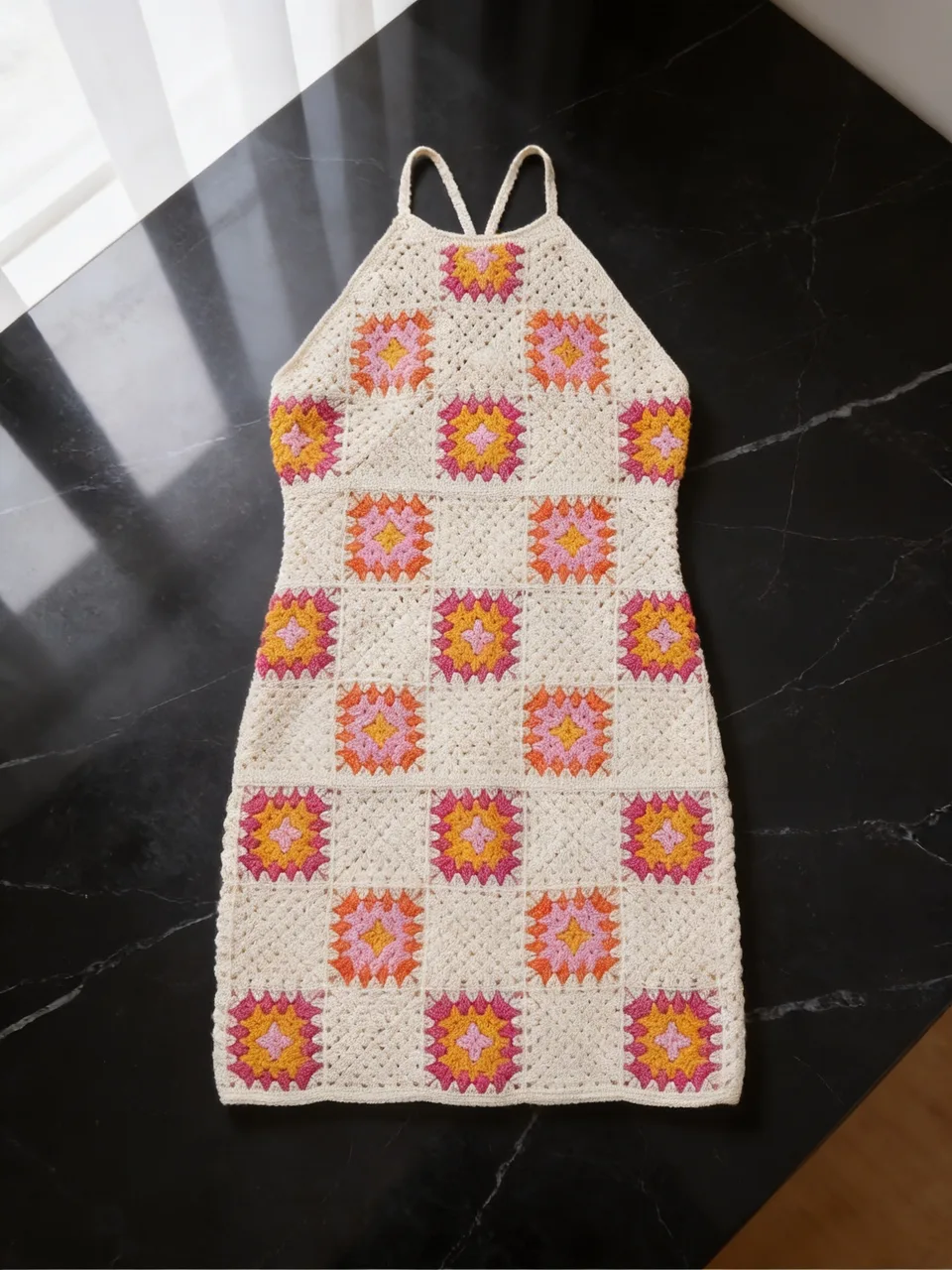


Clothing photography with Vougly
Real input photos and Vougly results. Look at both versions and compare the details before using an image.
Compare the openwork pattern, neckline and length. A different arrangement changes how the stitching appears.
Check the lace, waistline and sleeve finish. An AI image does not replace a close-up of the actual fabric.
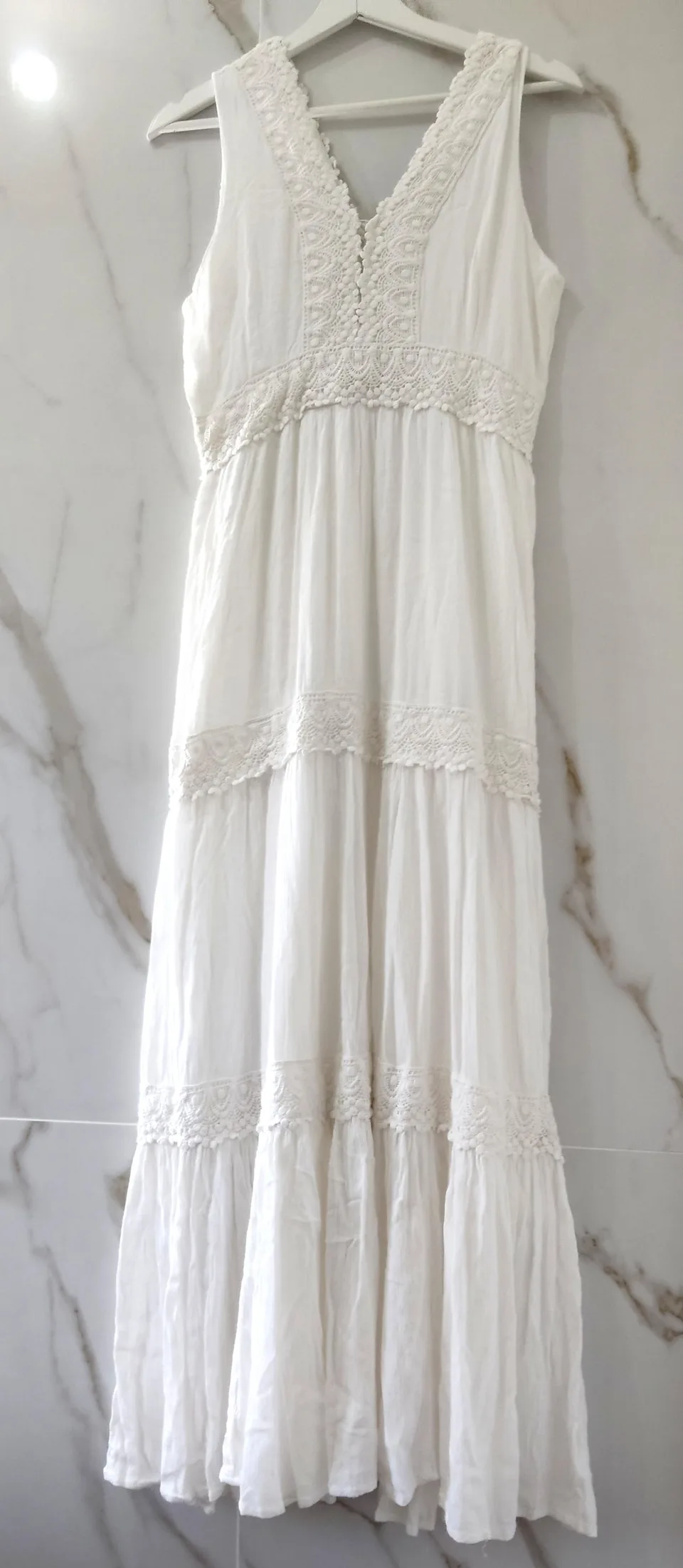
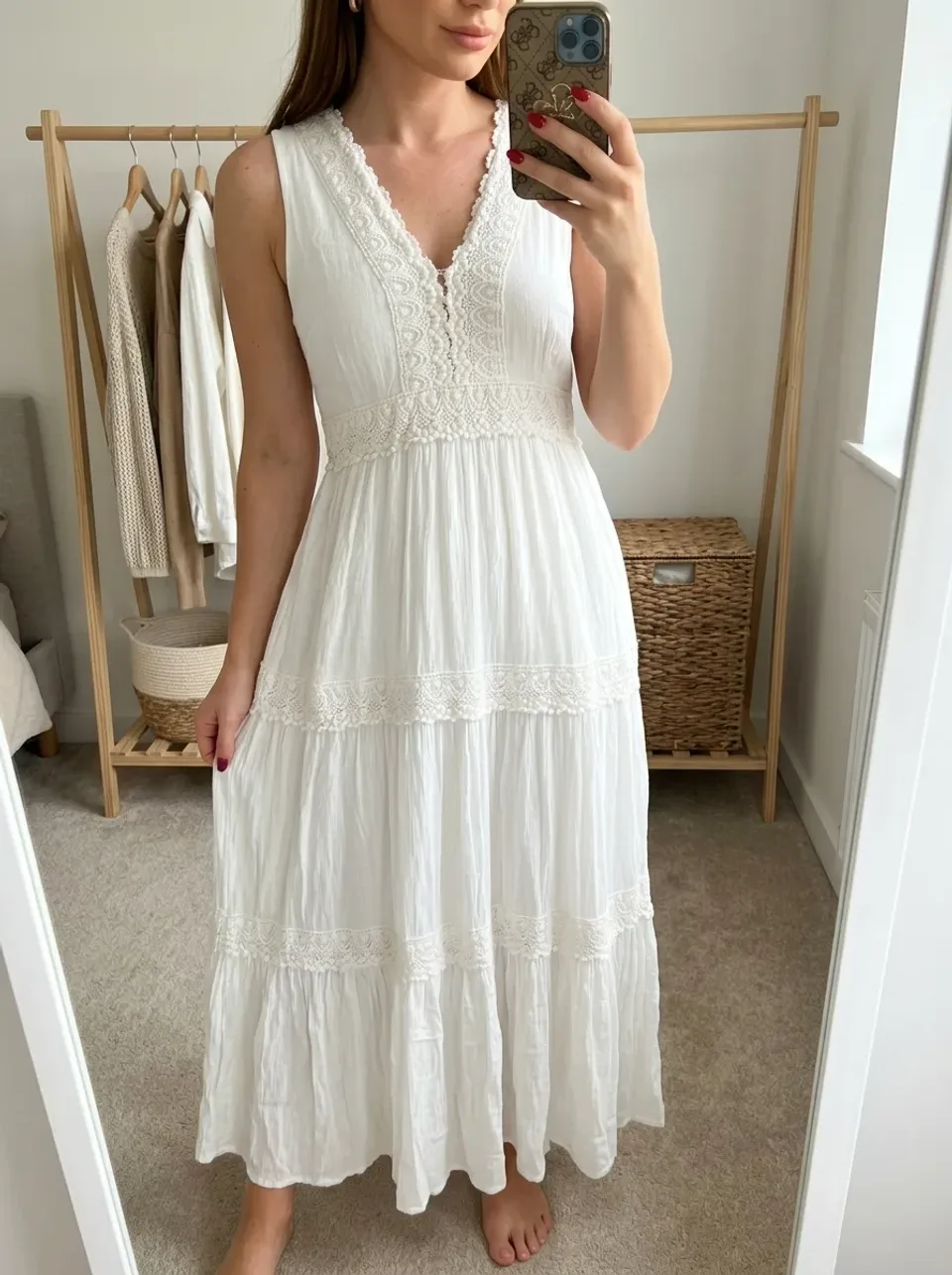
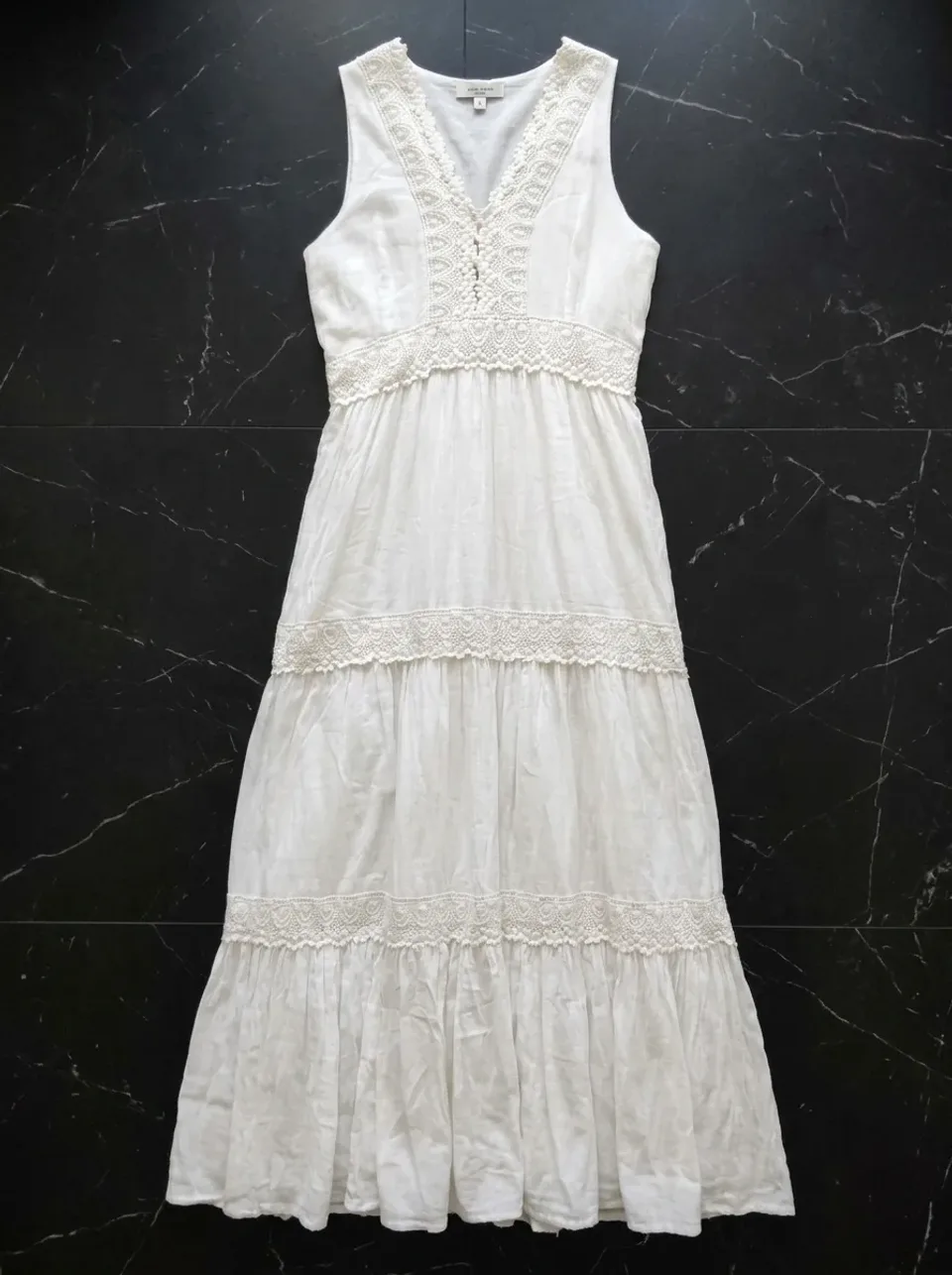
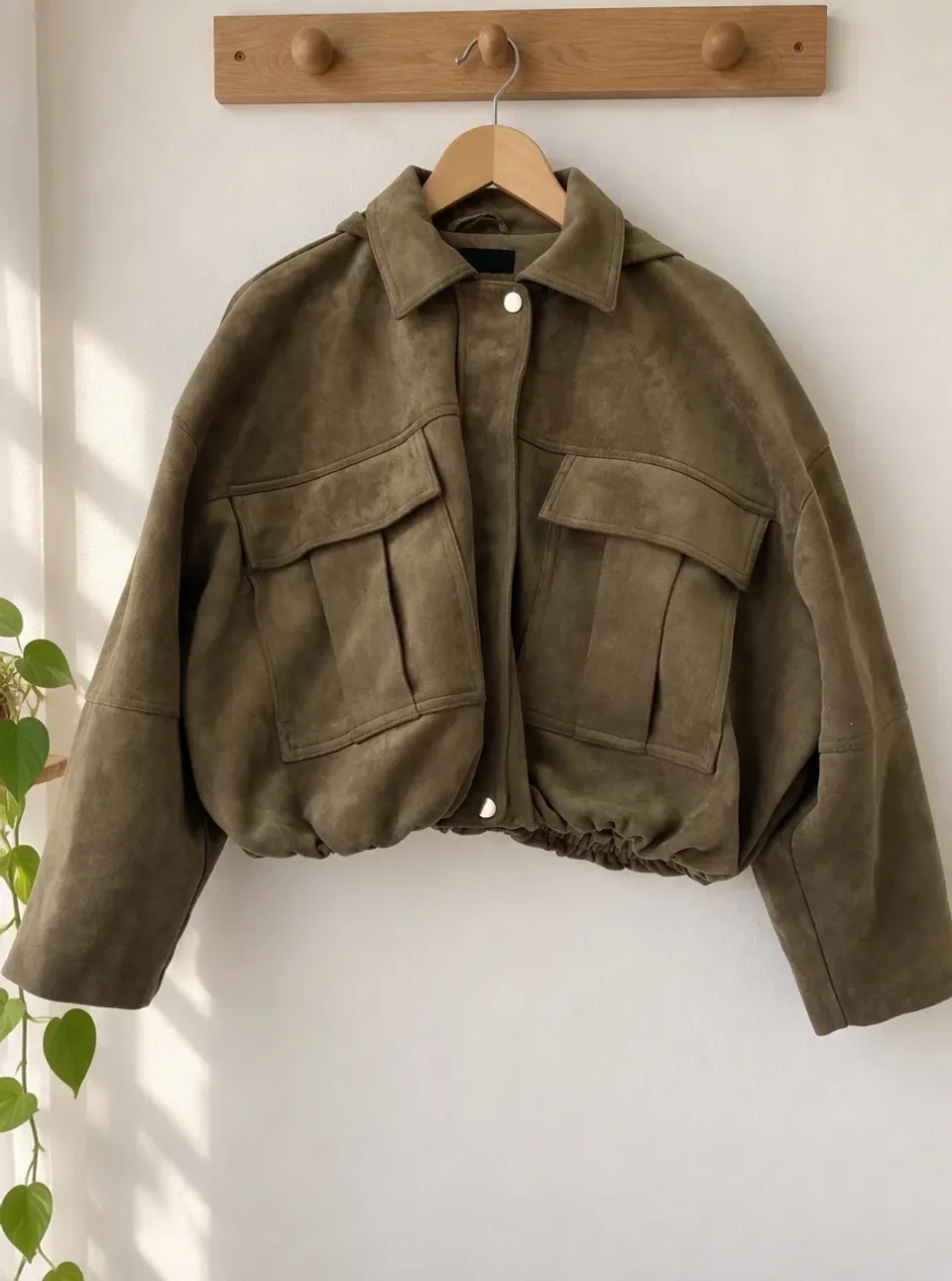
Compare the pockets, fastening and fabric colour. The hanger image shows a new background, not a flat lay.
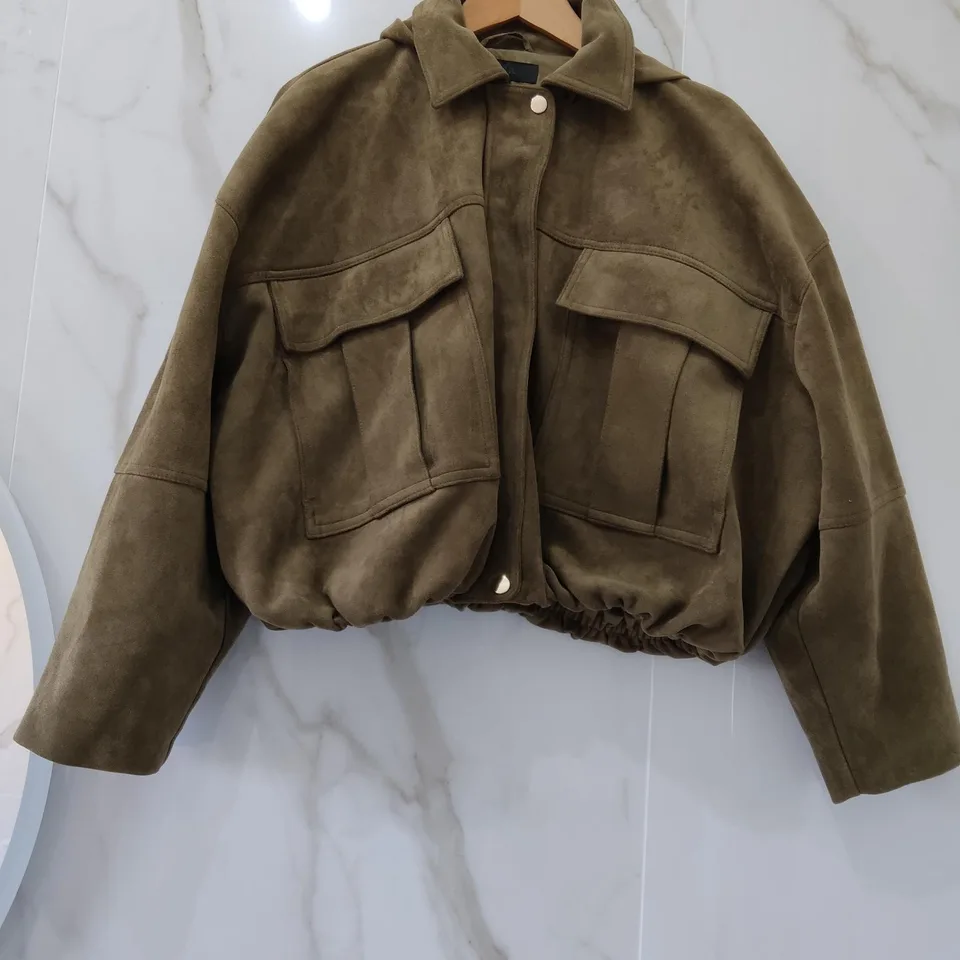
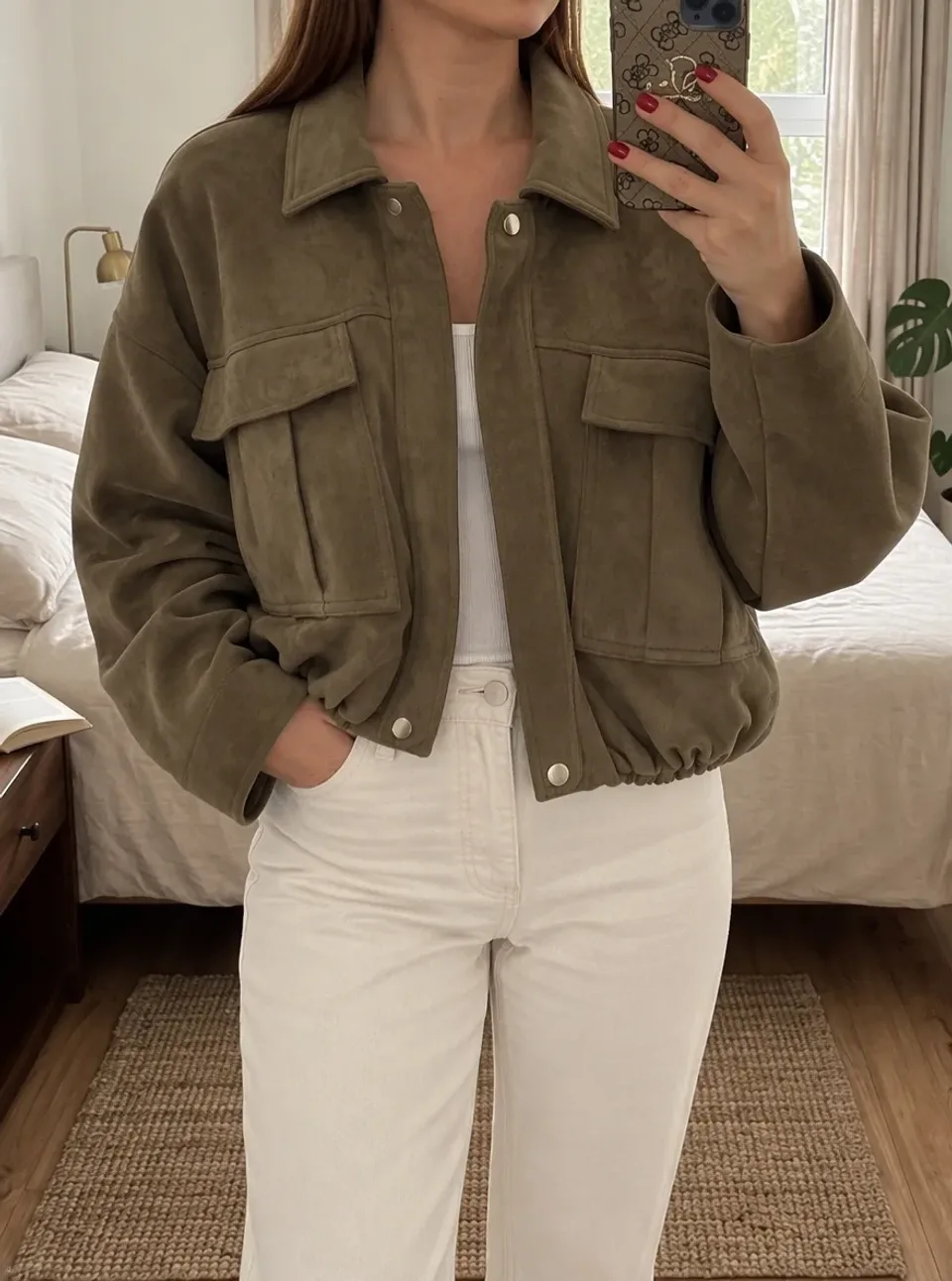
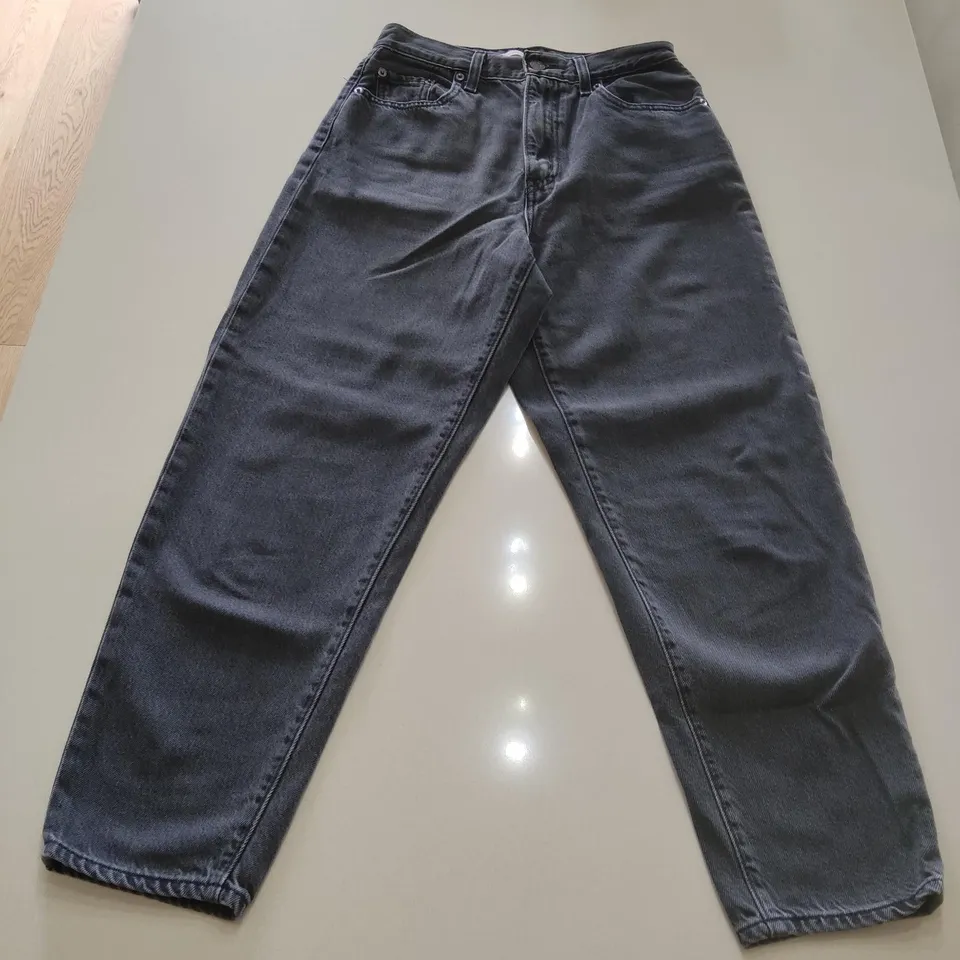
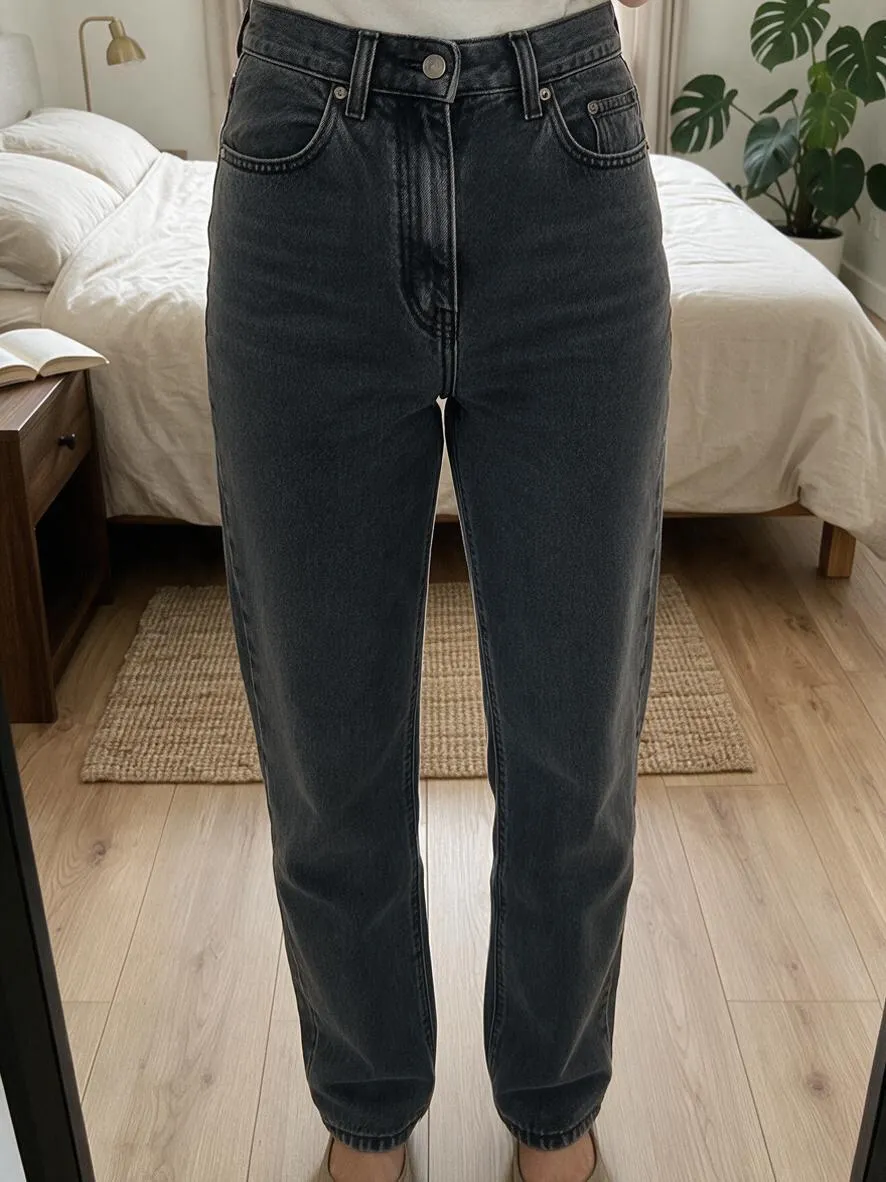
Compare leg width, fading and seams. The fit on a generated person does not establish sizing.
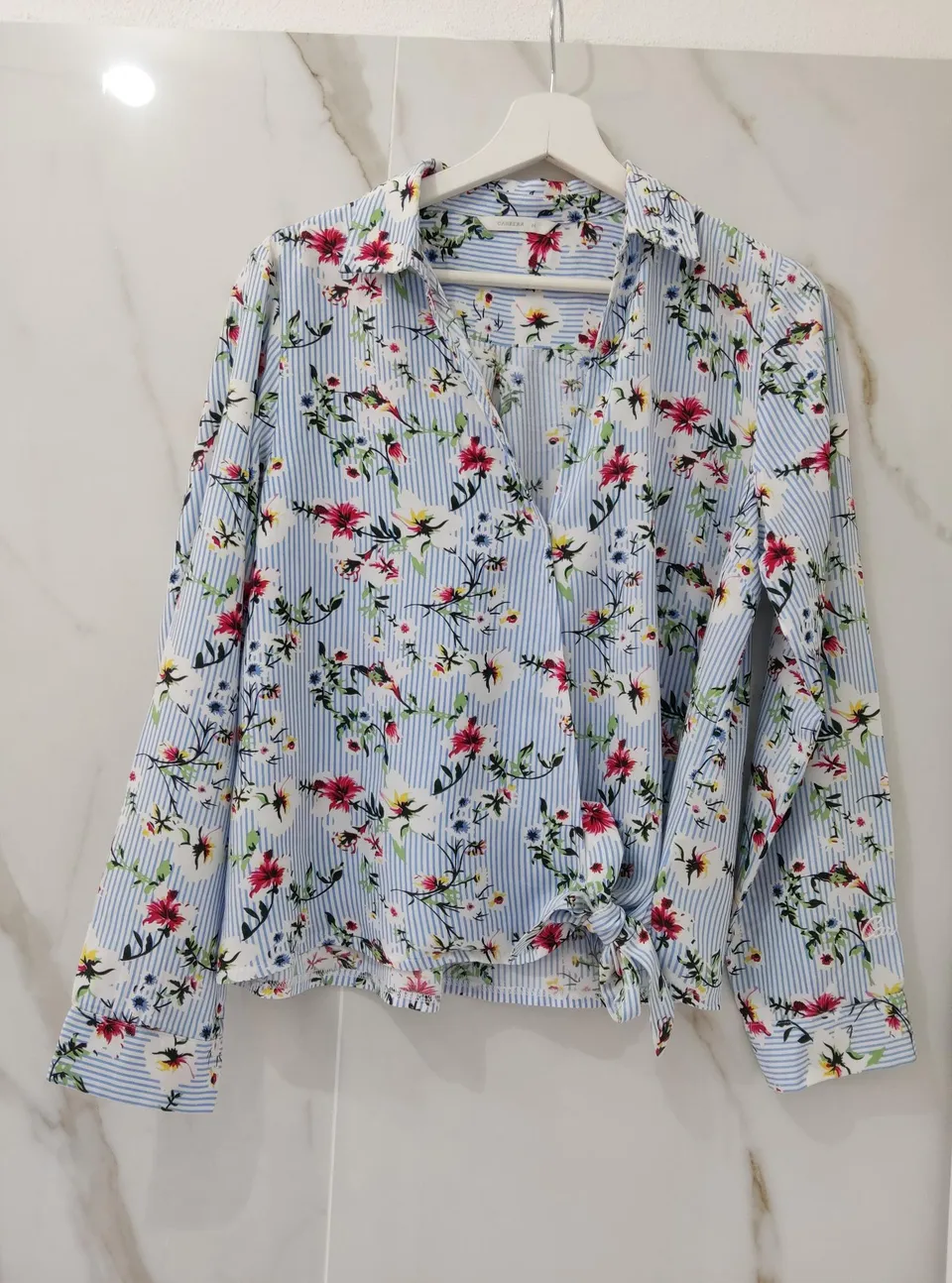
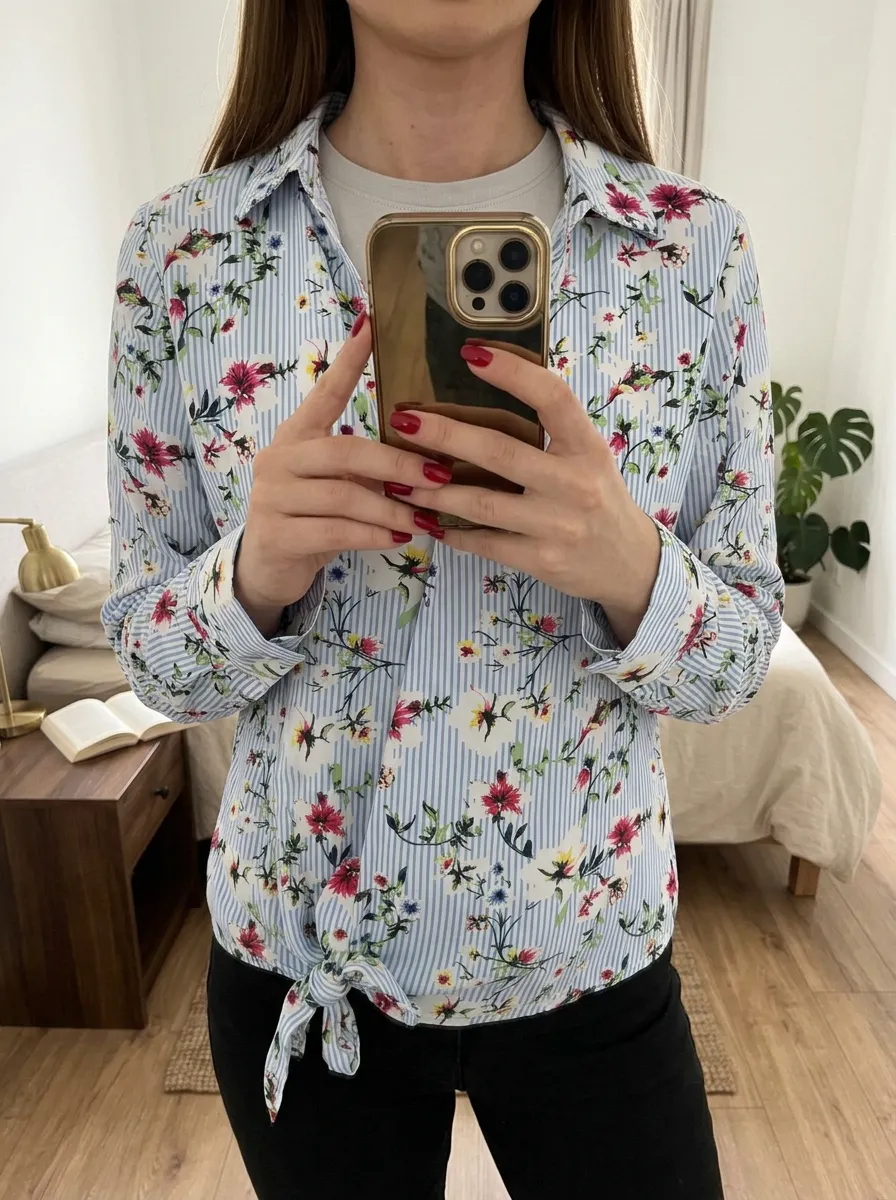
Check the pattern around the buttons and cuffs. The phone hides part of the front.
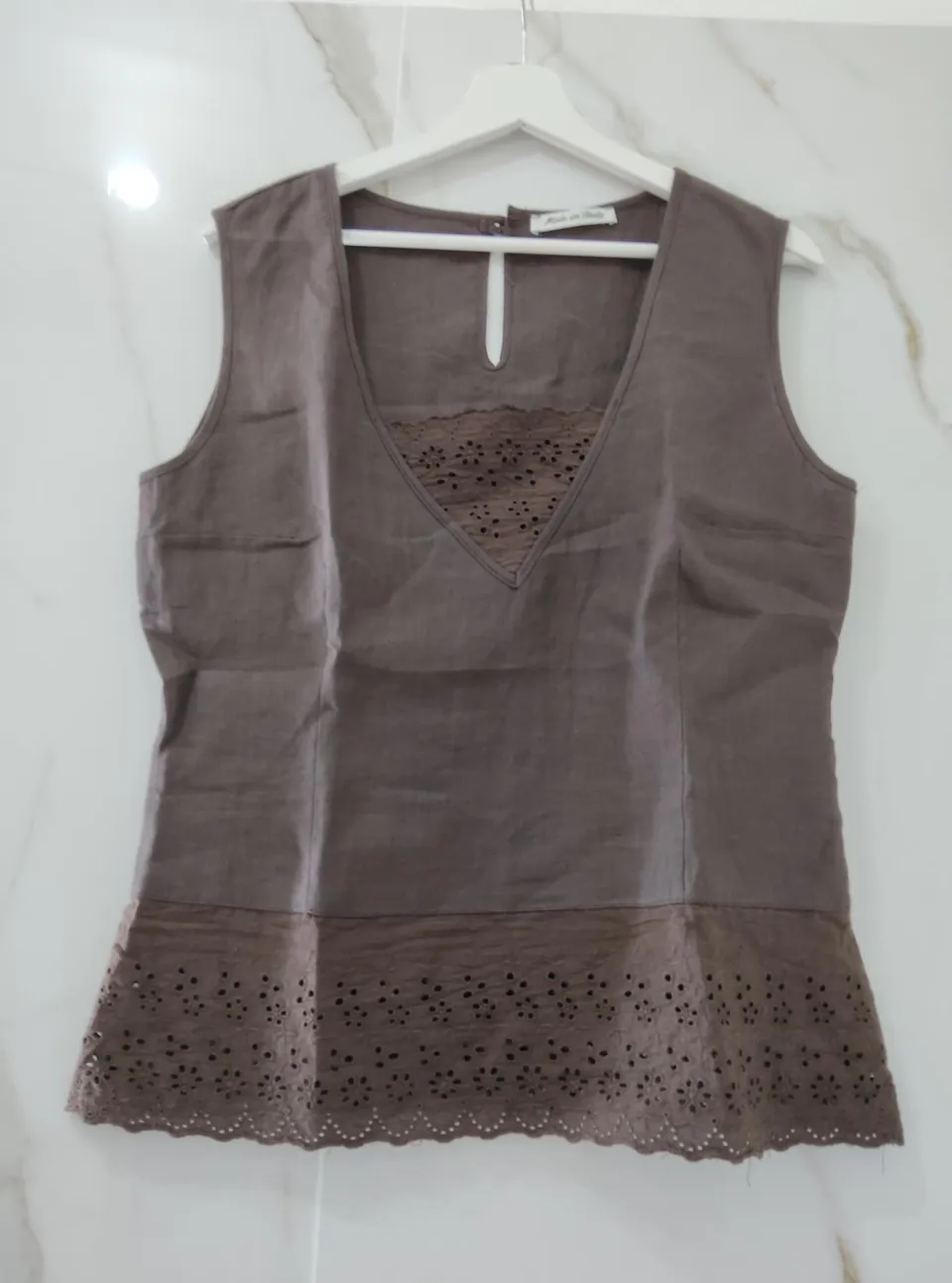
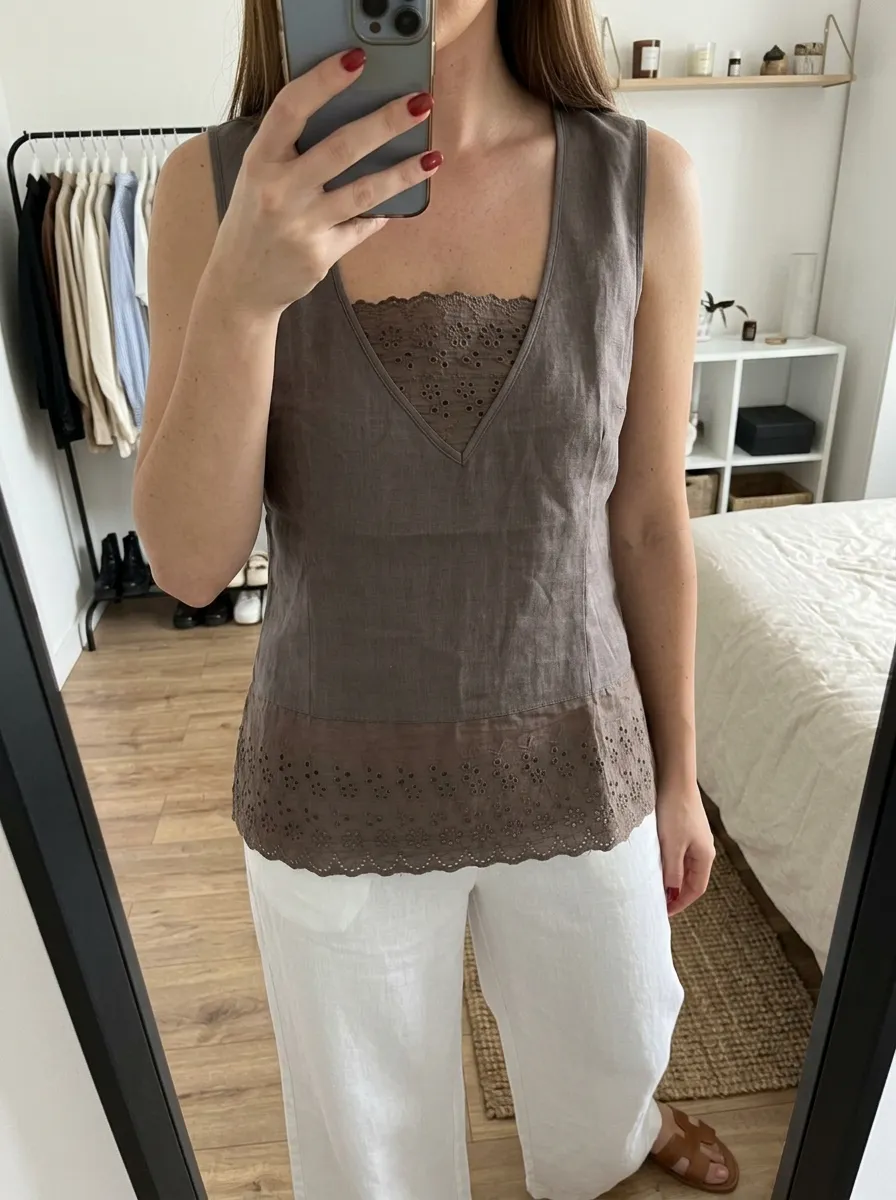
Compare the lace openings, neckline and length. Lighting changes how the brown shade appears.
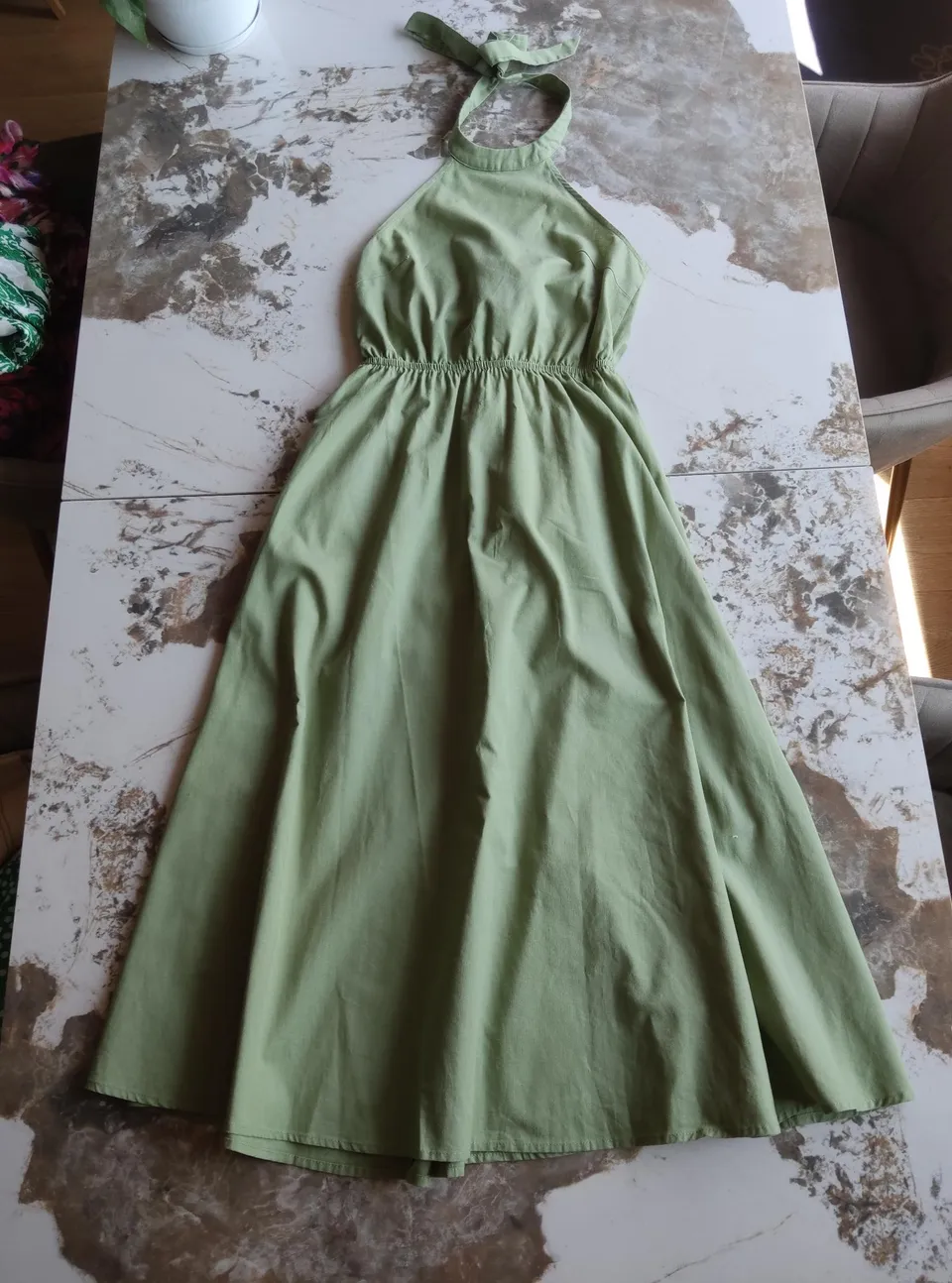
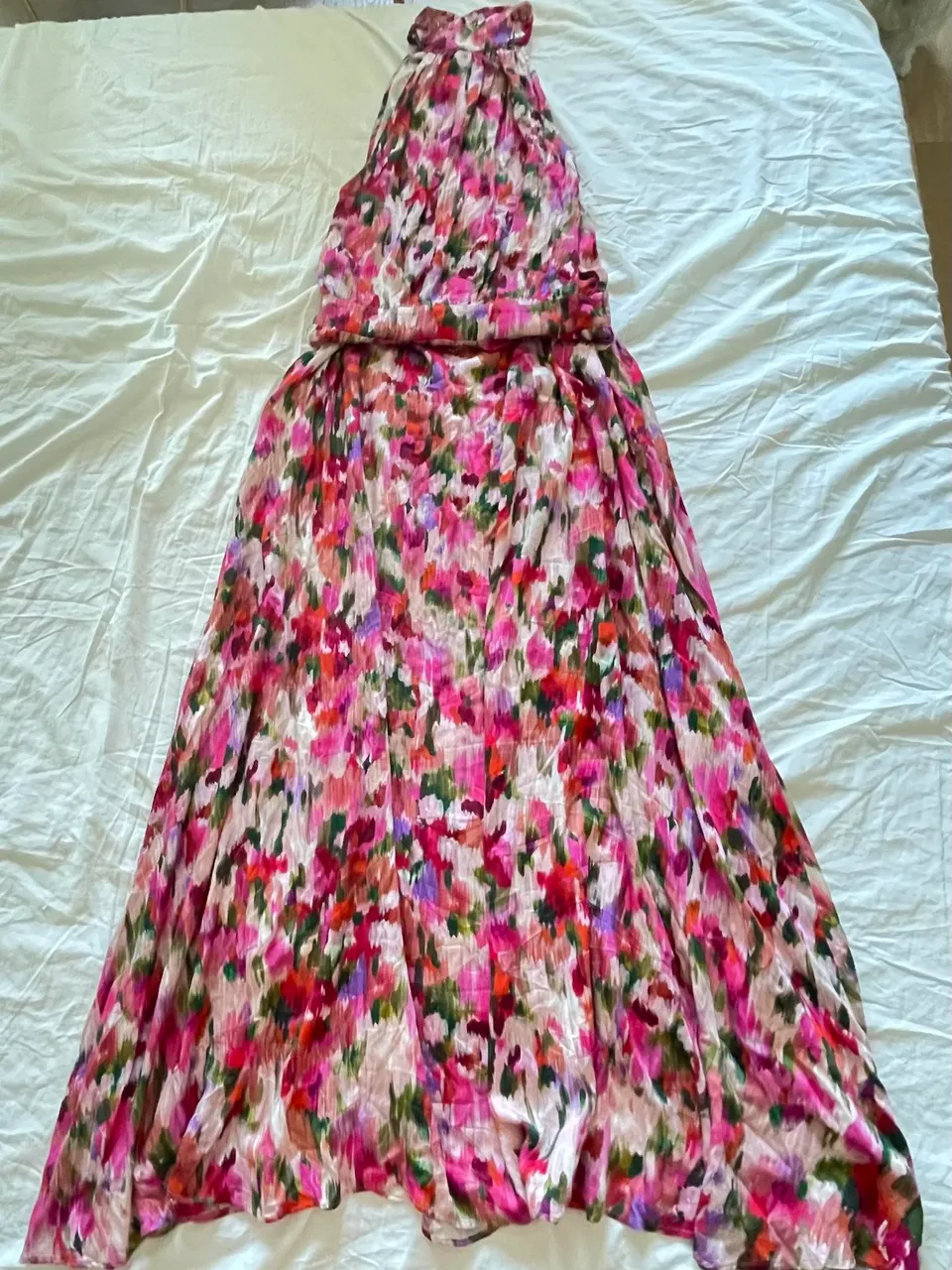
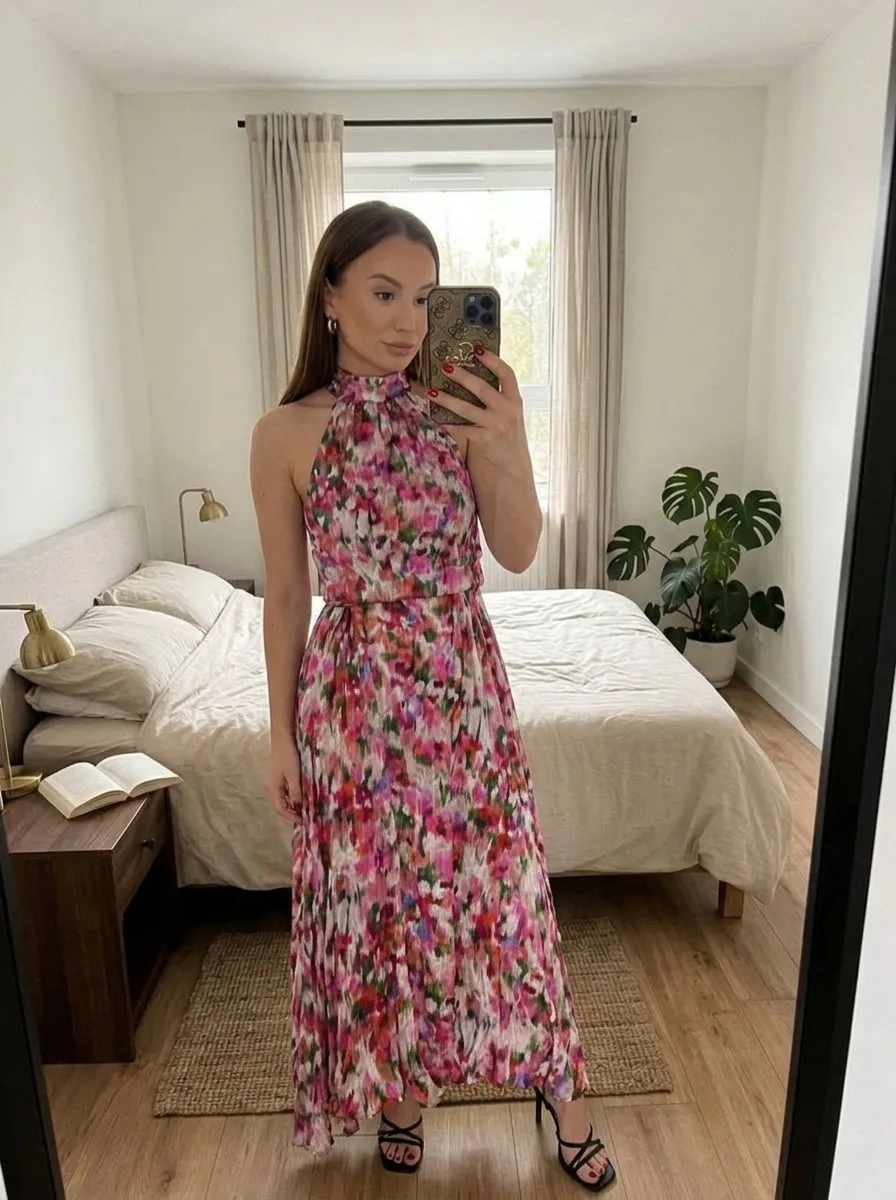
The input shows the dress laid flat. Compare the gathered neckline, waist and flared hem; its length on the generated person is not a measurement.
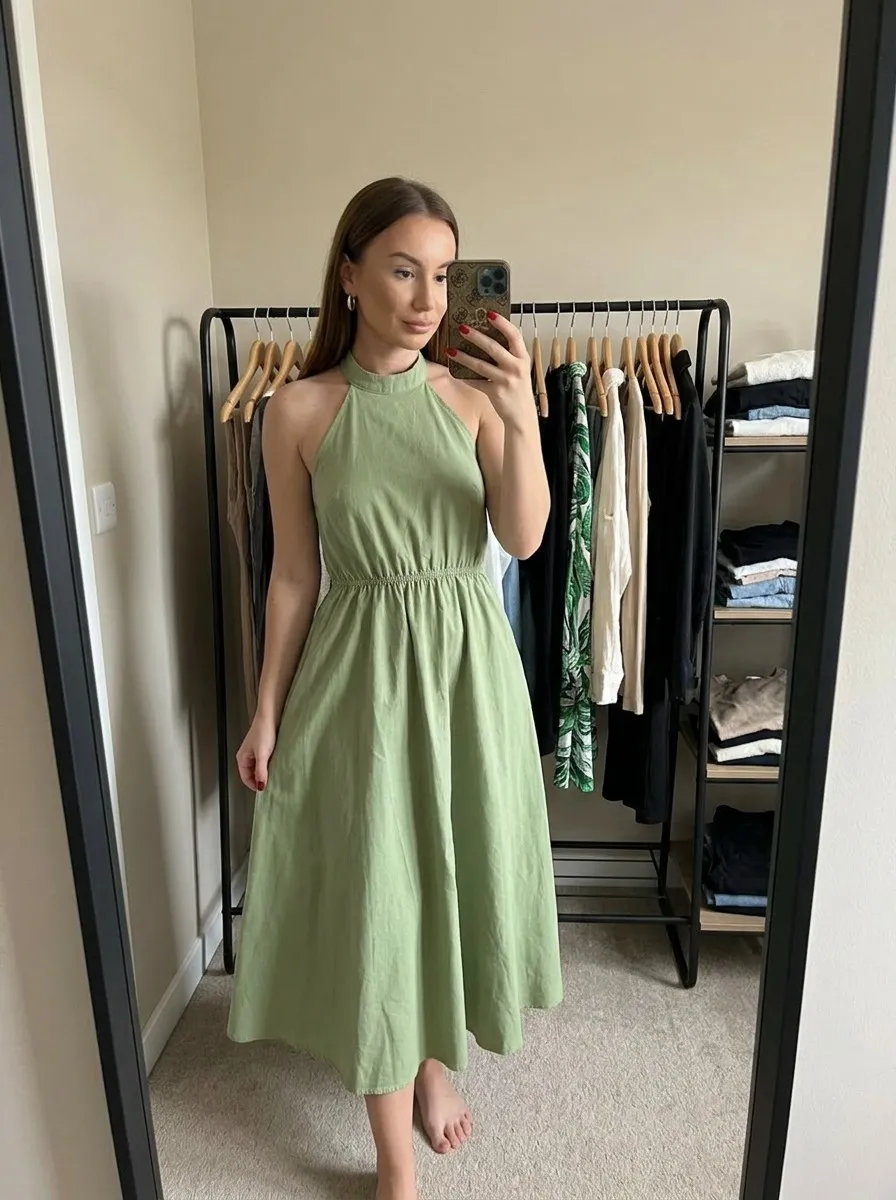
Compare the dense floral print along the full dress. The phone hides part of the bodice, so the result cannot verify every section of the print.
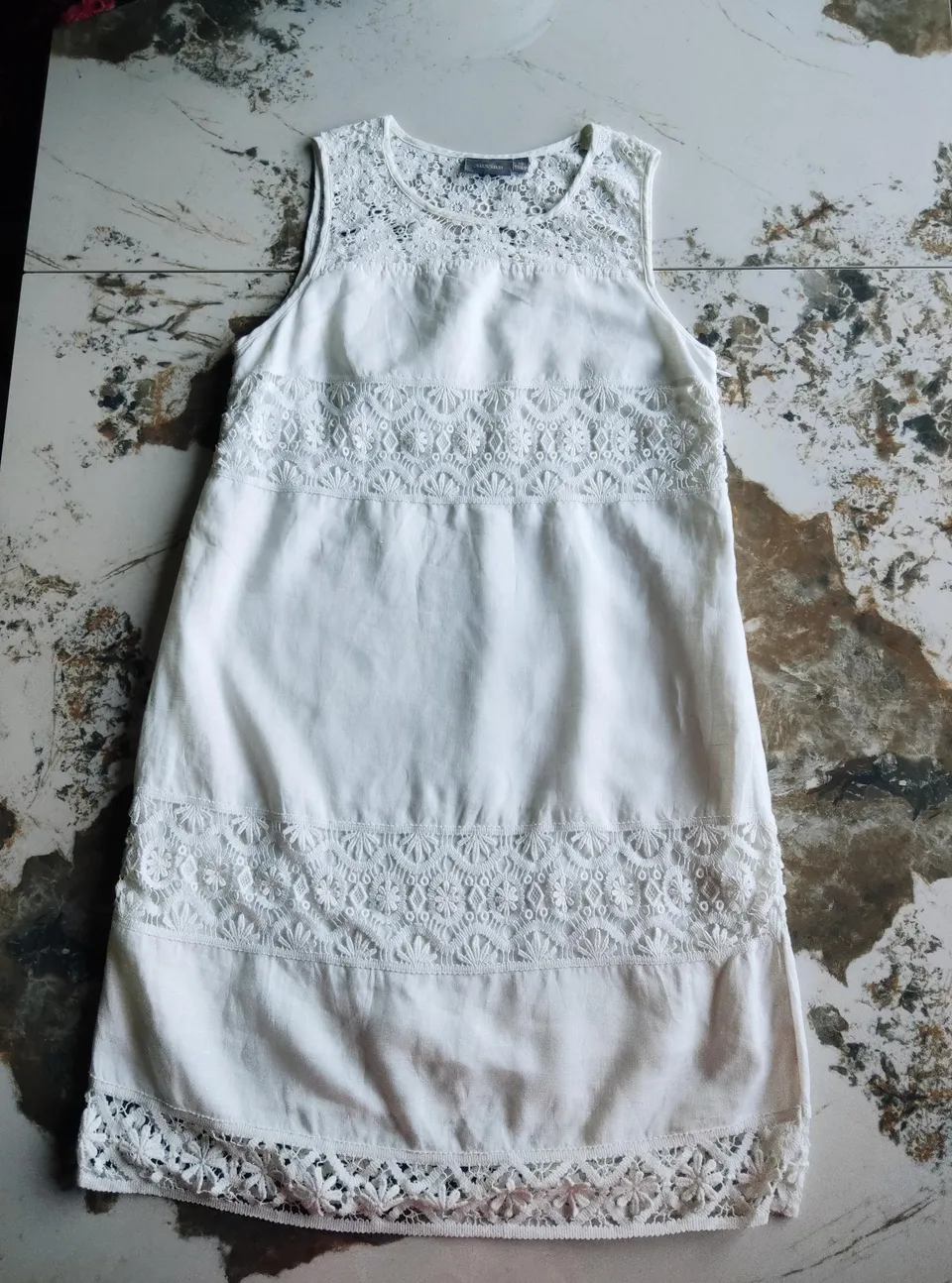
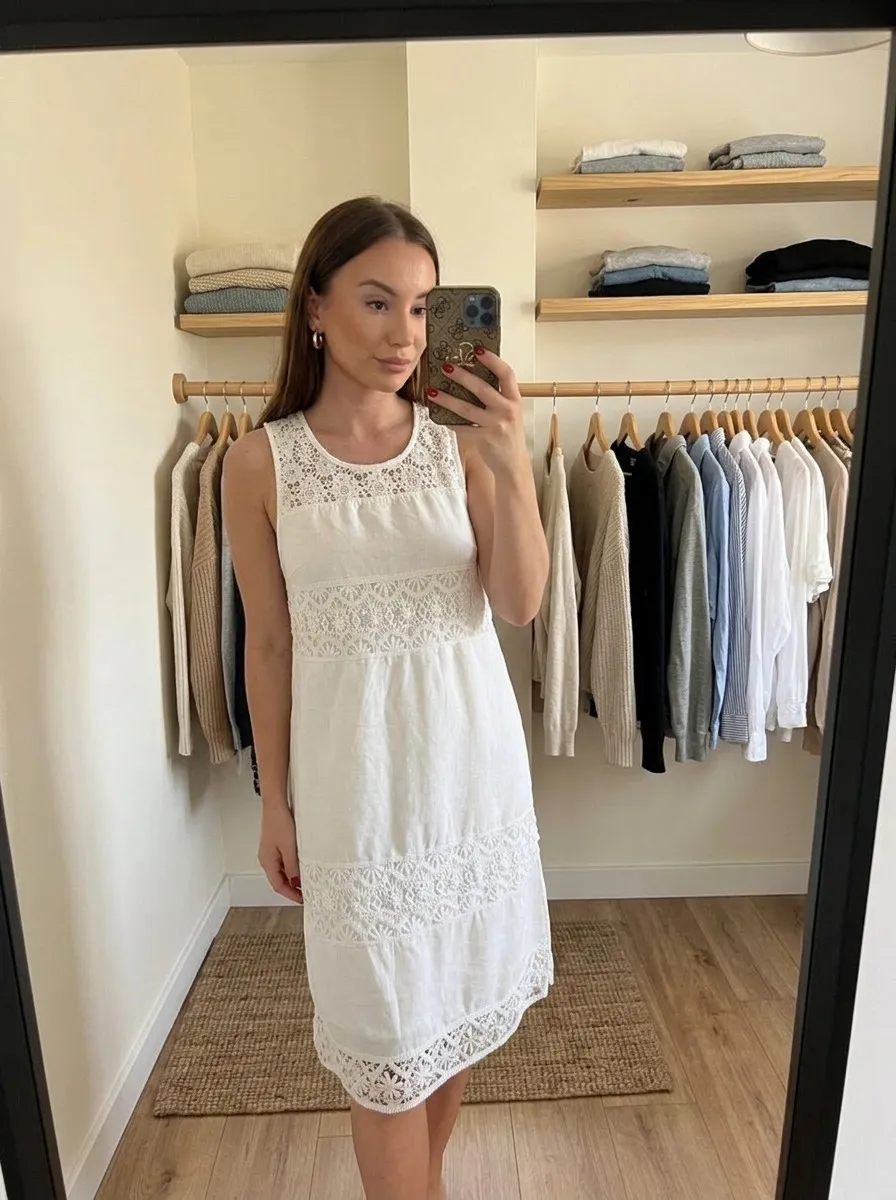
Check the embroidered bands across the bodice, skirt and hem. The drape of the white fabric and the lighting change how clearly small cutouts appear.
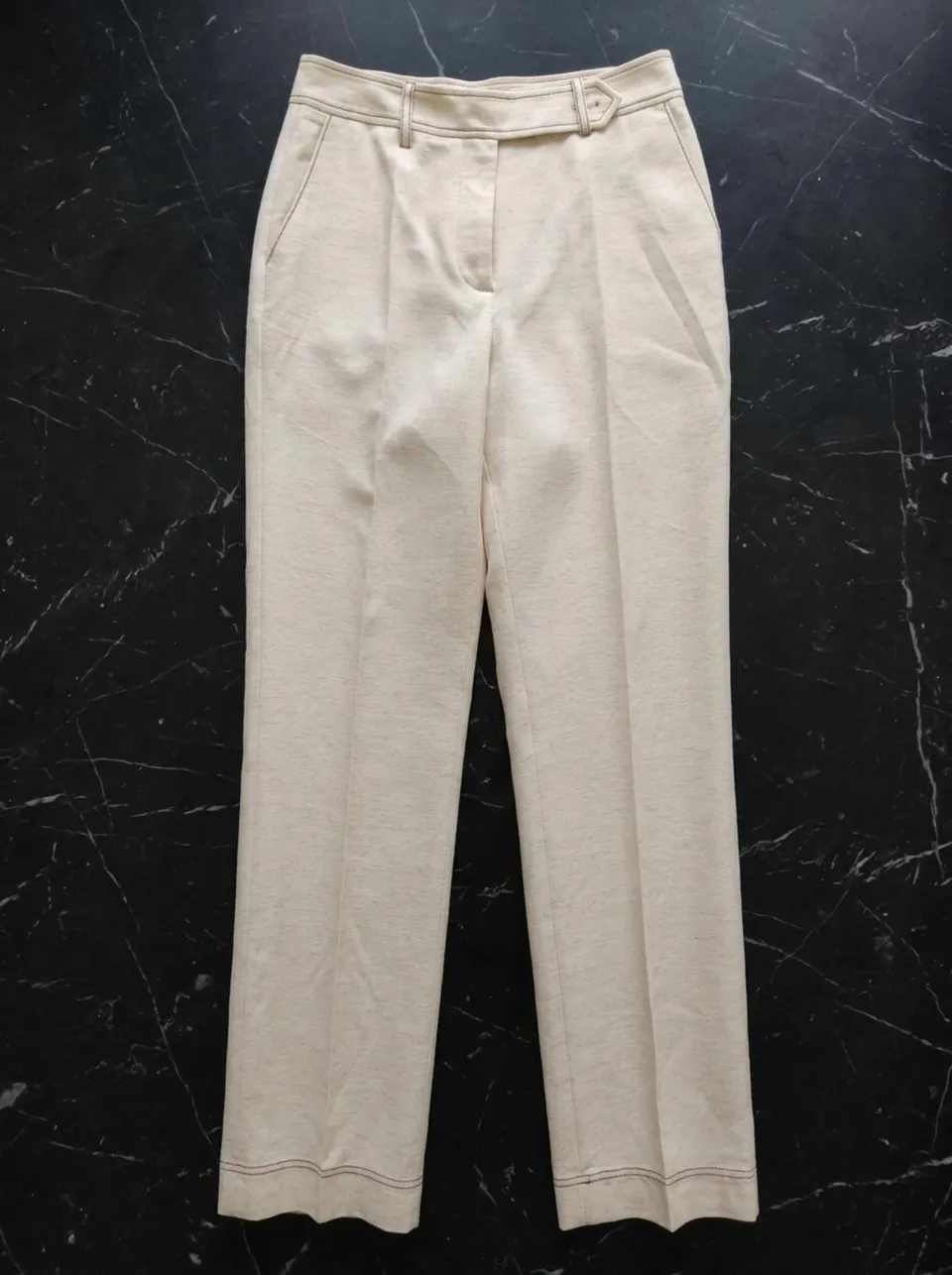
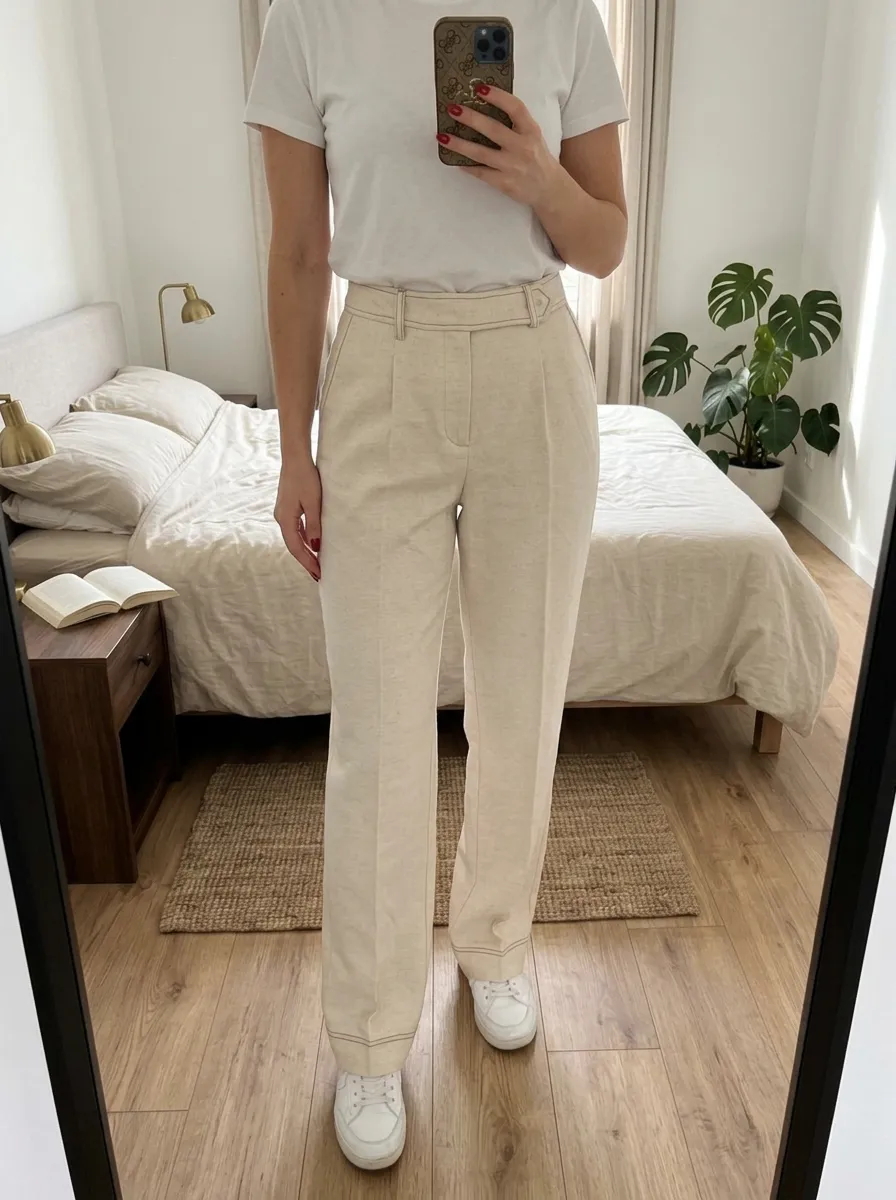
The flat input shows the waistband, pleats and leg width. In the AI result the hems fall around shoes, so measure the original trousers to check length.
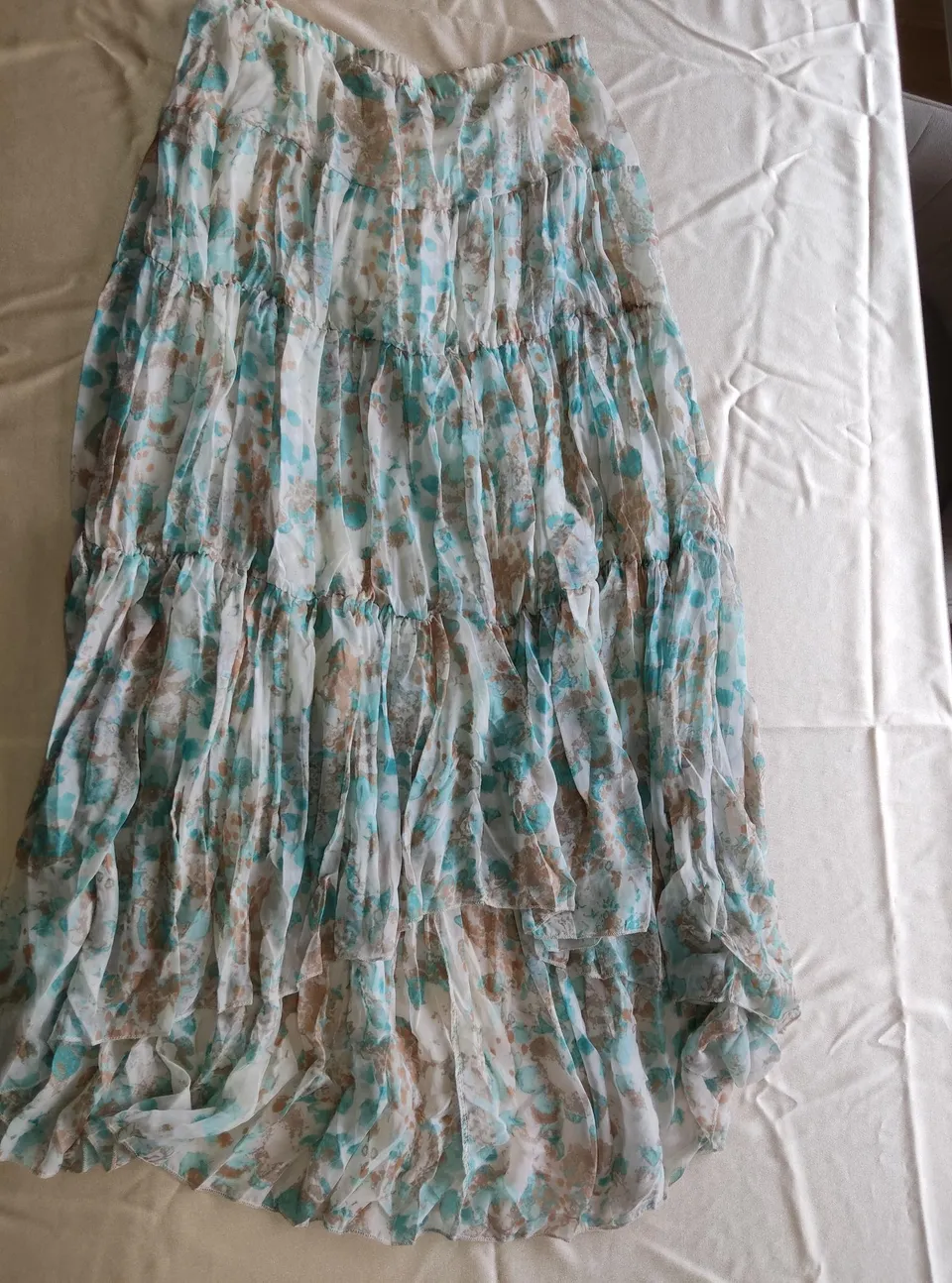
Compare the multicoloured print, gathered waist and horizontal skirt seams. Folds on the generated person can hide parts of the pattern.
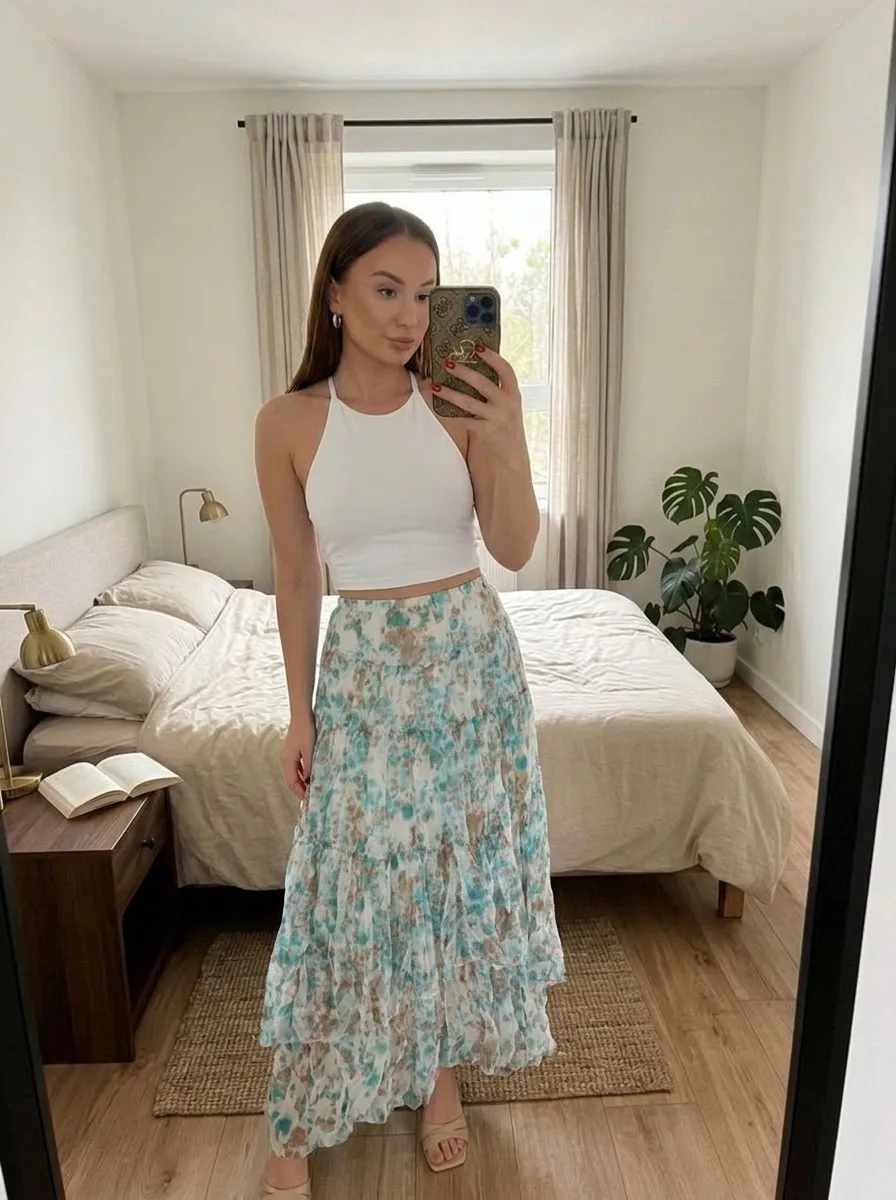
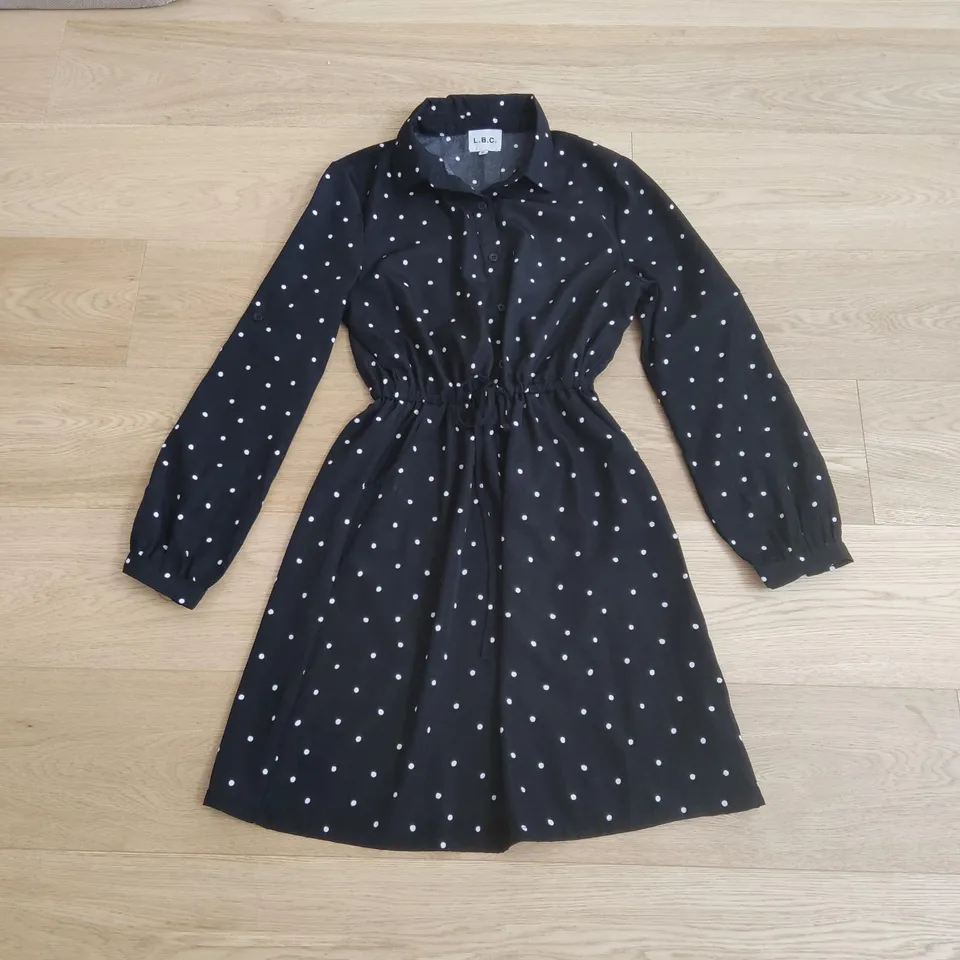
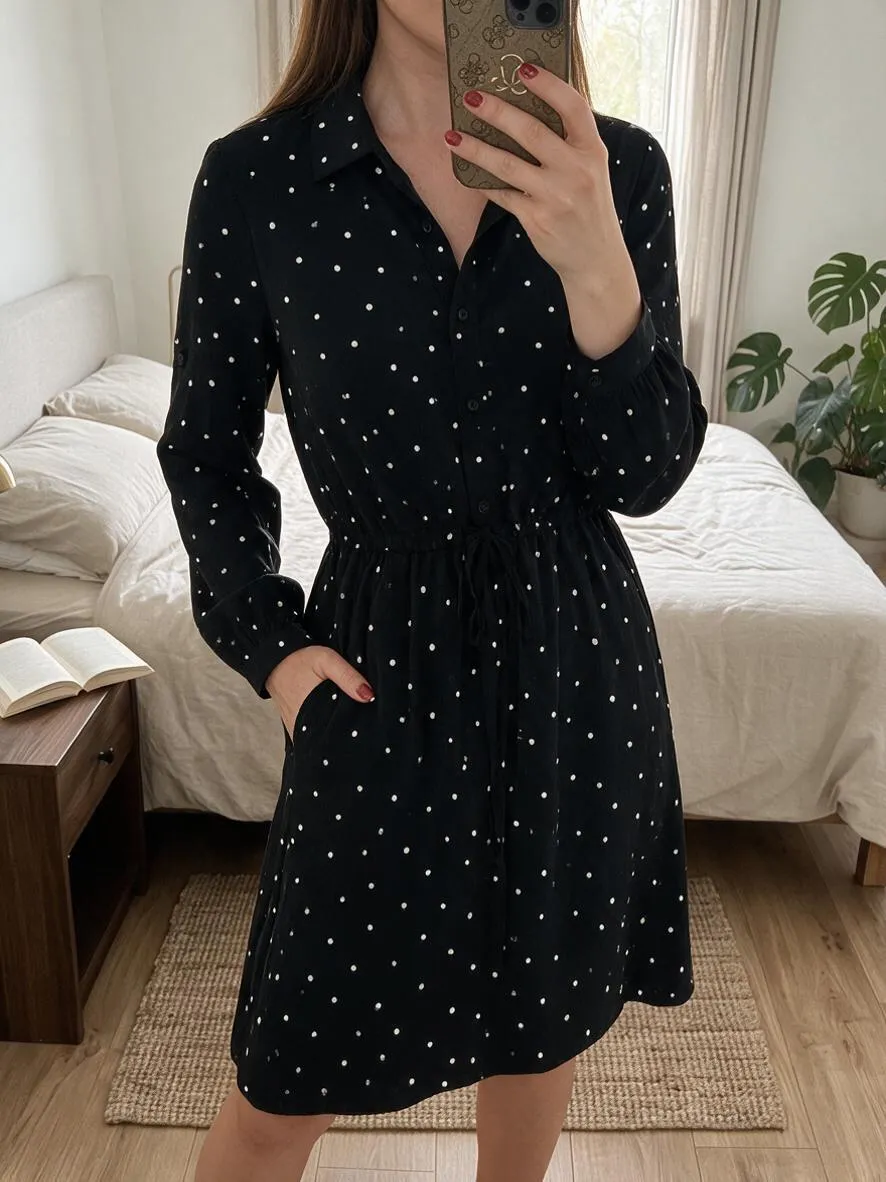
The input shows the dress laid on a wooden floor. Compare the collar, dots and gathered waist; the hand in the result hides part of the side.
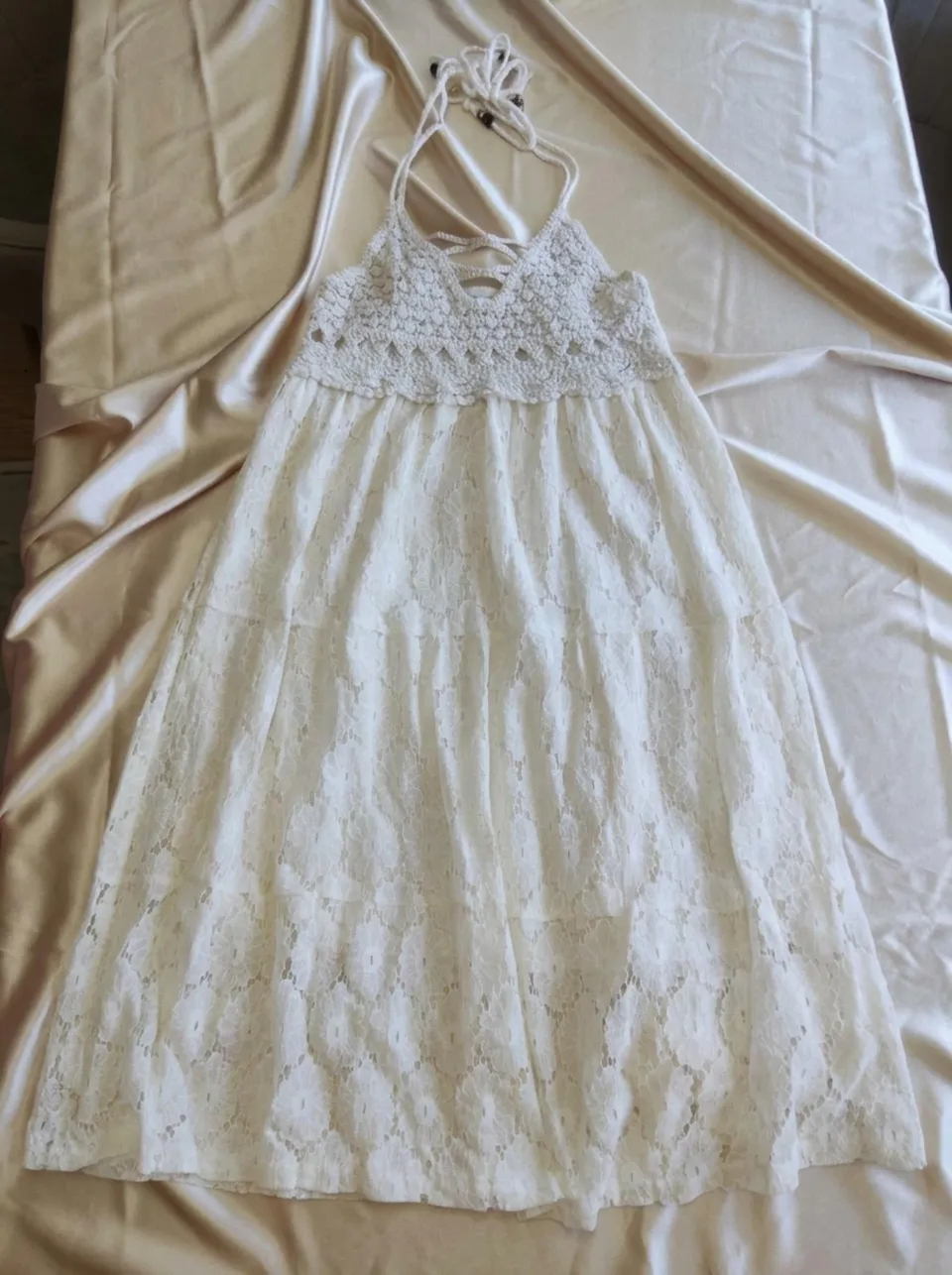
The input shows the dress laid on a bed. Check the neckline ties, lace waistband and hem; this pair demonstrates an on-model result.
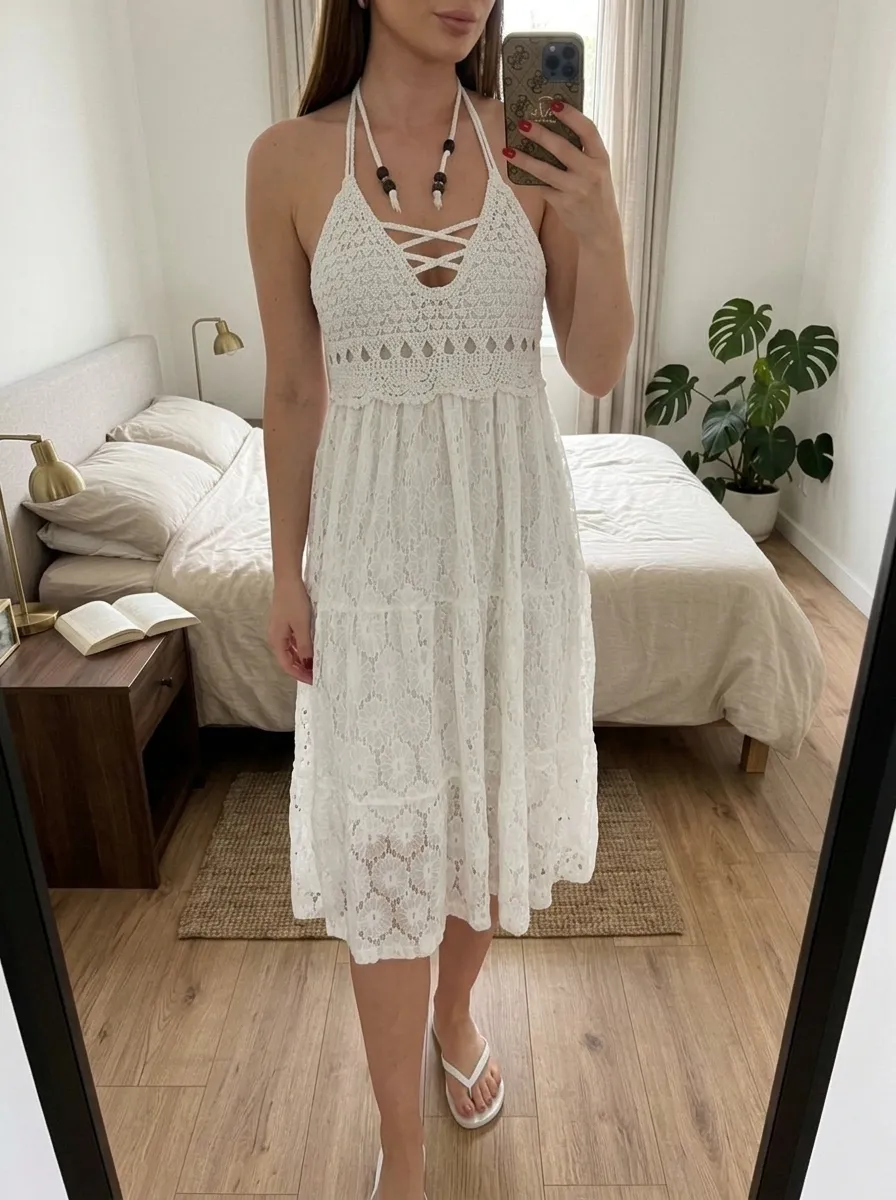
Open the full-size photo. Check seams, buttons, lettering and texture. A generated image is an interpretation, not a measurement of the garment.
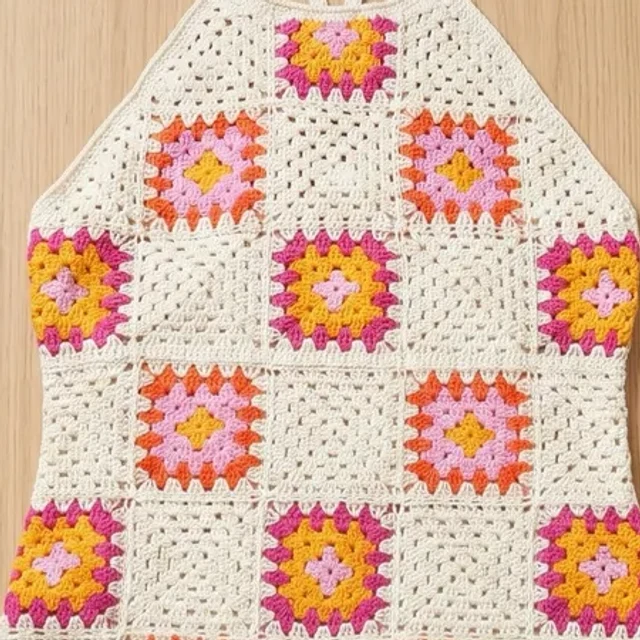
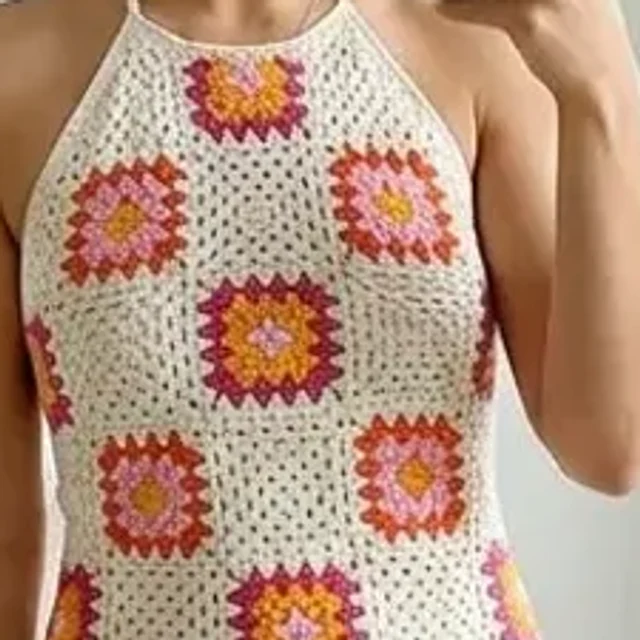
Every generated image uses one generation, in every mode. Your allowance renewal and billing period are separate.
15 generations
60 generations
50 generations
Unused subscription allowance does not roll over to the next period. The annual plan is billed once a year and provides 50 generations each month. Read renewal, cancellation and any trial terms on the purchase screen.
See the current price in your currency and available offers in the app before confirming a purchase.
Yes. Model photos, flat lay and Studio each use one generation per image.
No. For model photos, select a preset, upload your own photo or leave the choice to the app. Studio requires a selected model.
Trial availability and conditions depend on the offer shown to your account. Check the price, duration and first billing date before purchasing.
Purchase and renewal terms appear before payment. Manage your subscription in the Apple or Google store where you purchased it.
See the current price in your currency and available offers in the app before confirming a purchase.