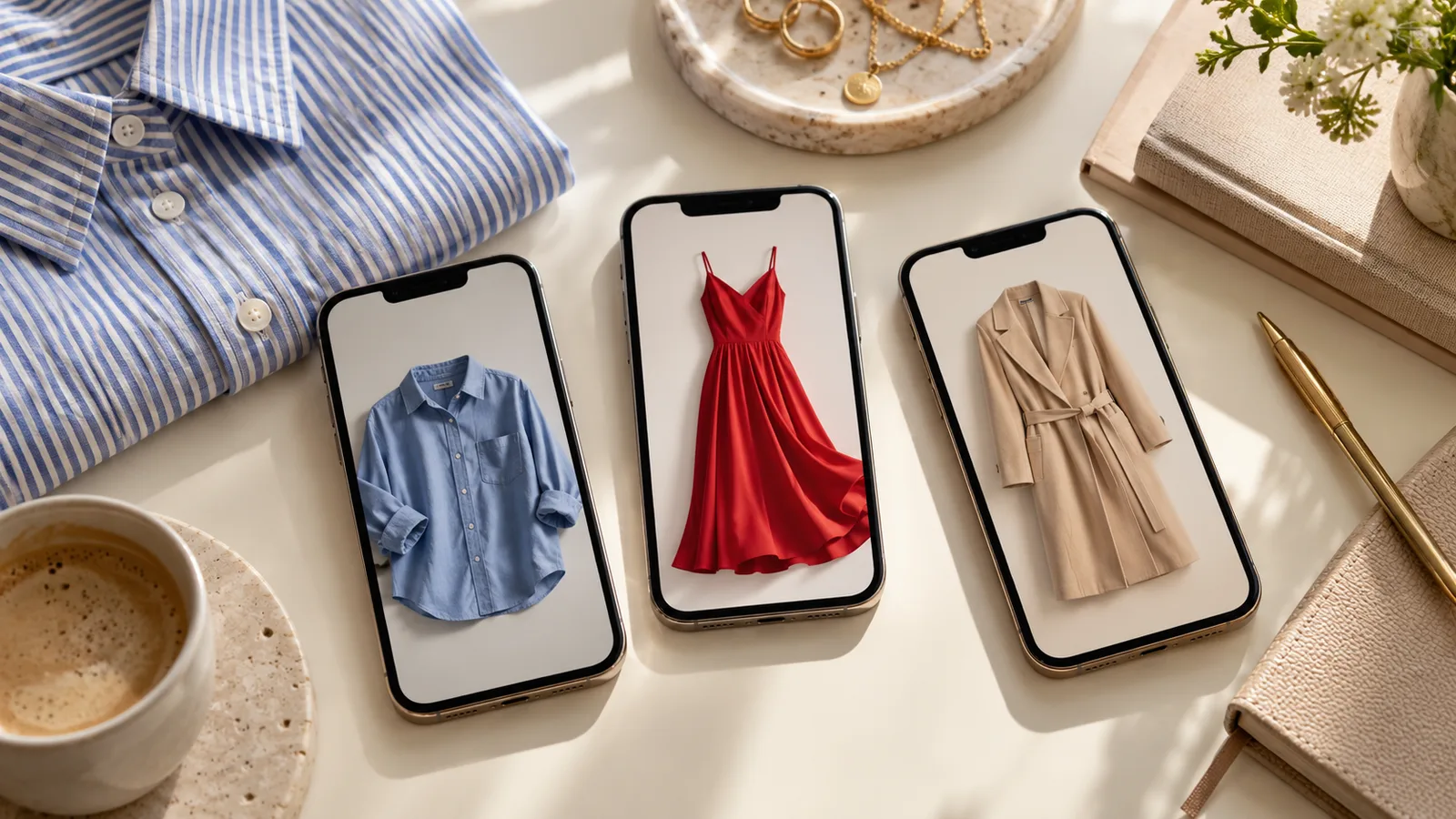

Vougly vs Botika: AI clothing photo workflows compared
Compare Vougly and Botika by documented workflows, source requirements and garment checks. No invented quality scores or savings claims.
Vougly and Botika both turn clothing photographs into model visualisations. Vougly combines individual mobile clothing photos with flat-lay/background and Studio modes. Botika documents several fashion-production workflows, including converting existing on-model, flat-lay and mannequin inputs into model imagery. The useful comparison is how each handles your source files and the work you need to deliver.
We are the Vougly team, so this is a first-party comparison. No controlled head-to-head test establishes a quality or speed winner here. We checked the official sources on 9 October 2026.
Compare the task, not just the word “model”
| Requirement | Vougly | Botika |
|---|---|---|
| Start with a garment photograph | Generate a model image from a clothing input. | Documents flat-lay and mannequin inputs for model images. |
| Start with a person wearing clothing | Use your own full-body photograph as a model reference. | A separate on-model workflow starts with a photograph of someone wearing the item. |
| Choose a model | Preset, own photograph or random model in the listing flow. | Model selection is part of its photo workflows. |
| Create clothing shown flat | Flat lay/background is an output mode. | “Flat lay” in the getting-started guide describes an input for a model output. Do not assume it means the same feature. |
| Process multiple existing model photos | Individual mobile generation is the documented Vougly workflow. | The on-model guide documents bulk processing. |
| Creative work | Studio uses a model, scene, optional clothing references and outfit text. | Its product guide also documents image-to-video; the homepage offers managed creative work. |
Botika descriptions above come from its getting-started guide and product homepage. Vougly’s on-model page, flat-lay page and Studio section describe our modes. These are feature descriptions, not evidence that a generated garment will always remain accurate.
Can you use your own model?
In Vougly, adding your own model means uploading one full-body photograph. The photo is stored for use as a reference; this setup does not train an AI model and does not itself consume a generation.
Botika’s FAQ says custom models are not supported in the workflow it describes, while its homepage advertises custom models through a managed account. Those statements refer to different service paths. If your brand needs a specific identity, confirm which offering provides it, what input is required and whether it is included in your proposed plan. We cannot infer self-service availability from the managed-service headline.
Choose according to the work you have
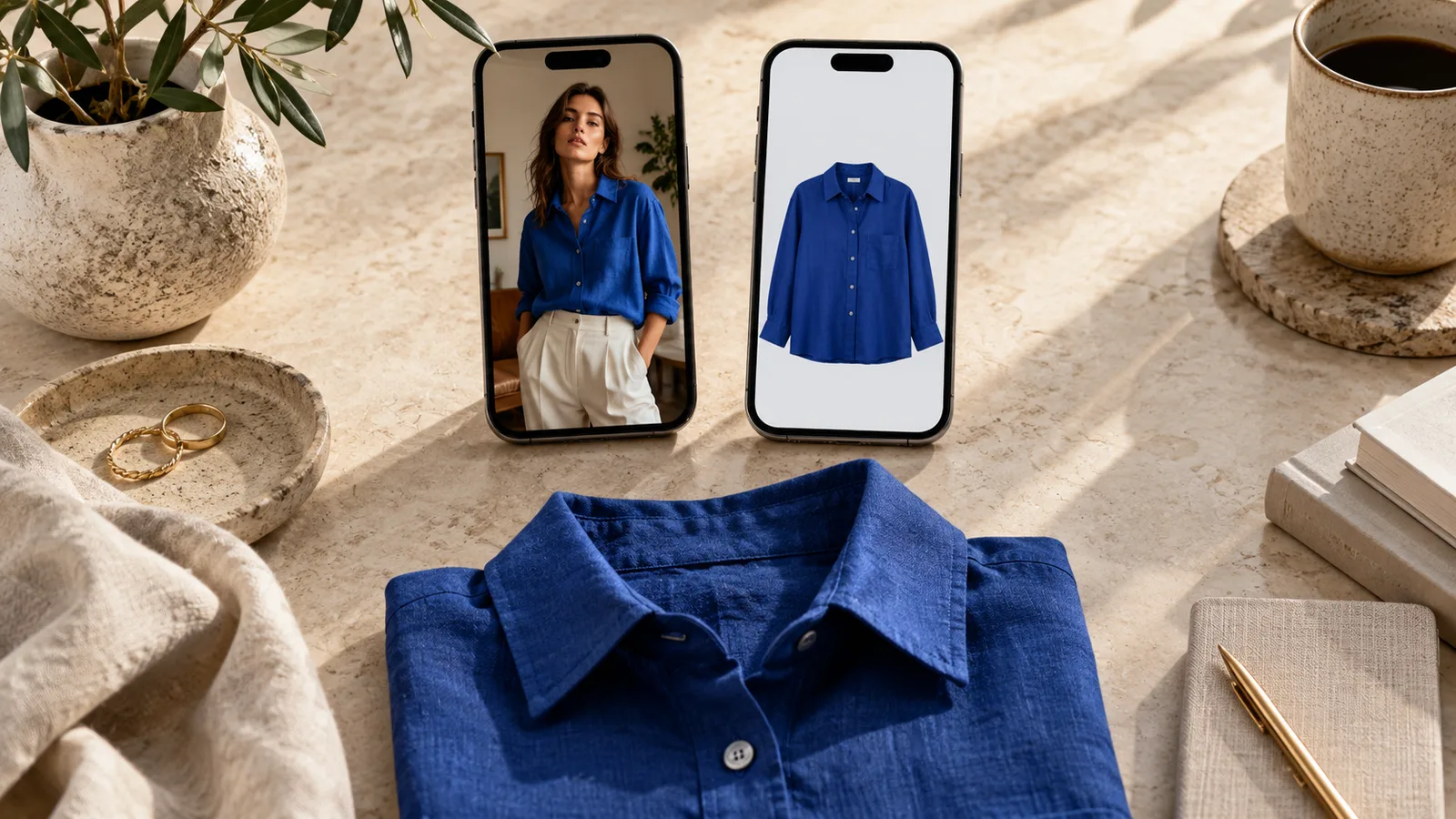
Individual garments photographed with a phone: try Vougly’s input-to-model flow with a small set of difficult pieces first. Review every output against the source before considering it suitable for your intended channel. Our example pairs let you inspect the type of transformation, without claiming they predict your result.
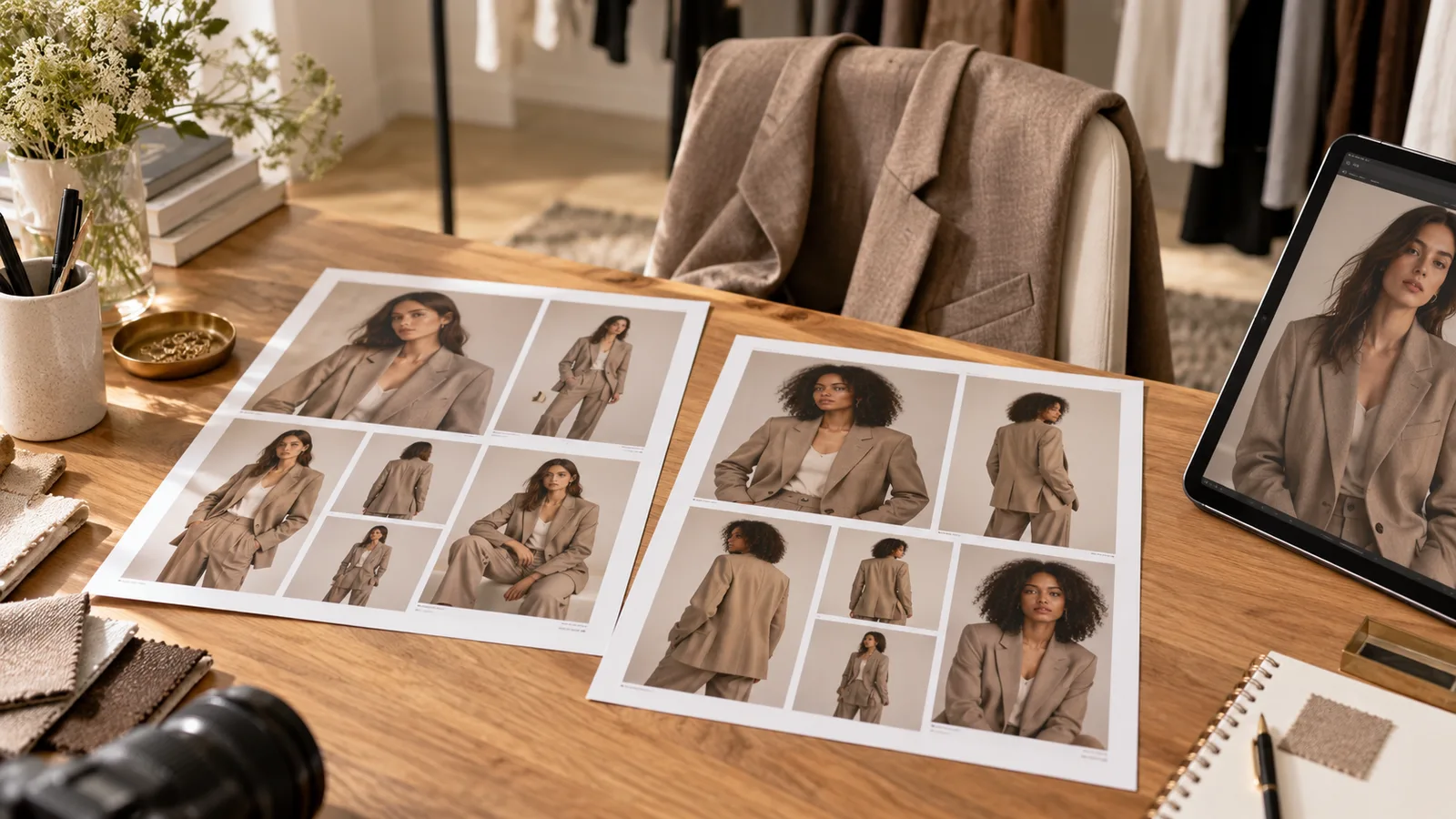
An existing collection photographed on people: evaluate Botika’s documented on-model workflow and bulk processing. Ask whether it preserves the framing you need across front, back and detail views, and test the answer on your files.
Campaign imagery with a specified model identity: establish whether a reference photograph is enough or whether you need an ongoing managed production service. Define the deliverables, approval process and rights before comparing subscription prices.
Original listing evidence: keep your own front, back, label, flaw and measurement photographs. Generated images cannot establish condition or actual fit.
Test the difficult garment first
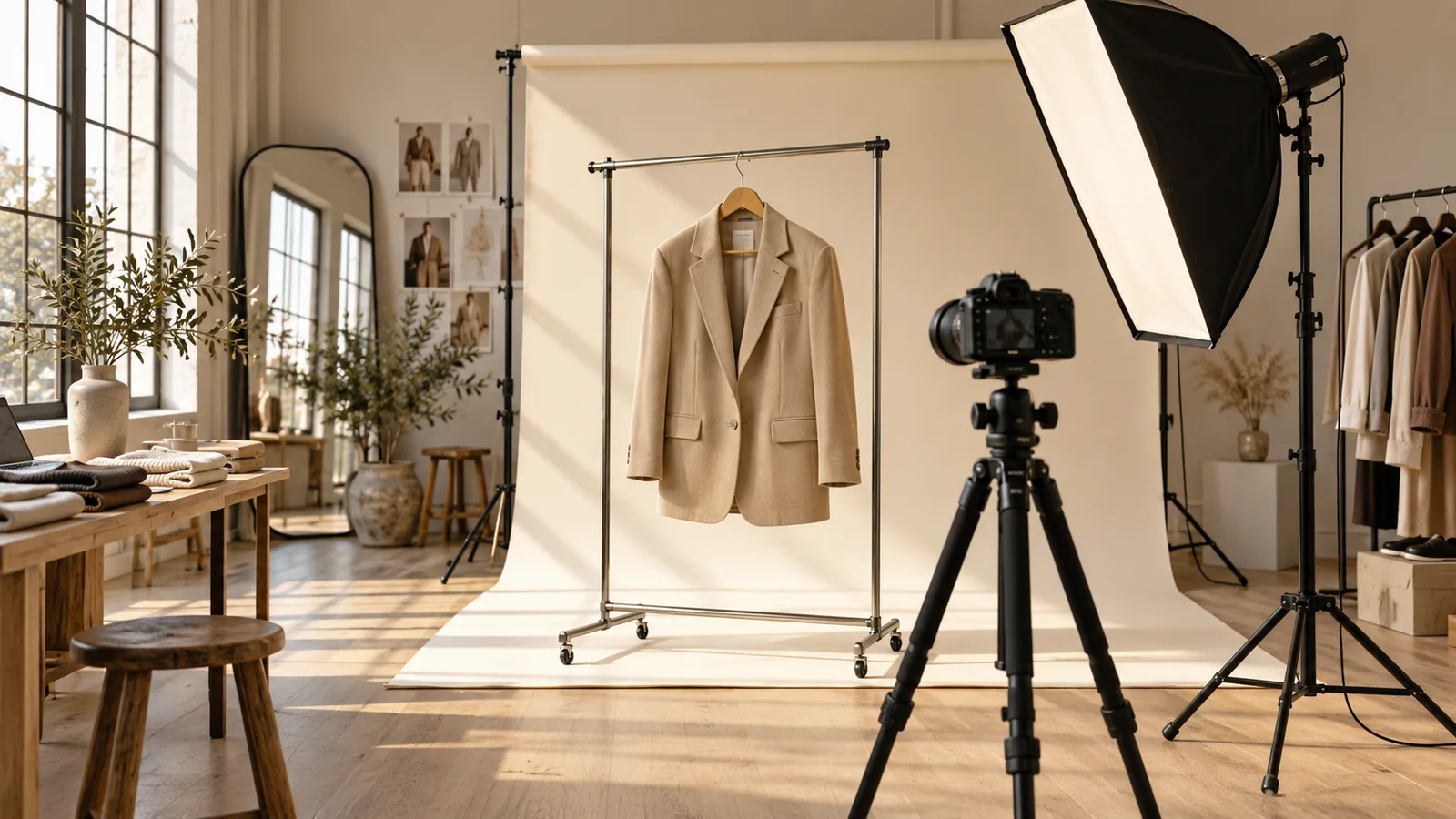
Use a jacket with visible pockets, buttons, seams and lining. Start both tools from the same original when their input requirements allow it; document any different preparation required. A comparison of unlike inputs should be labelled as a workflow comparison, not a clean quality test.
Before reviewing a face or background, check:
- The number and position of buttons, snaps and pockets.
- Lapel shape, collar height and sleeve construction.
- Lining and the edges where layers overlap.
- Pattern direction and seam continuity.
- Any original wear, repair or discolouration.
Reject changes that could misrepresent the garment. For a catalogue, repeat the check across several items and views, then evaluate whether framing and model identity are consistent enough for your project. Retain rejected outputs so you can count rework.
Ask about retries and billing before paying
Confirm current export options, usage units, renewal periods, rights and support. Botika’s FAQ describes a plan-dependent fix service, so verify eligibility for the particular offer you buy. Do not treat a correction request as an unconditional promise that every image can be repaired.
In Vougly, one generated photo uses one generation. Subscriptions provide 15 weekly, 60 monthly, or 50 monthly with annual billing; the app shows current regional prices. Compare actual spend per accepted image and your review time, not a hypothetical cost per click.
For Vinted, consult the photo-rule explanation before selecting any generated image for a listing. A tool’s commercial-use permission does not override a marketplace’s rules.