Crochet dress
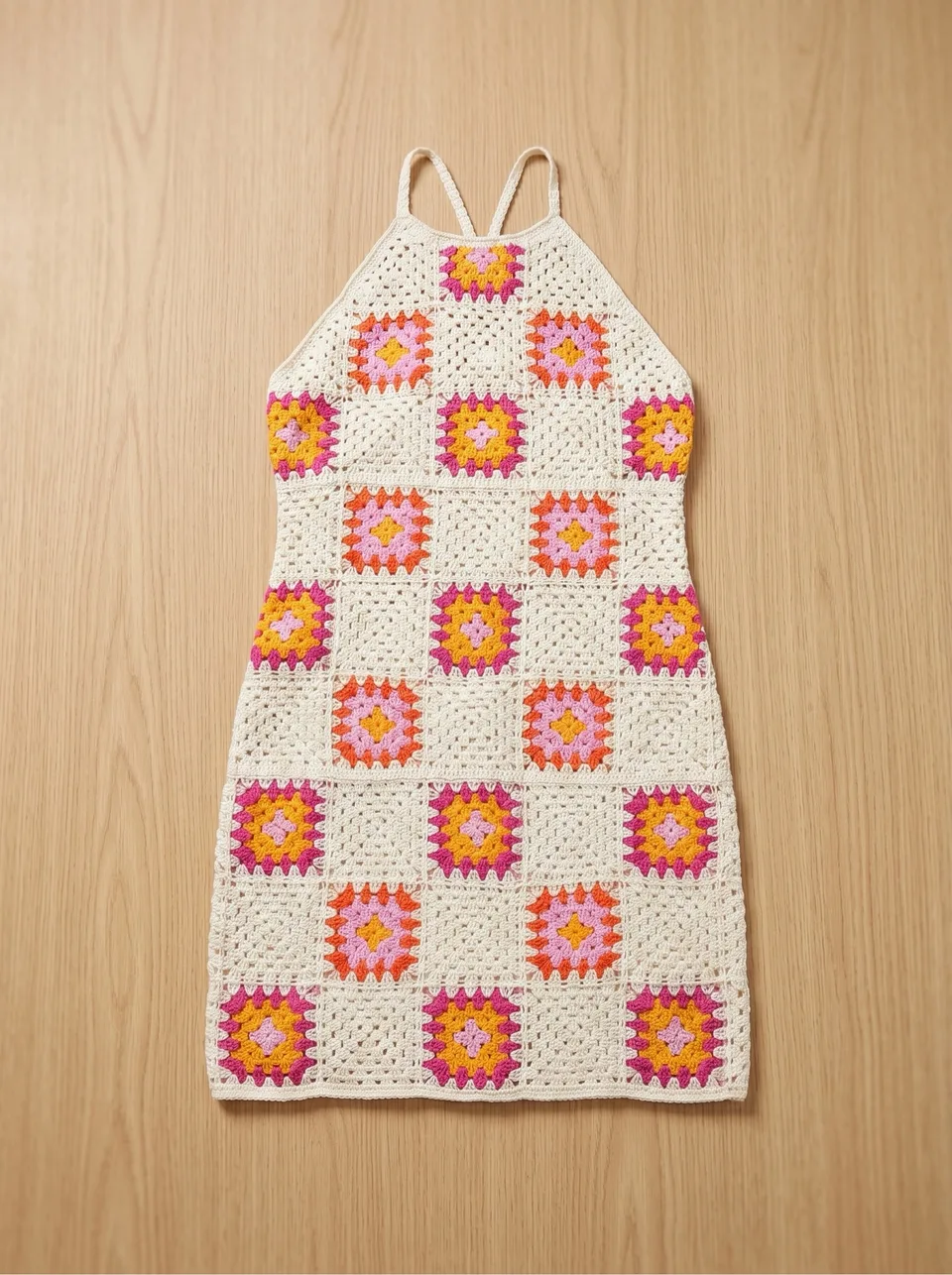
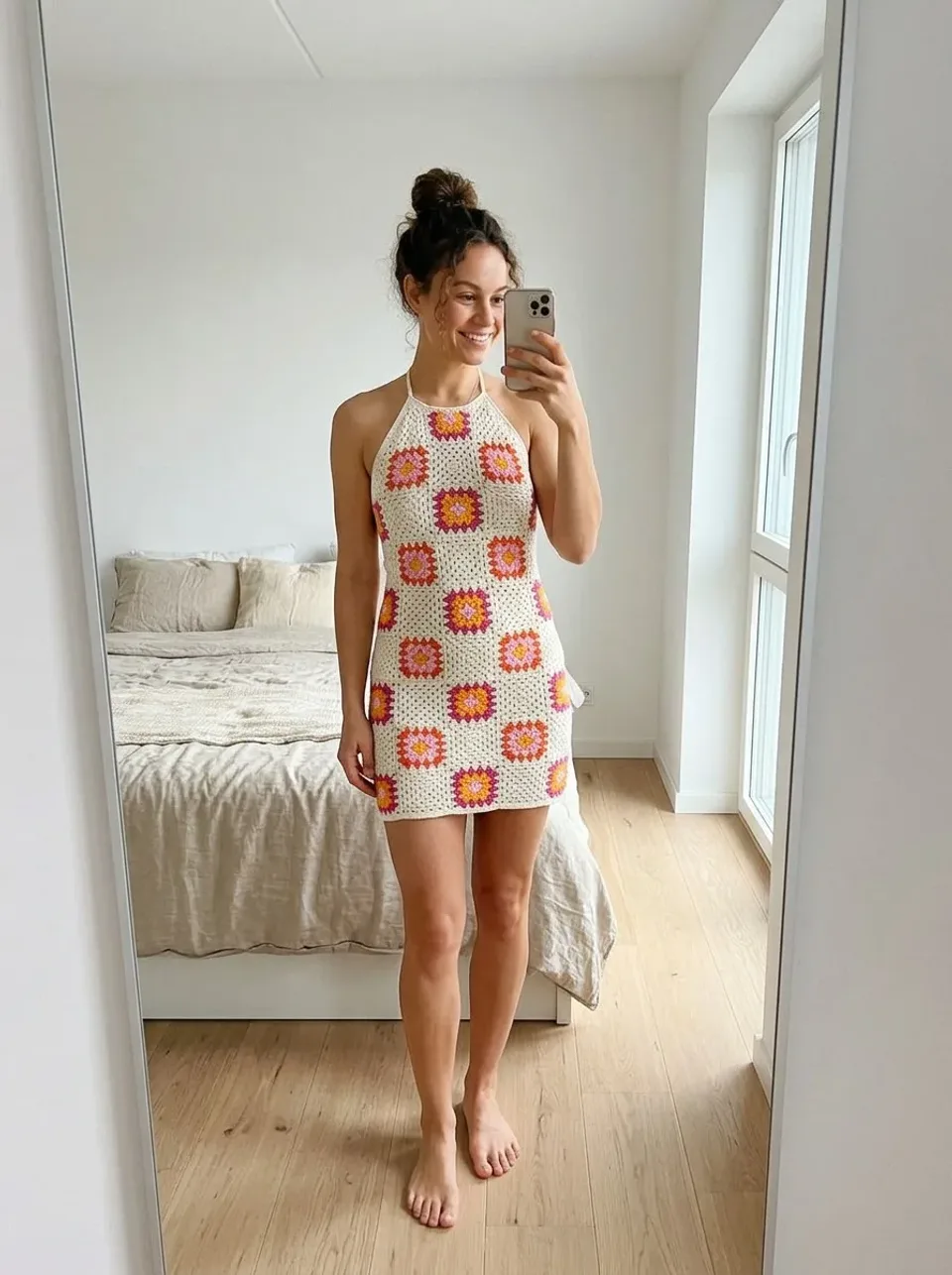
Compare the openwork pattern, neckline and length. A different arrangement changes how the stitching appears.


Clothing photography with Vougly
Upload a clothing photo and select your presentation and setting. Vougly creates a new model image with a mirror-selfie look.
Explore examples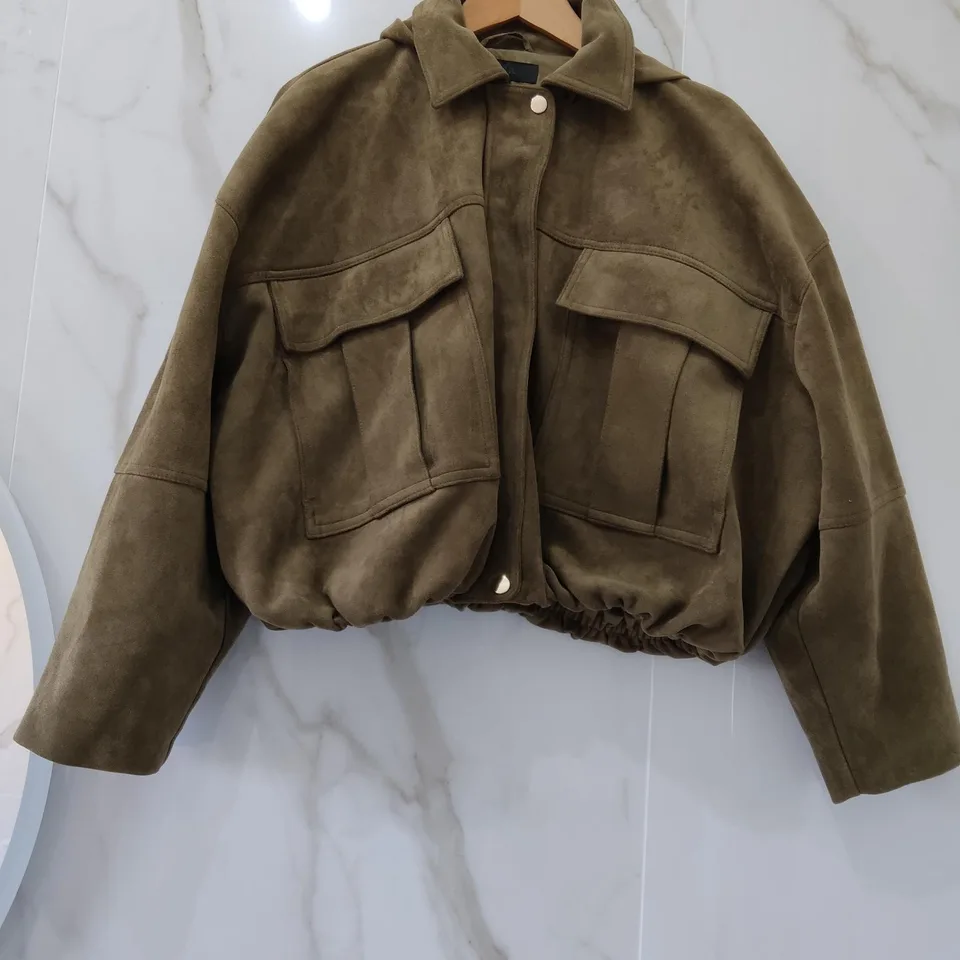
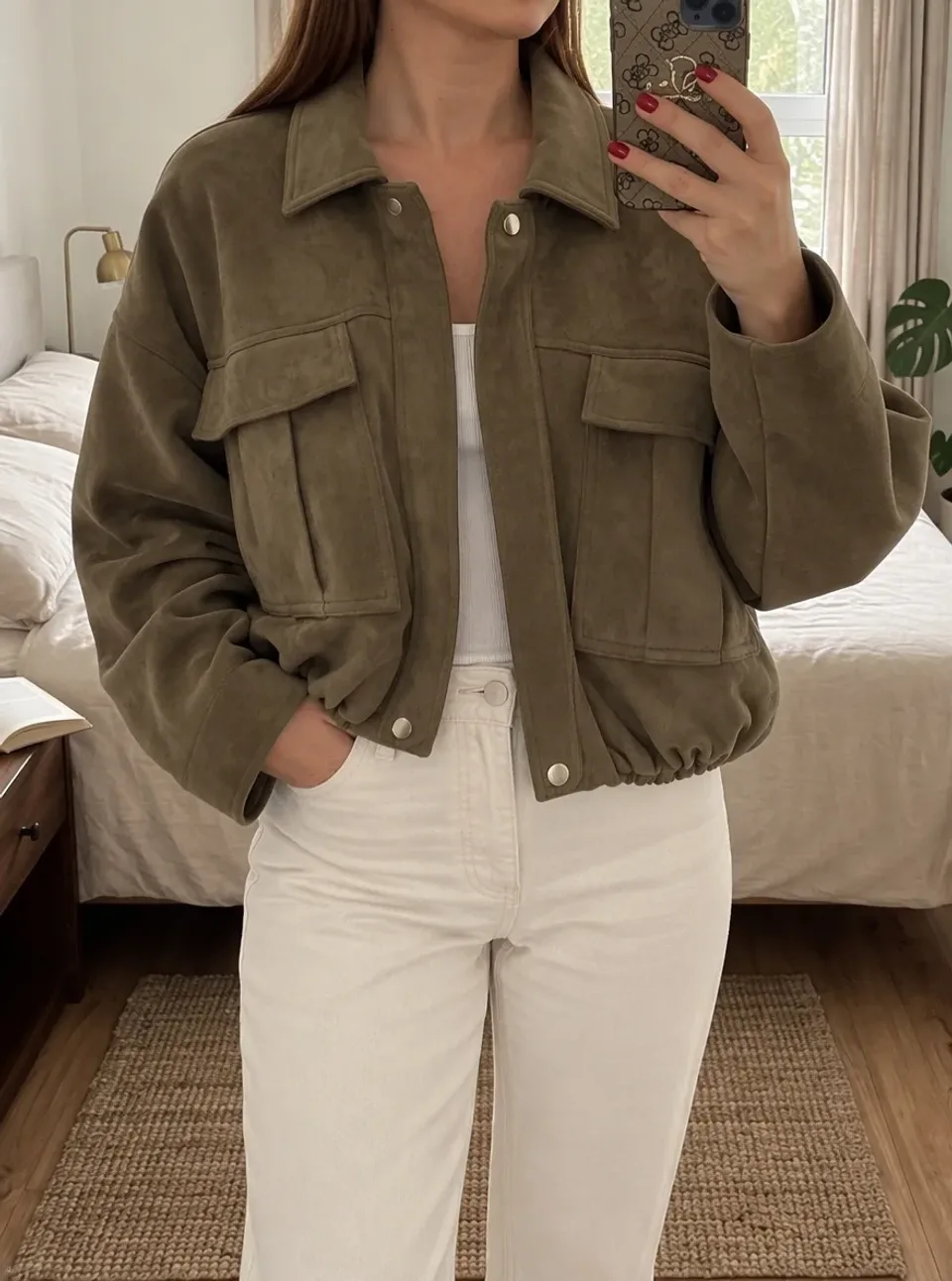
Real input photos and Vougly results. Look at both versions and compare the details before using an image.
Compare the openwork pattern, neckline and length. A different arrangement changes how the stitching appears.
Check the lace, waistline and sleeve finish. An AI image does not replace a close-up of the actual fabric.
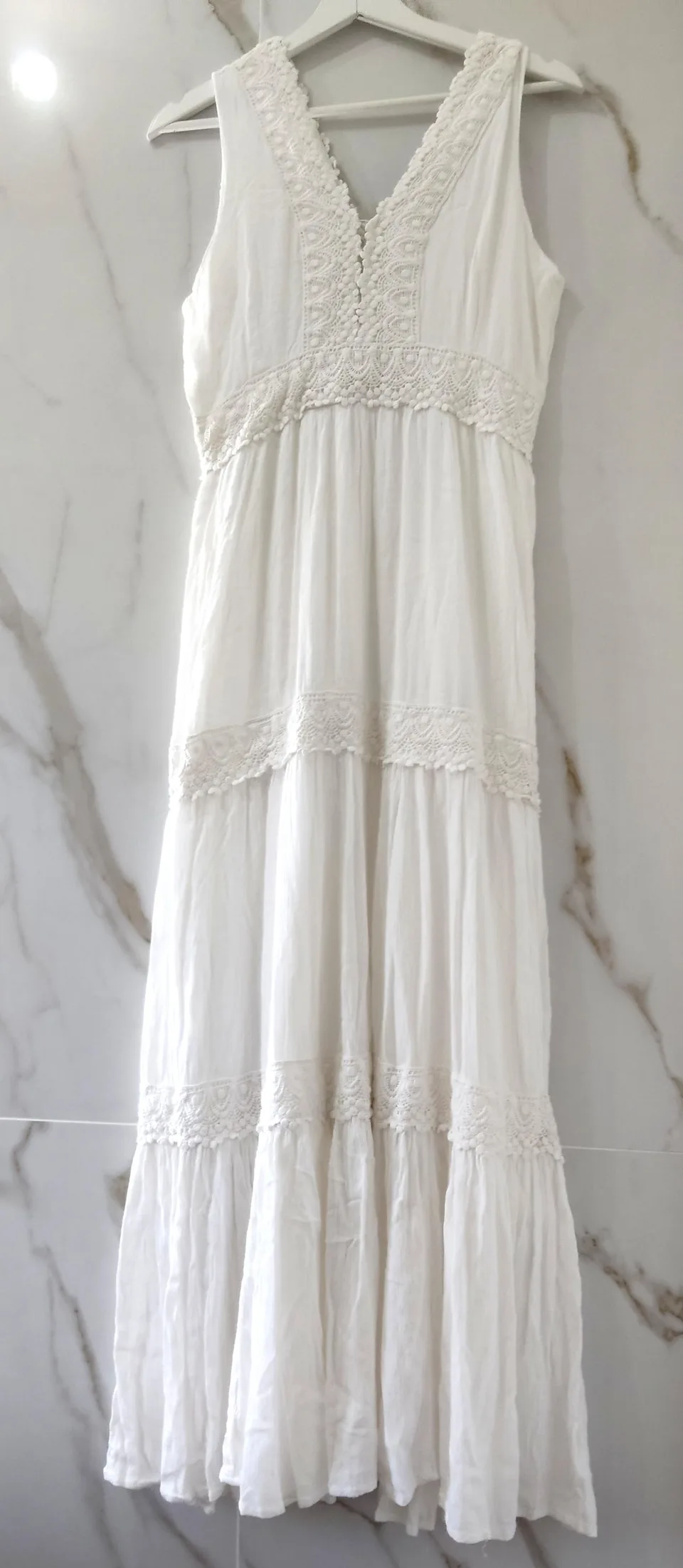
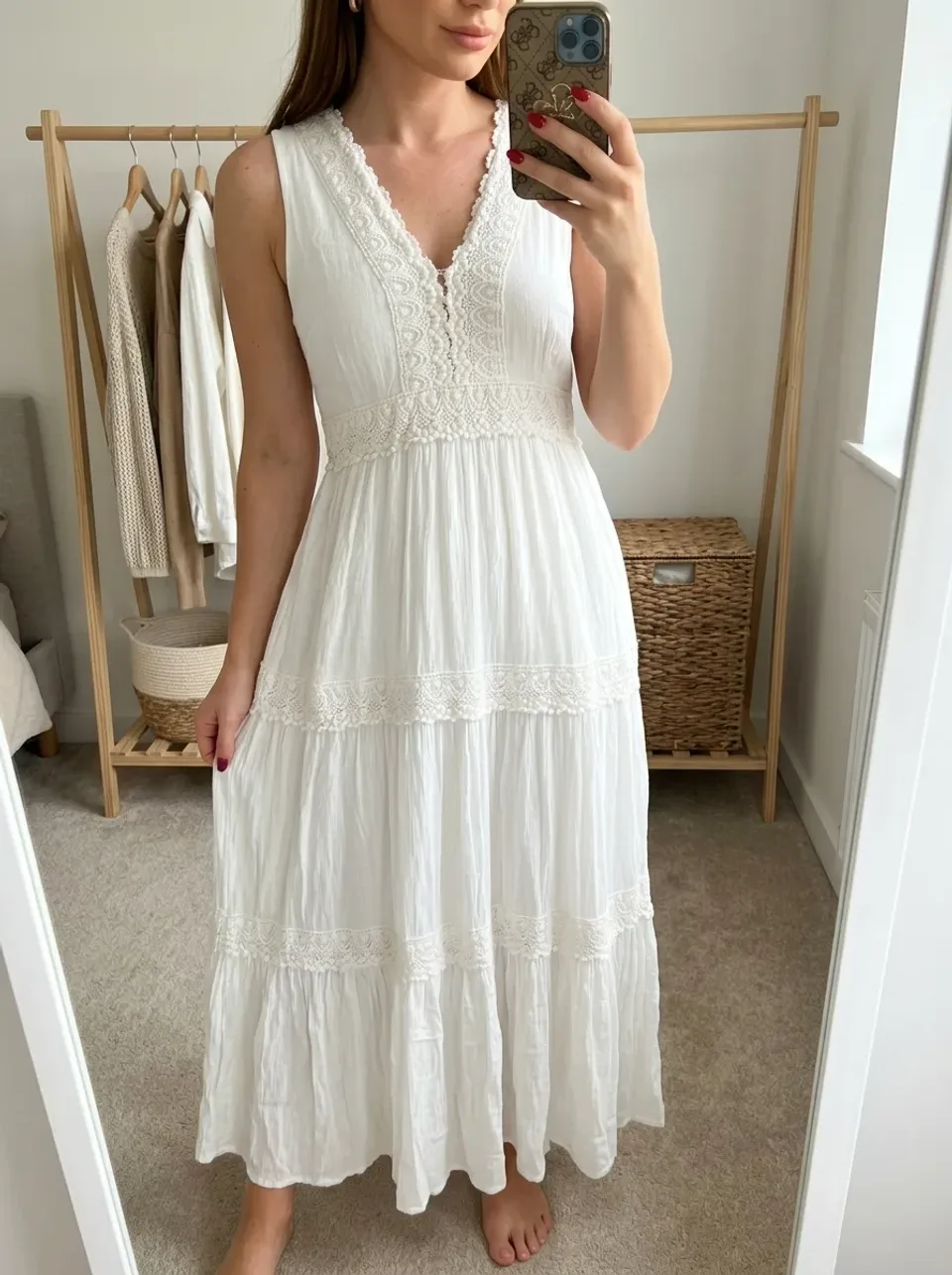
Compare the pockets, fastening and fabric colour. The hanger image shows a new background, not a flat lay.
Open the full-size photo. Check seams, buttons, lettering and texture. A generated image is an interpretation, not a measurement of the garment.
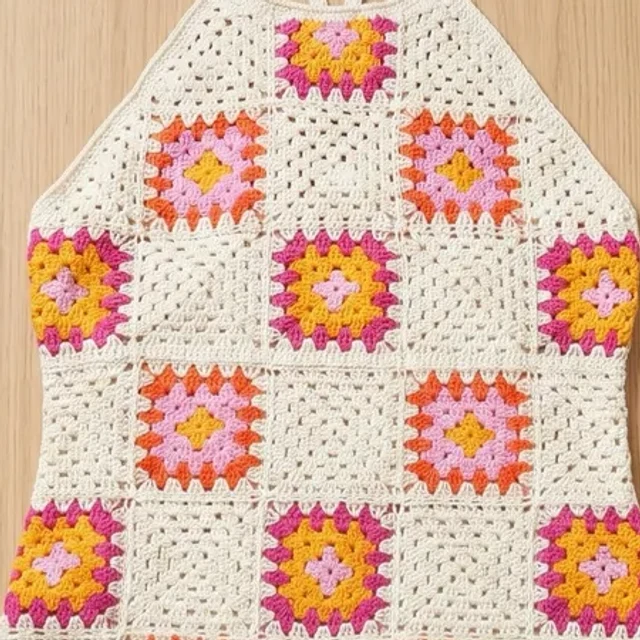
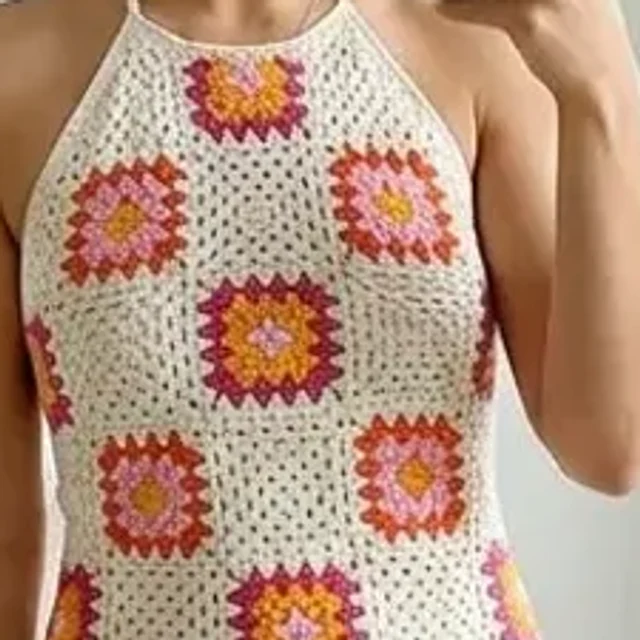
Every generated image uses one generation, in every mode. Your allowance renewal and billing period are separate.
15 generations
60 generations
50 generations
Unused subscription allowance does not roll over to the next period. The annual plan is billed once a year and provides 50 generations each month. Read renewal, cancellation and any trial terms on the purchase screen.
See the current price in your currency and available offers in the app before confirming a purchase.
Yes. Model photos, flat lay and Studio each use one generation per image.
No. For model photos, select a preset, upload your own photo or leave the choice to the app. Studio requires a selected model.
Trial availability and conditions depend on the offer shown to your account. Check the price, duration and first billing date before purchasing.
Purchase and renewal terms appear before payment. Manage your subscription in the Apple or Google store where you purchased it.
See the current price in your currency and available offers in the app before confirming a purchase.