
Clothing photo apps in 2026: choose by the job
Compare phone photography, Vougly, Photoroom and Botika by the output you need, garment accuracy, workflow and usable-image cost.
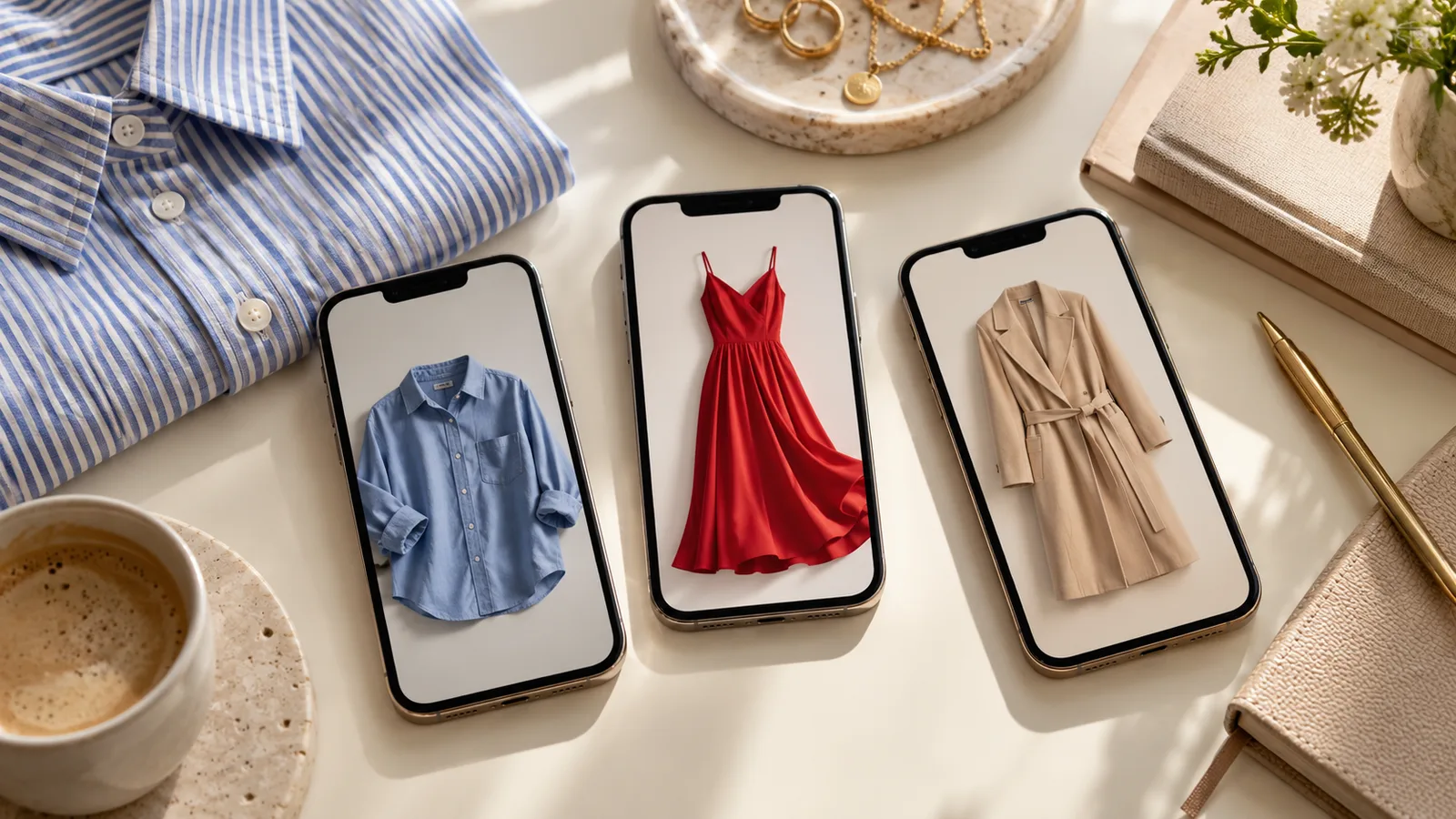
The best clothing photo app depends on the task. Taking an honest condition photograph, replacing a background and generating a model image require different workflows. This is a comparison of documented features, not a quality ranking from a shared test.
Written by the Vougly team. Competitor features below come from manufacturer documentation checked on 9 October 2026; they are not independent quality measurements.
Match the tool to the output
| Task | Option to examine | What to check |
|---|---|---|
| Document the actual item | Phone camera | Colour, focus and visible wear |
| Generate a model or flat-lay image | Vougly | Garment details and allowed publication channel |
| Edit product presentation | Photoroom | The specific tool and subscription entitlement |
| Generate fashion catalogue imagery | Botika | Input requirements and collection consistency |
Photoroom documents AI Fashion Models, including source images, model and background settings. It is inaccurate to describe it as only a background remover. Botika presents flat-lay and product-to-model workflows. Features checked 9 October 2026; availability can depend on the plan.
Run a useful trial
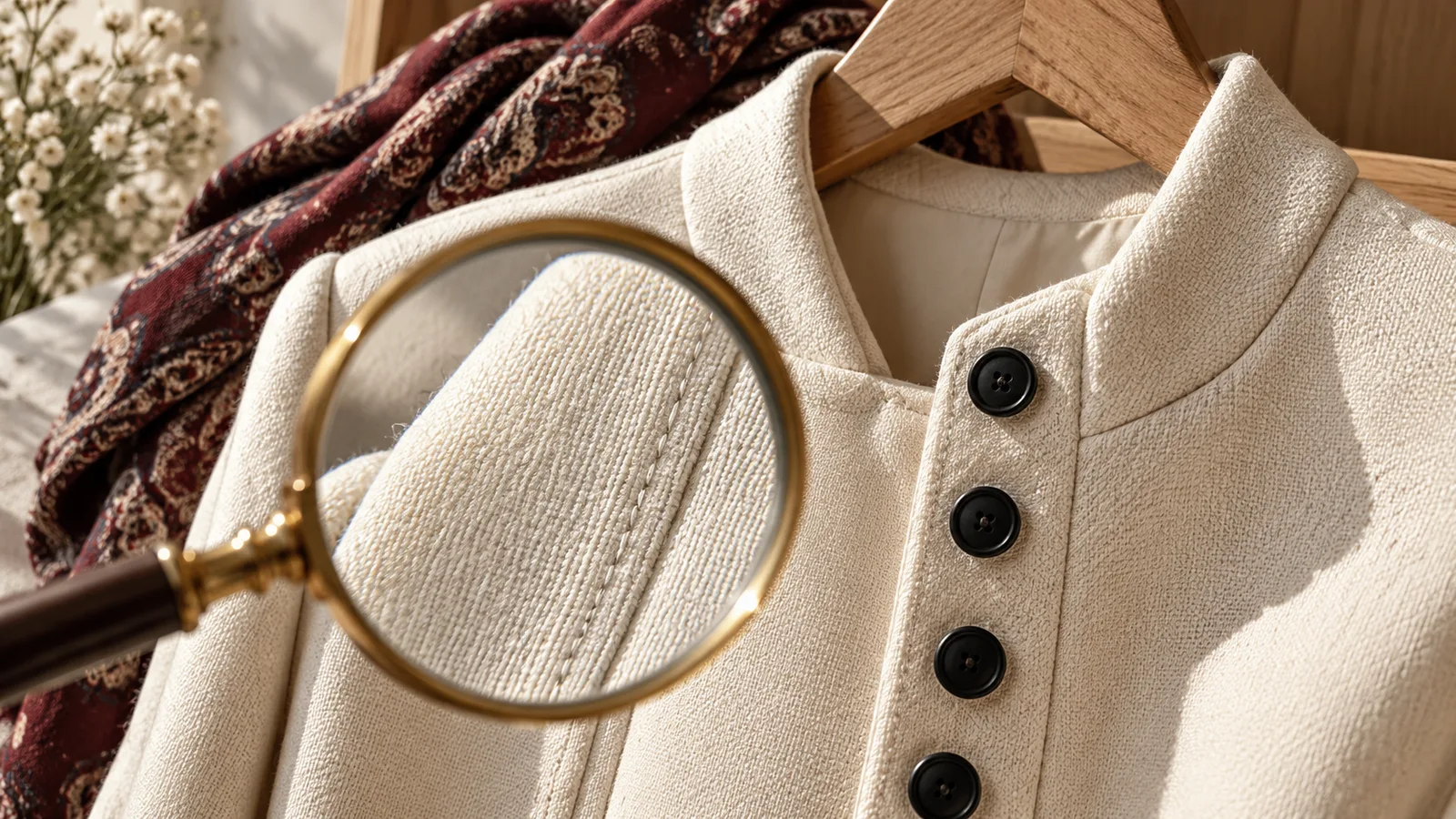
Use the same three garments: a plain shirt, a striped item and a dark textured knit. Save every attempt. Check button count, pattern alignment, neckline and fabric texture at full size. Record time spent preparing inputs, correcting settings and rejecting inaccurate outputs.
Calculate cost per accepted image from what you actually pay and keep. A large quota is not automatically good value if the images do not suit your work. Read renewal and cancellation terms before subscribing.
Choose a workflow before buying
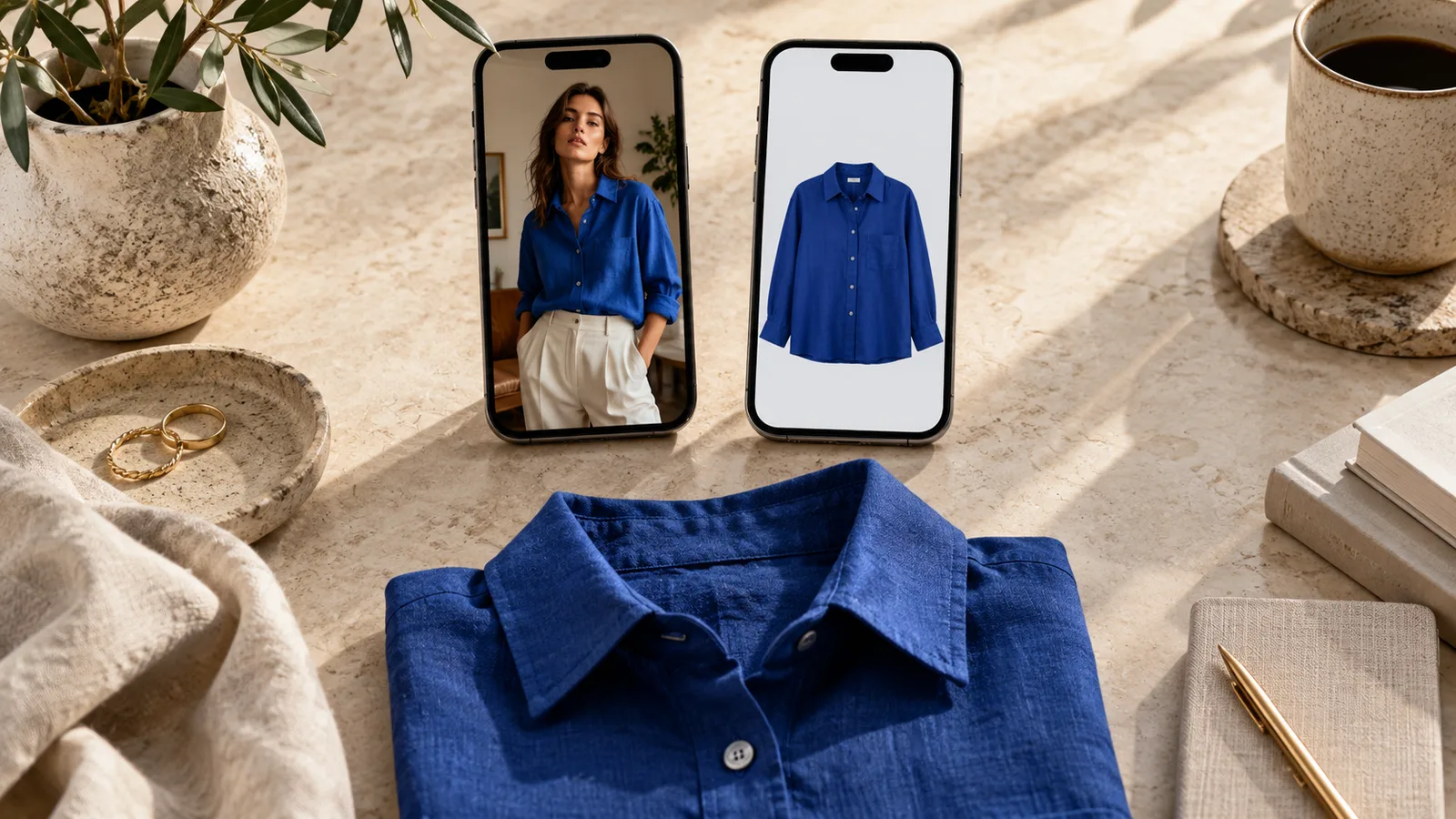
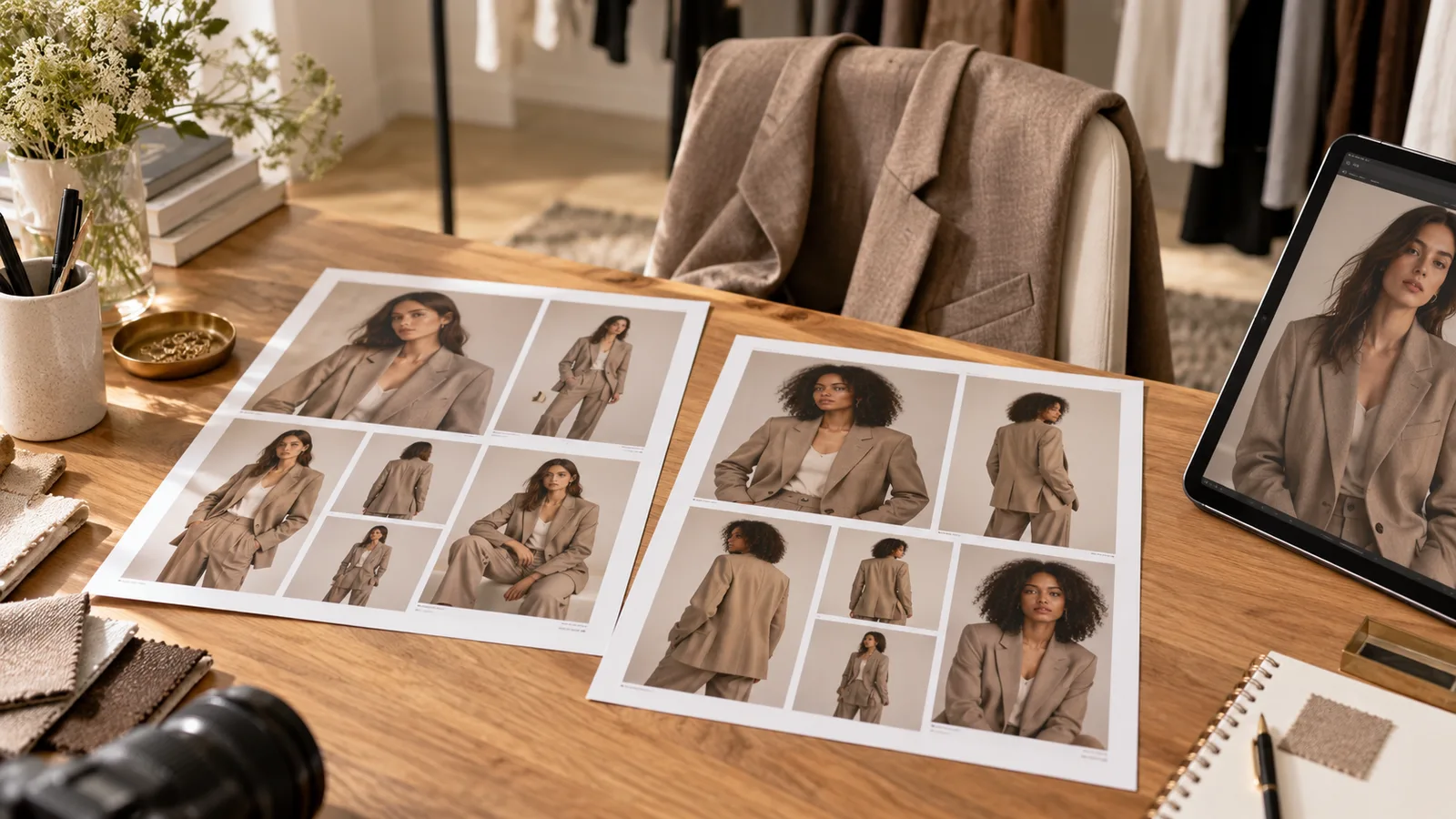
Individual garments on your phone: Vougly combines on-model images, flat lay/background output and a separate creative Studio mode. Choose a preset or your own model photograph, then review the garment. Studio is useful for outfit and scene ideas; it does not document actual fit or condition. See the real example pairs, including the cream trousers, before choosing your first test item.
A catalogue to process in batches: compare Photoroom’s Batch feature and Botika’s collection workflow. Ask for a demonstration using your own front, back and detail files. Check export access, naming, review steps and whether the required operations apply to the whole batch. One attractive demonstration image cannot answer these production questions.
Original marketplace photographs: a phone camera may be the complete solution. Take the front, back, label, measurements and visible flaws in consistent light. Keep these originals even if you also create permitted promotional visuals elsewhere.
Copy this evaluation sheet
This is a proposed method, not a test we have conducted. Use one row per attempt, including rejected images:
| Record | Your entry |
|---|---|
| Source and target | File name, garment, desired view and channel |
| Setup | Tool, selected model/background and settings |
| Accuracy | Buttons, pattern, neckline, hem and wear: pass or reject, with reason |
| Effort | Preparation, waiting, review and repeat attempts |
| Outcome | Accepted file, or the detail that made it unusable |
Set a retry limit before starting. Compare equivalent inputs and include unsuccessful attempts in the total. Record subscription spending and accepted images over the same billing period; if none pass, there is no meaningful cost per accepted image. Keep your working time separate from the subscription cost.
Start with the publication rules
For Vinted, use your own unedited photographs under the Catalogue Rules. A tool’s export button does not establish marketplace permission. For permitted AI uses, compare Vougly and Photoroom or Vougly and Botika using the same acceptance checklist.