
How to photograph clothes for Vinted: a practical shot list
Take clear clothing photos with window light, useful angles and honest detail shots. A repeatable routine for photographing your actual item.
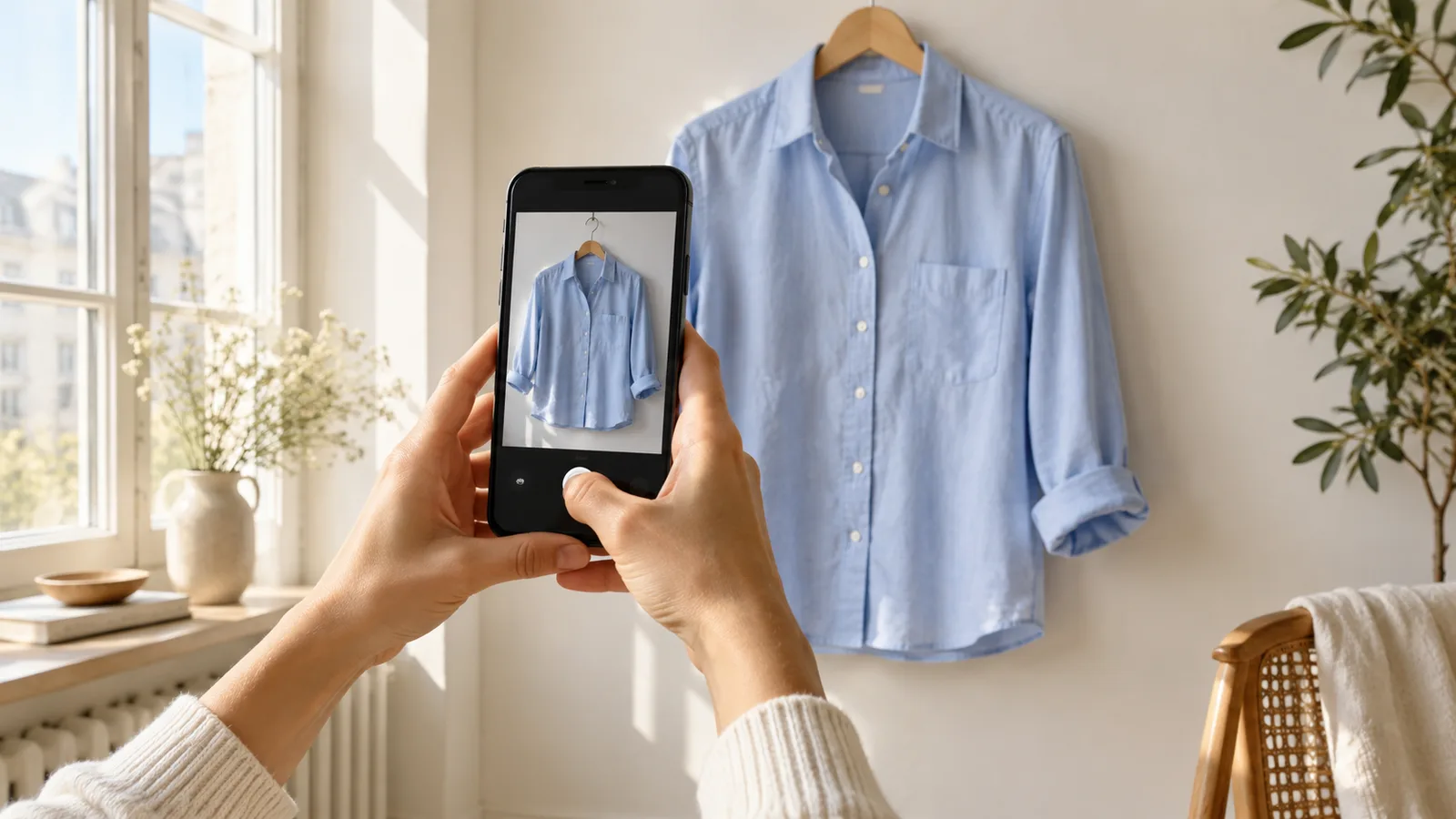
To photograph clothes for Vinted, show the entire actual item in soft, even light, then add the back, labels, construction details, flaws and useful measurements. A clean phone lens and a repeatable shot list matter more than an elaborate set. Aim to answer the questions a buyer would ask while holding the garment.
Set up a small photography area
Place a clean, matte surface near a window with indirect daylight. Choose enough contrast to separate the garment’s edges: an off-white surface works for many dark items, while light grey can make a white hem easier to see. Switch off warm room lights so they do not colour one side of the fabric differently.
Use the phone’s normal camera rather than an ultra-wide view. Move far enough away to include every sleeve, strap and hem. For a flat lay, keep the camera parallel to the surface and centred over the garment. Do not stand on unstable furniture to reach the shot; use a lower surface or a hanging setup if needed.
Smooth the fabric without stretching it or concealing wear. Follow its care label before steaming or ironing. Remove unrelated accessories unless they are part of the sale, and check the background for personal information or reflections.
These principles are consistent with eBay’s clothing photography guidance, which recommends a contrasting plain background, adequate light and useful views of details. The shot sequences below are our practical recommendations, not a platform-mandated formula.
Use this basic shot list for every item
- Whole front: include the complete outline, with a small margin around it.
- Whole back: use the same orientation and camera distance.
- Identity and material: photograph the brand, size, composition and care labels legibly.
- Construction: show the fastenings, lining, seams or distinctive texture.
- Condition: photograph each flaw close up, then again in a wider view so the buyer can locate it.
- Measurements: photograph the tape flat against the garment, with the start and endpoint visible.
Measure without pulling elastic or knitted fabric unless you explicitly describe a separate stretched measurement. Label whether a number is a flat width or a circumference. A 40 cm flat waistband should not appear in the description simply as “waist: 40 cm” without explaining how it was measured.
Adapt the sequence to the garment
| Garment | Extra photographs | What the buyer can check |
|---|---|---|
| Jeans or trousers | Waistband and closure; front and back pockets; crotch seams; hems; inside-leg measurement | Fit information, repairs and wear in high-friction areas |
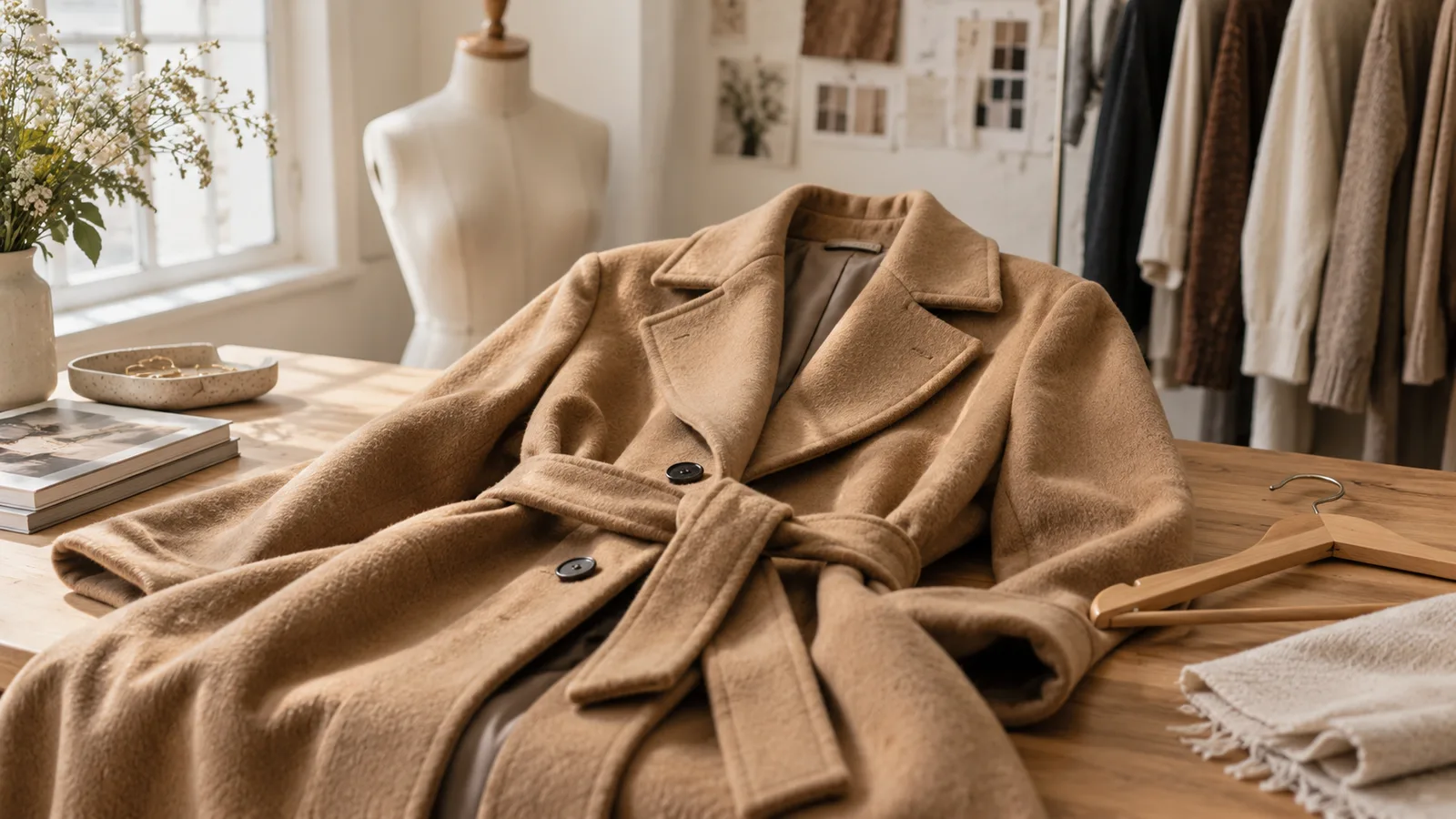
| Coat or tailored jacket | Front open and closed; full lining; collar underside; cuffs; buttons and pockets | Lining damage, missing hardware and structure |
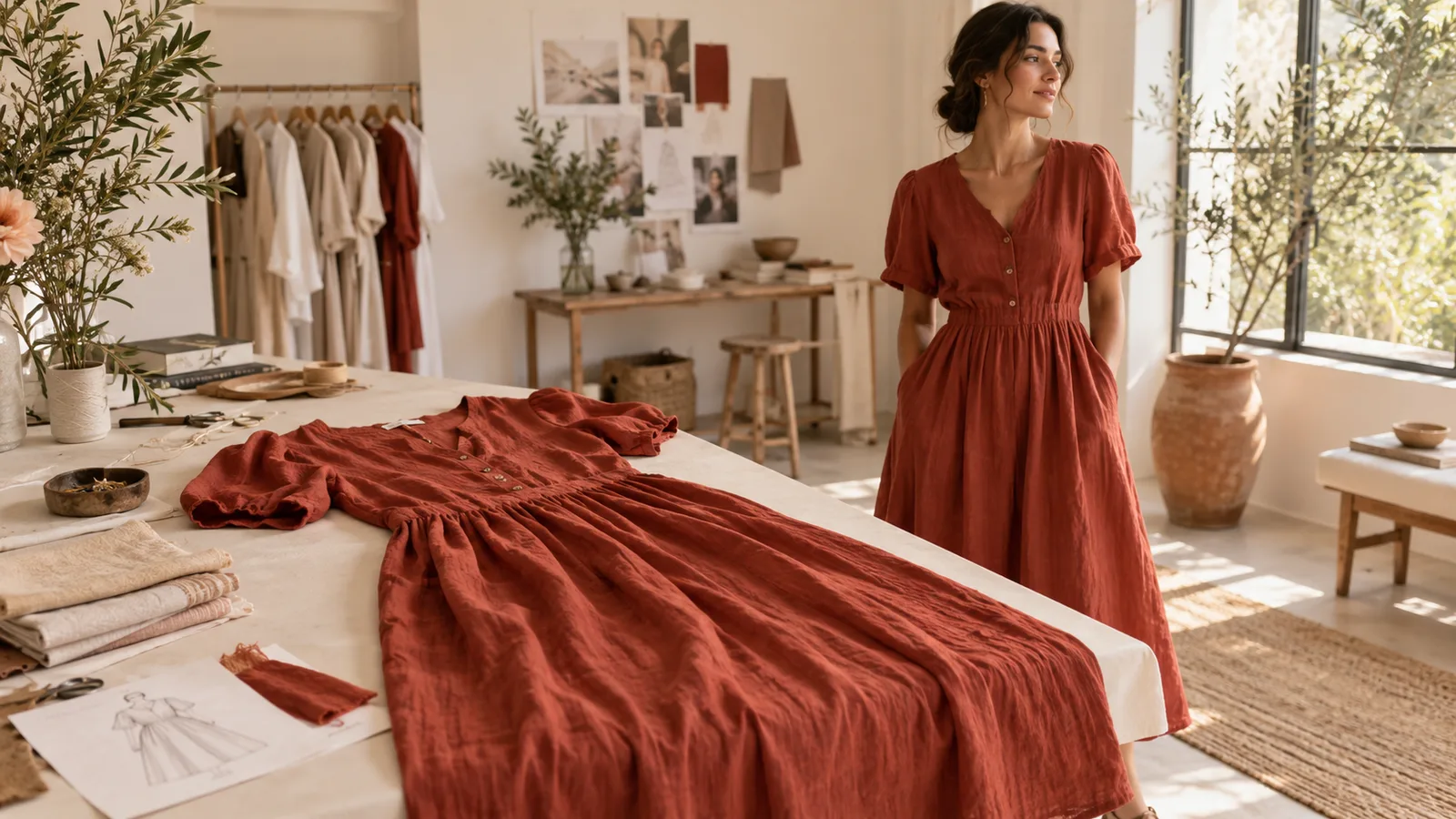
| Dress or skirt | Neckline or waistband; zip; lining; full hem; length measurement | Coverage, closure, construction and length |
| Knitwear | Neckline; cuffs; underarms; close view of knit; visible pilling | Texture, stretching and condition |
| Lace or embroidered piece | Full design; close detail; lining edge; any snag in context | Which areas are openwork and which have fabric underneath |
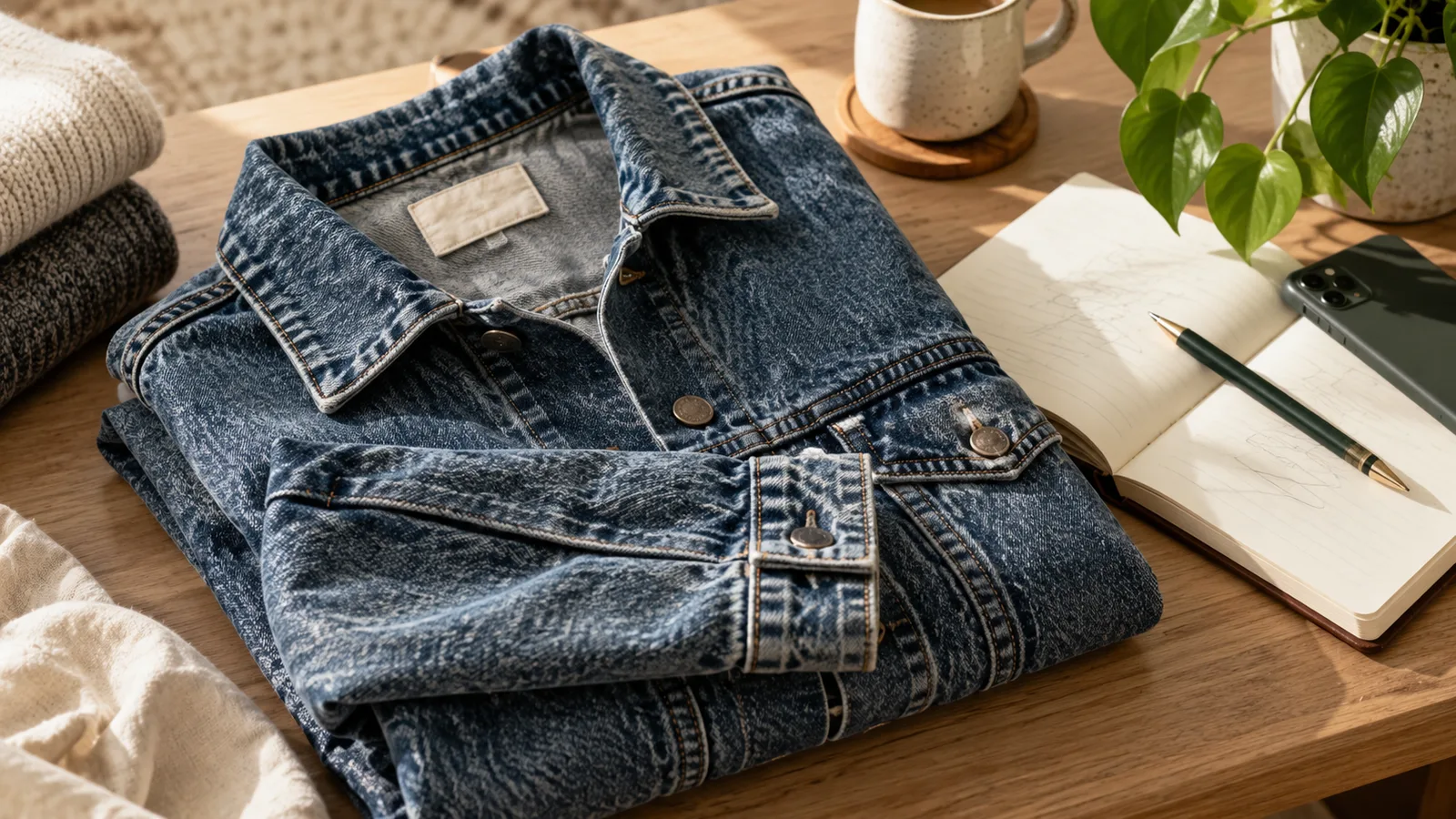
For example, a used denim jacket might need a front view, back view, label, cuffs, button placket, inside seams, a close-up of a frayed edge and a wider image locating that edge. The aim is sufficient evidence for that item, not reaching an arbitrary photo count.
Fix common problems before taking more photos
| Problem | Try this when reshooting |
|---|---|
| Black fabric becomes a featureless patch | Bring it into brighter indirect light and move the light direction slightly so the texture is visible. Check highlights before taking the full set. |
| A white dress loses its lace detail | Use a slightly darker neutral background and reduce the camera exposure before shooting until the fabric detail returns. |
| Beige looks yellow or green | Remove mixed room lighting and coloured objects reflecting onto the fabric; retake in one consistent light source. |
| Trousers look shorter at one end | Centre the camera and keep it parallel to the garment instead of shooting from the waistband. |
| Labels are unreadable | Move closer without digital zoom, tap to focus and support the phone. Review the full-size image immediately. |
| A hand or phone casts a shadow | Change your position relative to the window or rotate the garment and repeat the shot. |
These are capture adjustments. If a photo still misrepresents the colour, retake it rather than hiding the discrepancy with a filter. The appearance can vary across screens, so use a clear written colour description as well.
Check the set before packing the item away
Open the front photo as a small thumbnail: is the whole item obvious? Then enlarge the labels, texture and flaws. Compare the pictures with the garment beside you. Make sure measurements and labels belong to this exact item, especially when photographing similar sizes or colours in one session.
Keep a separate folder or album for each garment with a simple identifier that also appears in your draft listing. This prevents a good photograph from becoming misleading because it was attached to the wrong item.
Where do AI clothing photos fit?
For Vinted, the UK catalogue rules, checked on 9 October 2026, require photographs taken by the seller and prohibit image editing. Our practical recommendation is to use your own original item photos for those listings. See the detailed explanation of AI images and Vinted for the distinction between a tool’s capabilities and platform permission.
For other permitted uses, Vougly can create model visualisations or flat-lay/background images from a clothing photo. Keep them separate from evidence of real fit or condition and inspect any changed details. If your immediate question is simply how to show a garment clearly, start with the original photo sequence above. The flat lay versus model guide helps you choose the presentation.