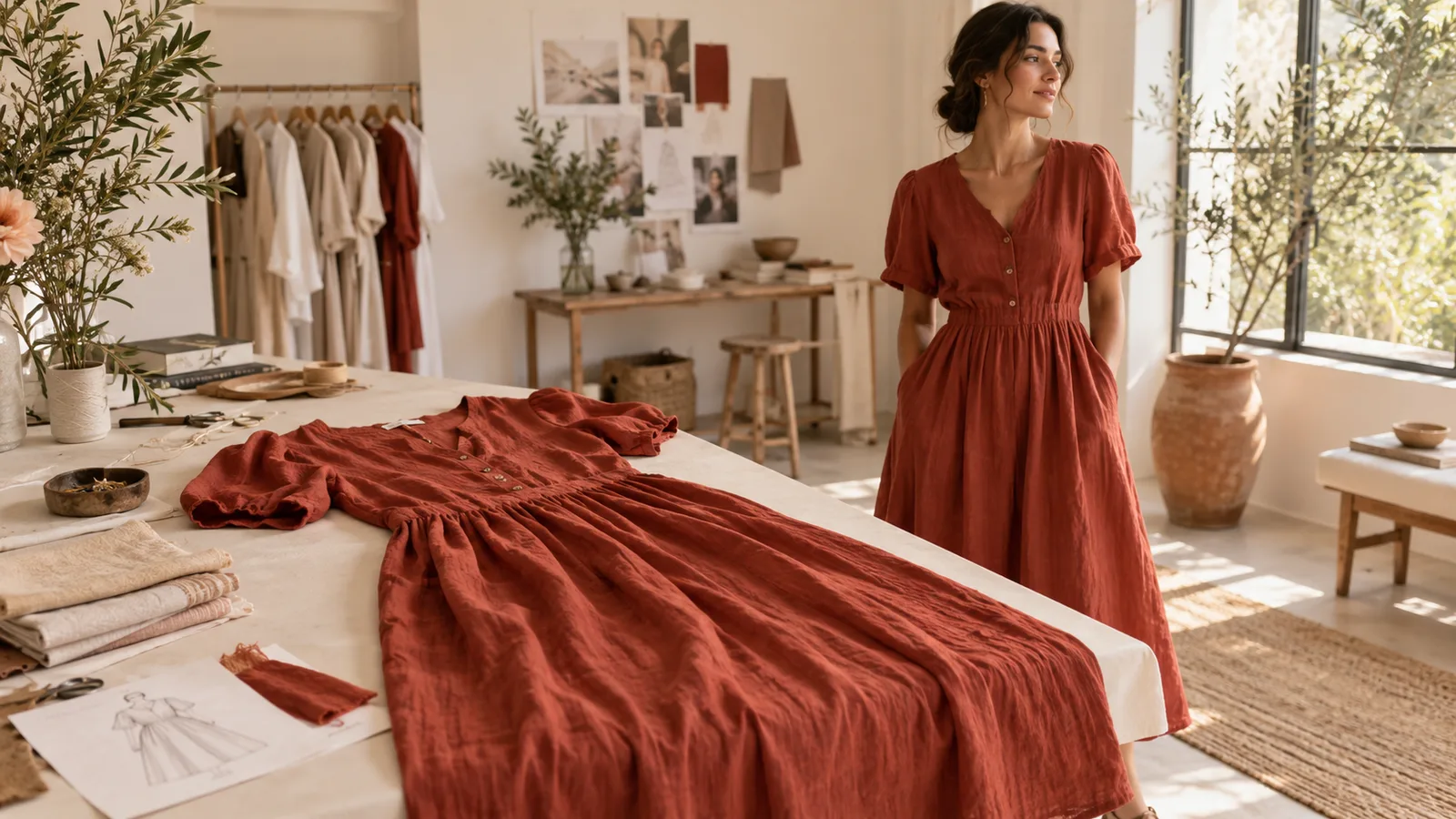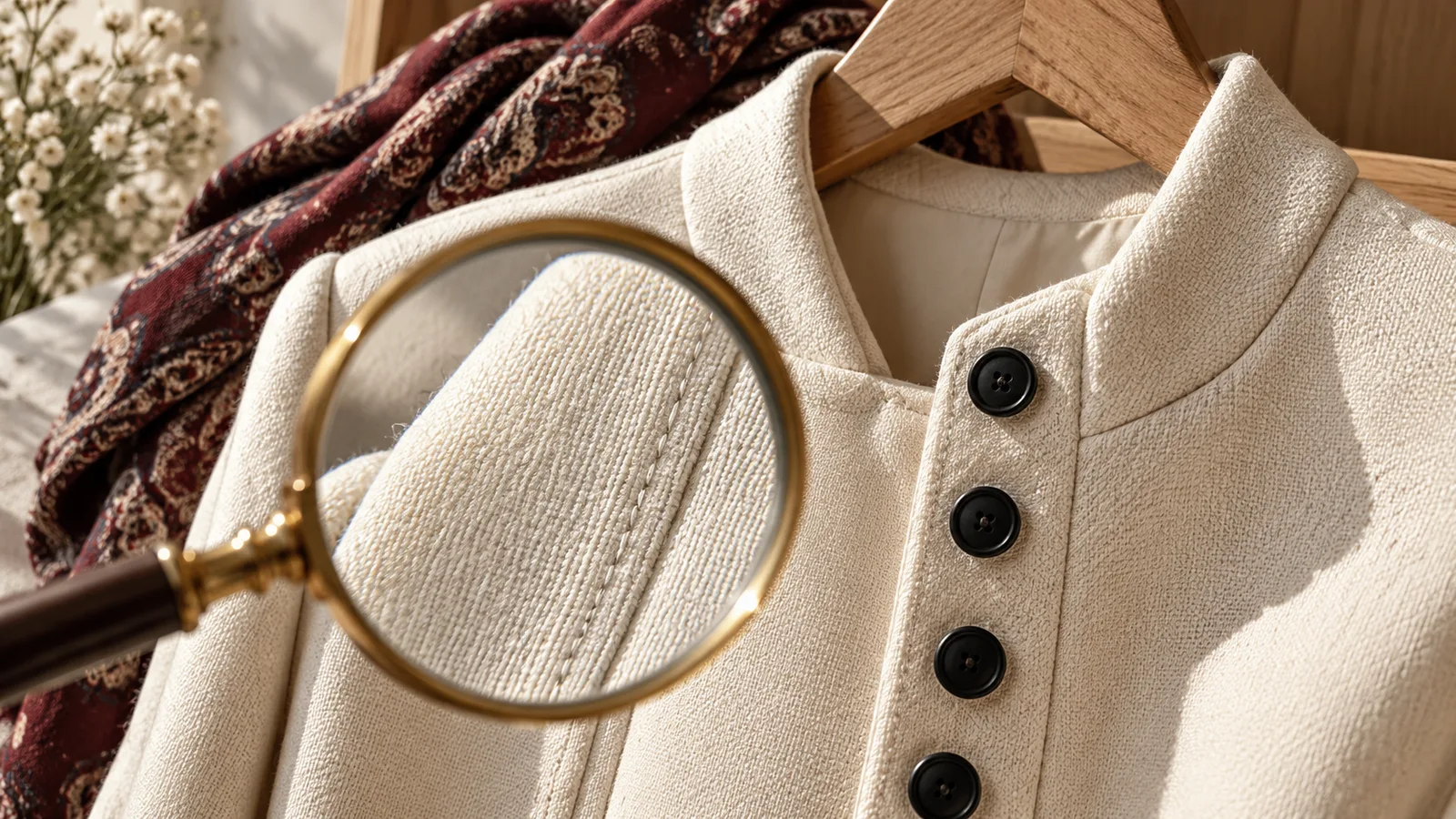

Clothing photos without a model: flat lay, hanger or mannequin
Choose a practical way to photograph clothes without a person. Learn which angles preserve shape, show condition and explain measurements.
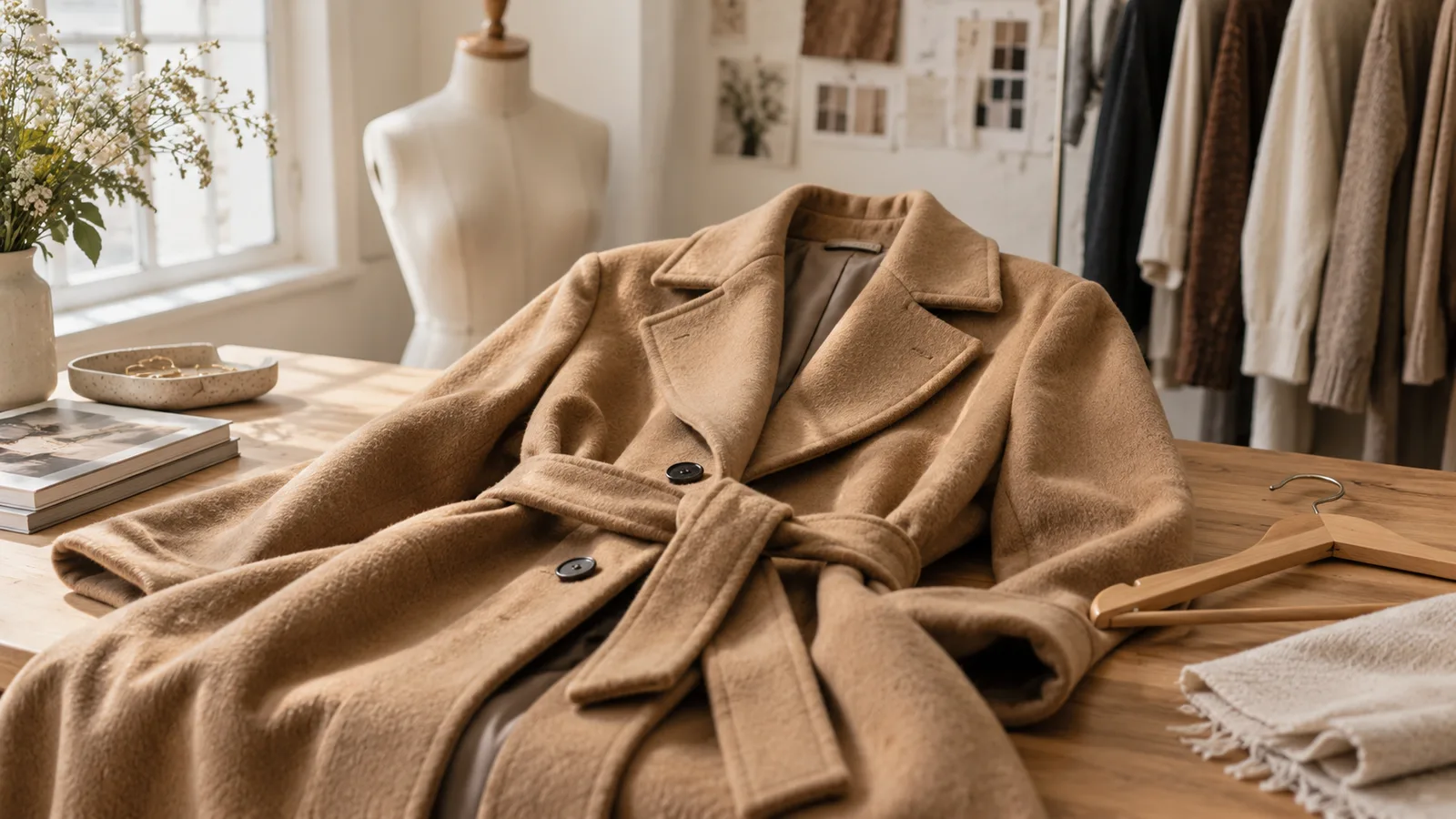
You do not need a person in the photograph to explain a garment. Choose the support according to the fabric and the buyer’s question, then add measurements. None of these views establishes exactly how the item will fit another body.
Choose the right support
| Setup | Useful for | Watch for |
|---|---|---|
| Flat lay | Knitwear, T-shirts, trousers | Folds hiding width or wear |
| Hanger | Shirts and light jackets | Shoulders distorted by the hanger |
| Physical mannequin | Structured garments | Clips suggesting a narrower fit |
For knitwear, start flat: hanging can stretch the shoulders. For a tailored jacket, a correctly sized mannequin may explain the construction, but photograph any areas hidden by the support separately. Disclose clips or styling aids if they affect the visible silhouette.
Example: photograph trousers on the floor
Lay the waistband straight without stretching it. Photograph the whole front and back with the phone parallel to the floor. Add a close-up of the fastening, rise, care label and worn hems. Measure waist width, inside leg and rise; say explicitly that the waist number is a flat width, not a circumference.
Do not fold one leg over a stain. Photograph a defect in context so its location is clear, then move closer for texture.
Keep photography separate from visualisation
A physical mannequin photo is still a photograph of the actual item. An AI model image reconstructs its appearance. It may change folds, proportions or stitching and should not be used as fit evidence.
Vougly offers model visualisations and flat-lay backgrounds for permitted channels. On Vinted, use your own unedited photos under the official rules, checked 8 October 2026. A hanger image on a new background is not a flat lay.