
Using AI to prepare a Vinted listing: facts first
Use AI to organise verified garment information into a draft description while keeping your own unedited photographs and checking every claim.
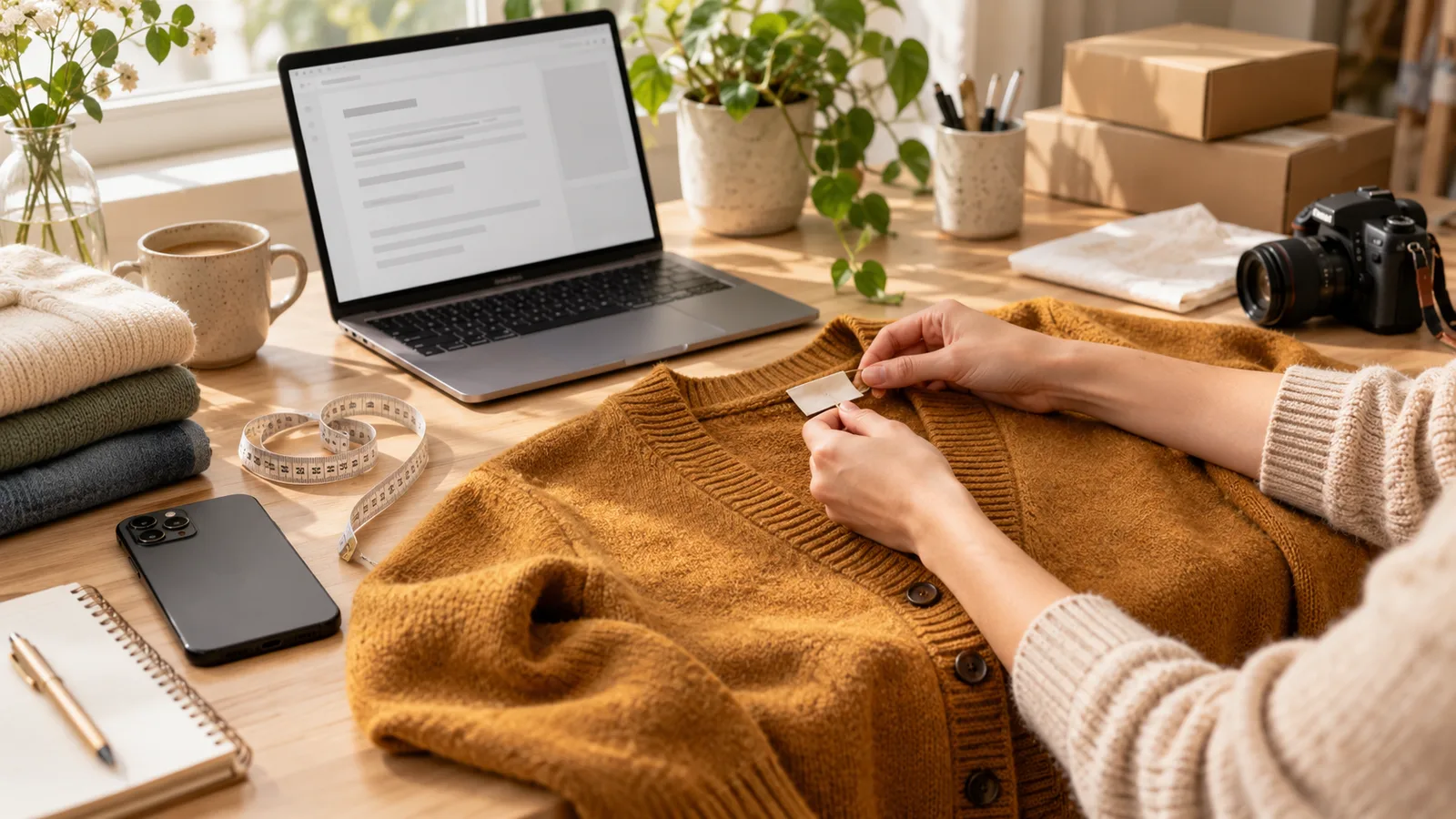
AI can organise a listing draft, but it cannot inspect a stain, read a hidden label or establish authenticity. For Vinted, separate help with writing from generating listing photographs: the latter conflicts with the requirements for your own unedited photos.
Collect facts before asking for a draft
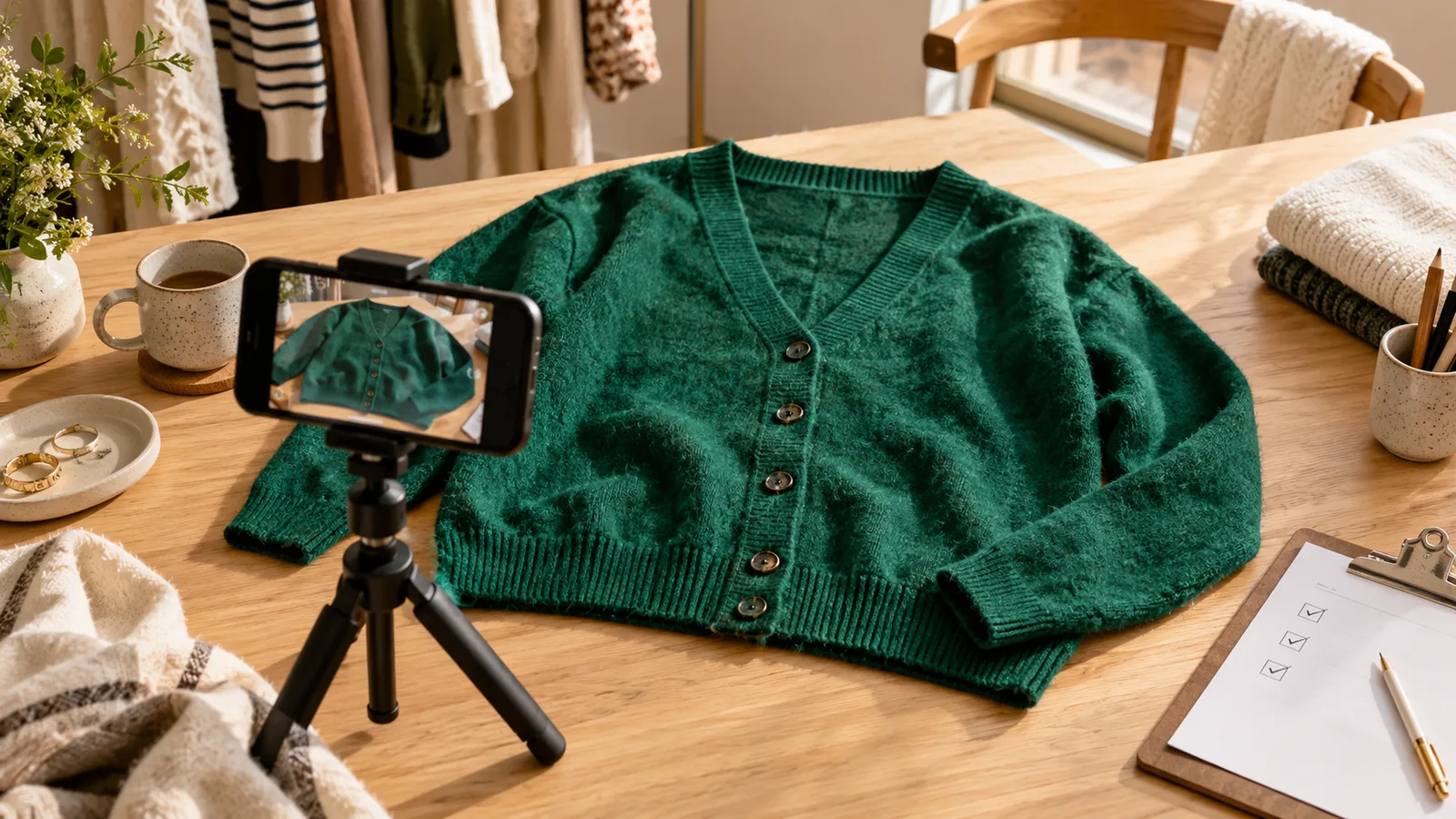
Photograph the actual front, back, labels and flaws. Measure the garment laid flat. Write the labelled size, exact composition, fastening, alterations and included accessories. If the composition label is missing, record that fact instead of guessing from appearance.
Use a prompt with a clear boundary
Write a short factual listing from these notes only. Navy cardigan, labelled M, 100% cotton, width laid flat 49 cm, length 61 cm. Light pilling at cuffs, shown in photo 5. No belt or accessories included. Do not invent condition, fit, authenticity or brand. Ask if a necessary fact is missing.
This is an illustrative example, not a real item for sale. A useful result preserves the cuff wear and identifies measurements as flat measurements. Reject a draft that turns “light pilling” into “perfect condition”.
Review the draft against the item
- Check every number against the tape or label.
- Confirm that brand and category match the actual garment.
- Keep defects visible in both text and photos.
- Remove unrelated brands, promises and invented styling details.
- Review the listing preview before publishing.
Avoid uploading receipts with personal details or other people’s faces into a writing tool. Reuse the blank structure, not an old item’s completed facts.
Vinted’s Catalogue Rules, checked 8 October 2026, are the basis for the photograph restriction. Vougly creates visualisations for channels that permit them; see the detailed AI photo guidance.