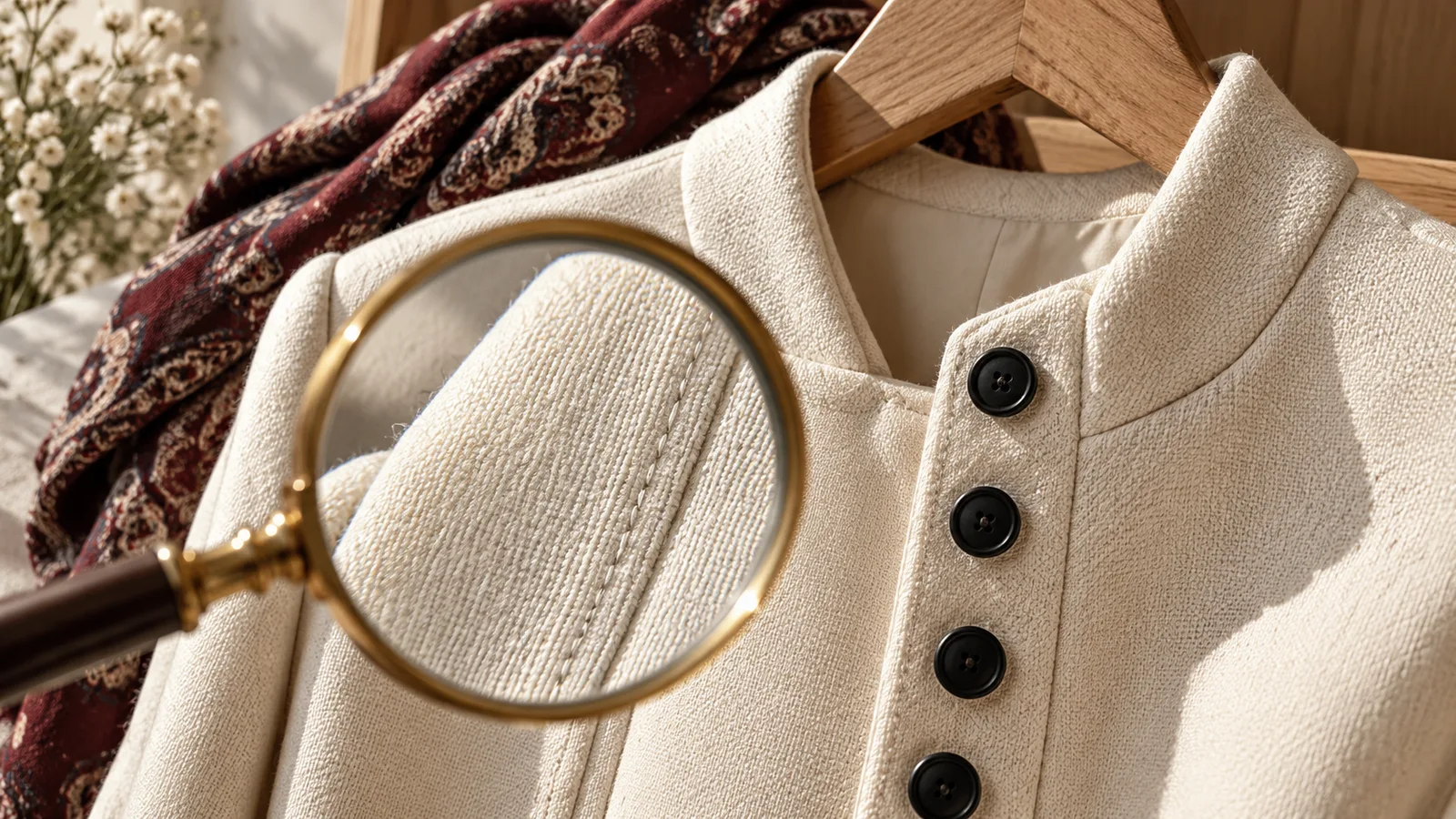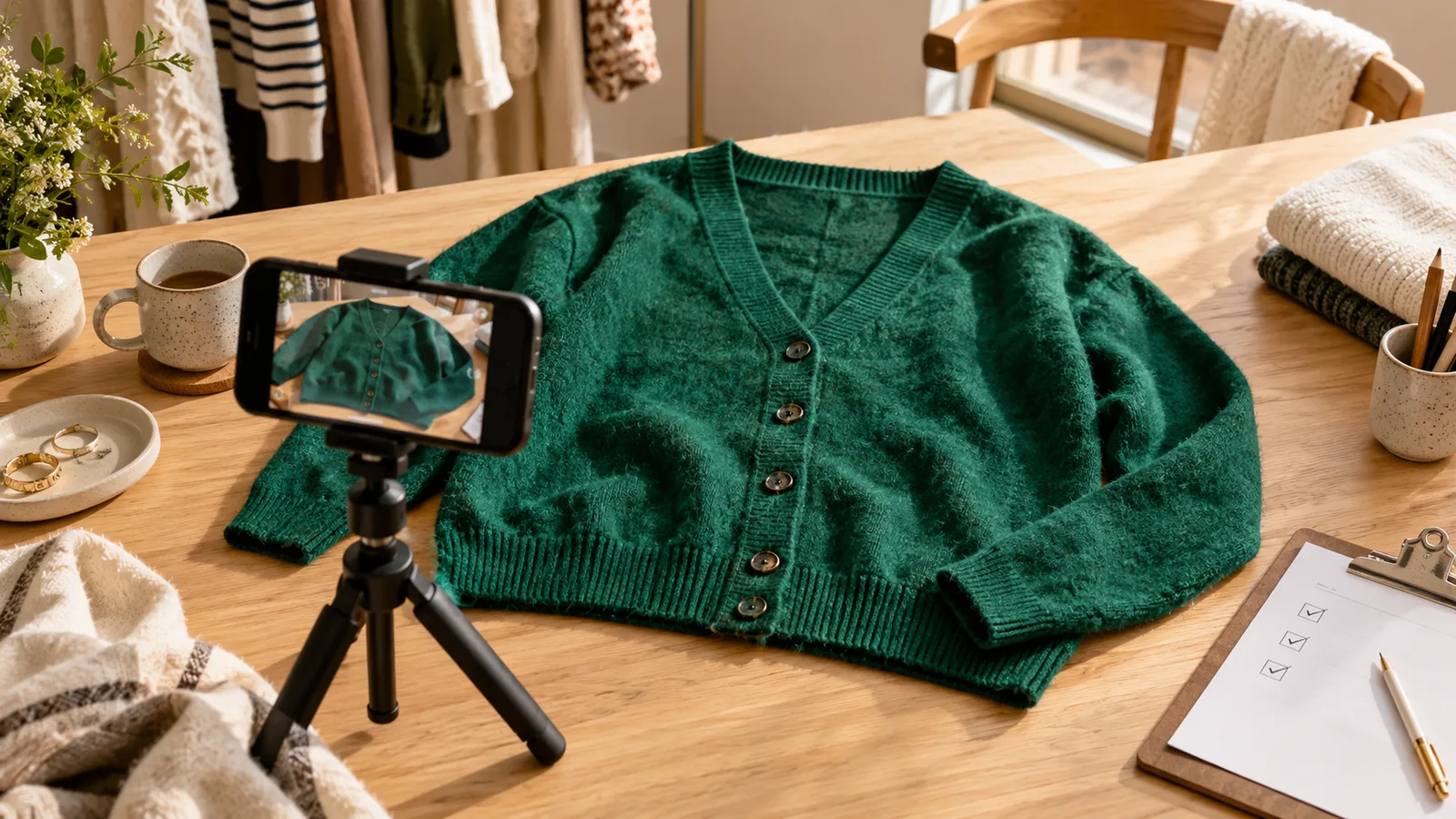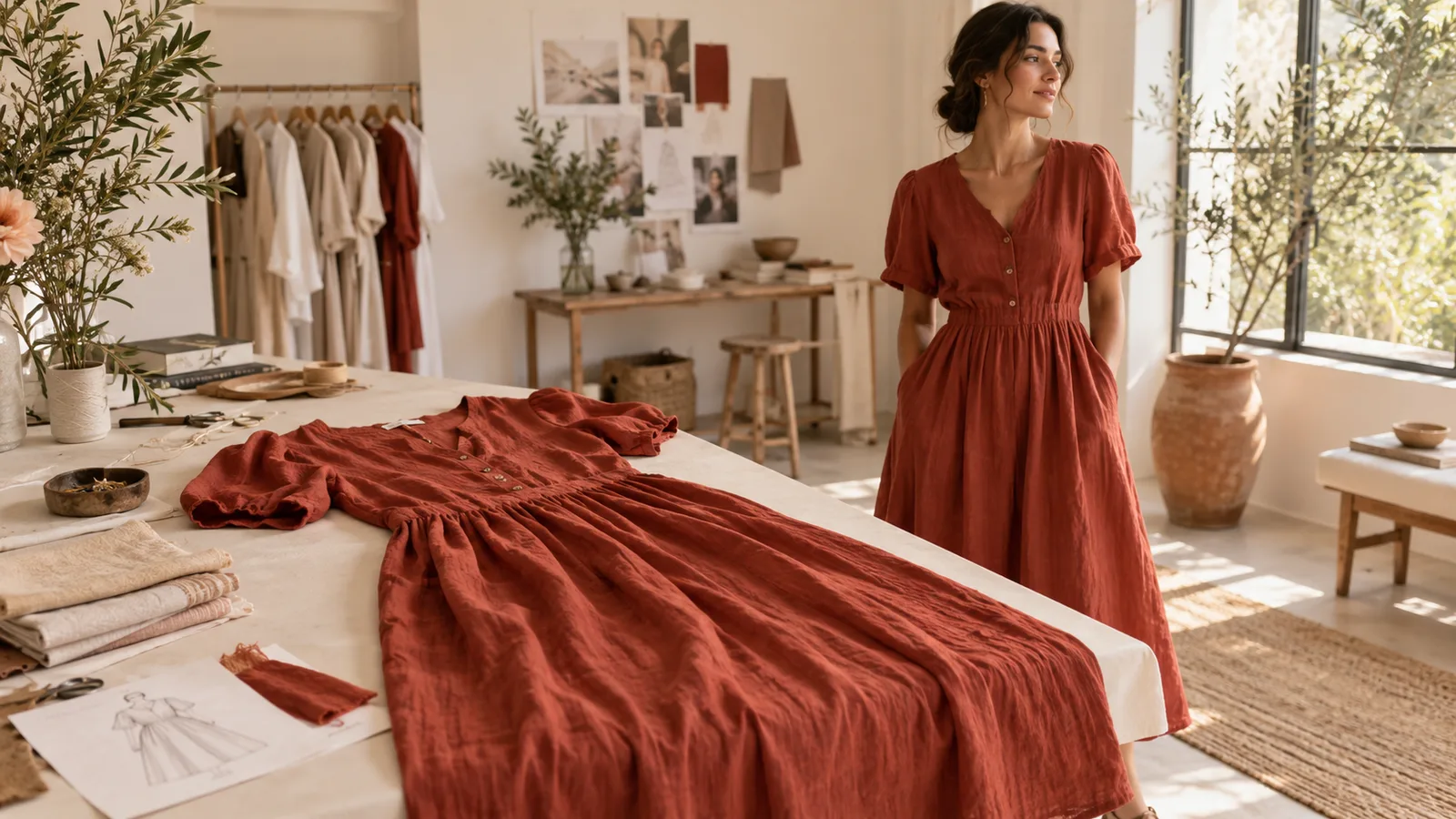
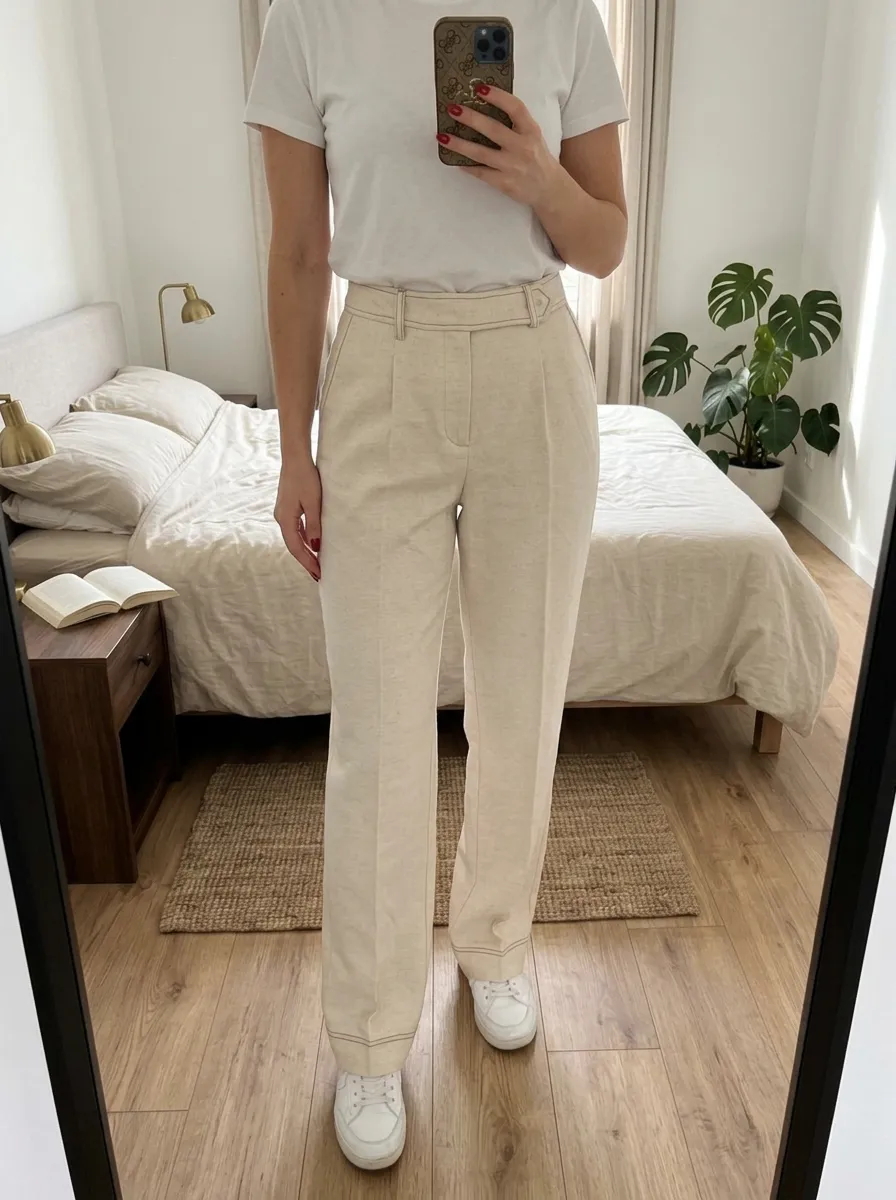
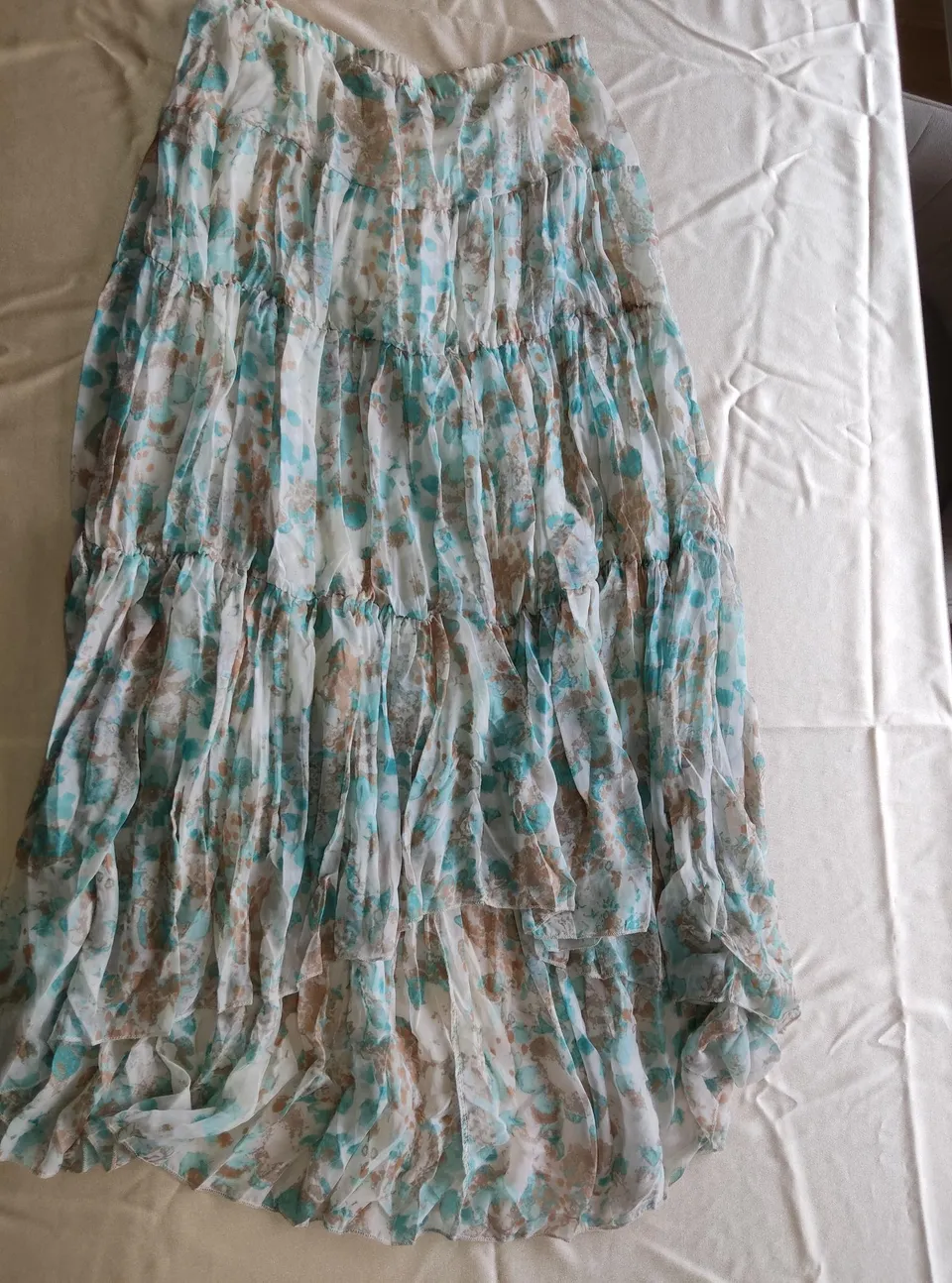
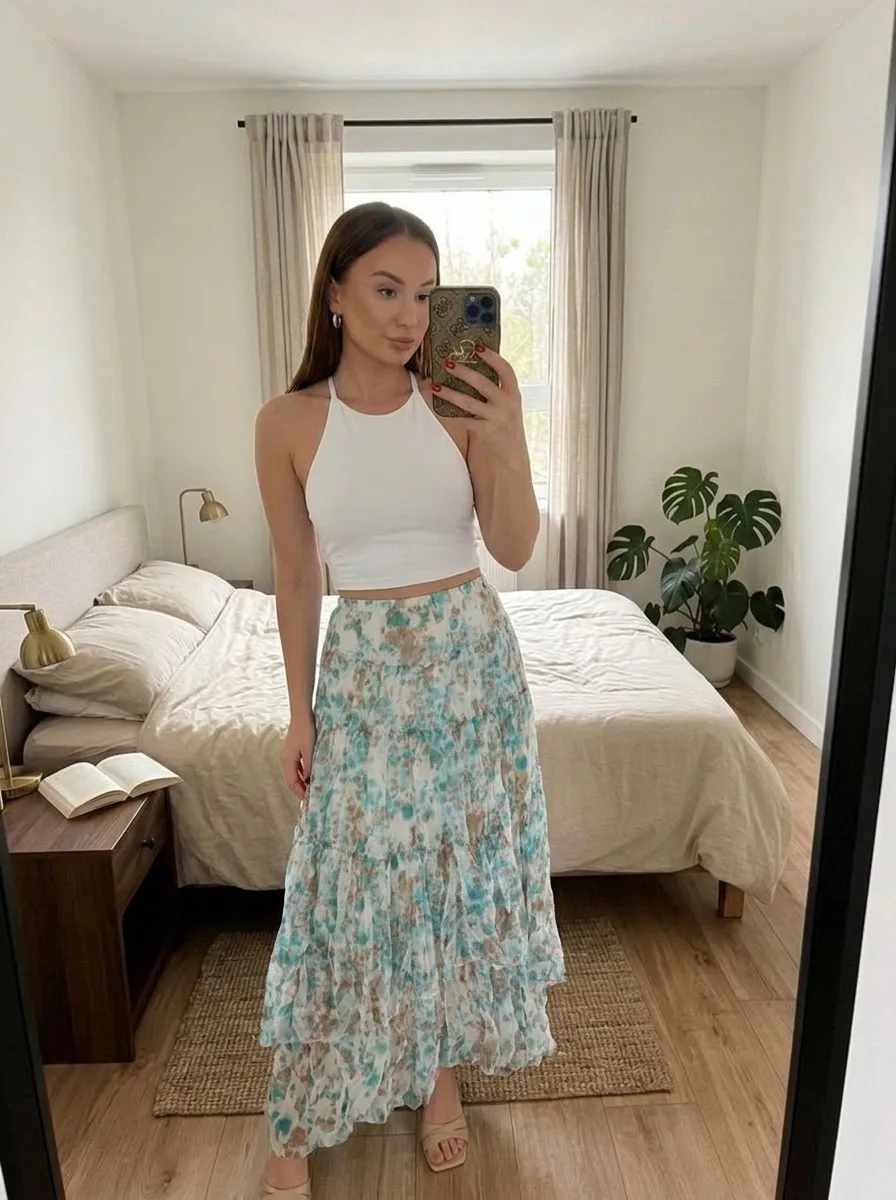
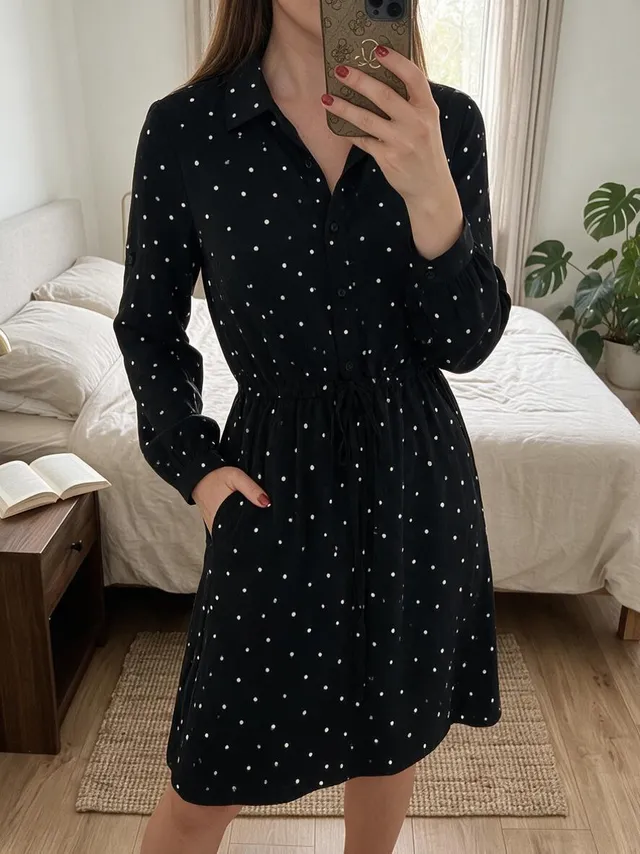
Photos on a model
Show a garment on your chosen model. Use a preset or your own full-body photo and choose the setting.
Explore the features

Clothing photos
One garment photo, more ways to show it. Choose a model or background and create a new image in Vougly for iOS and Android.
Explore examples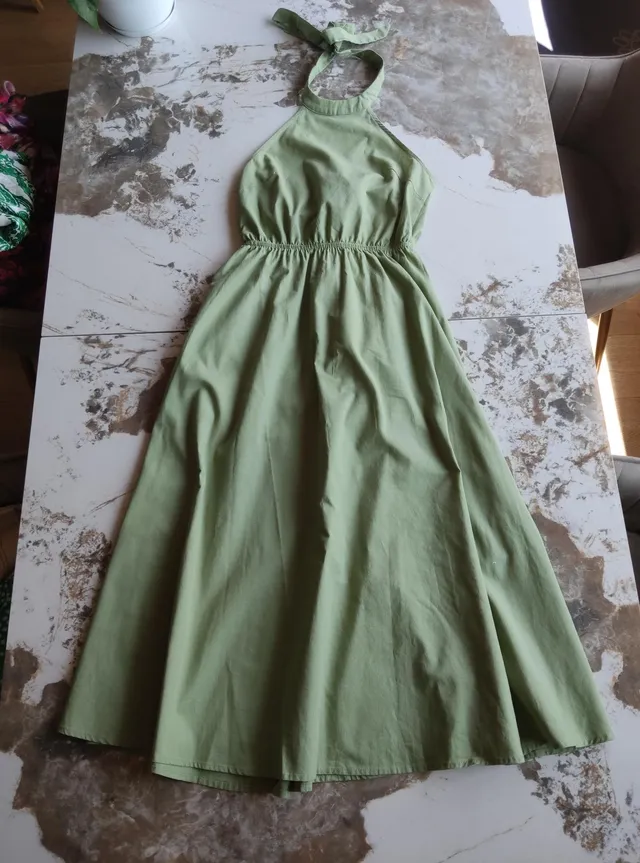
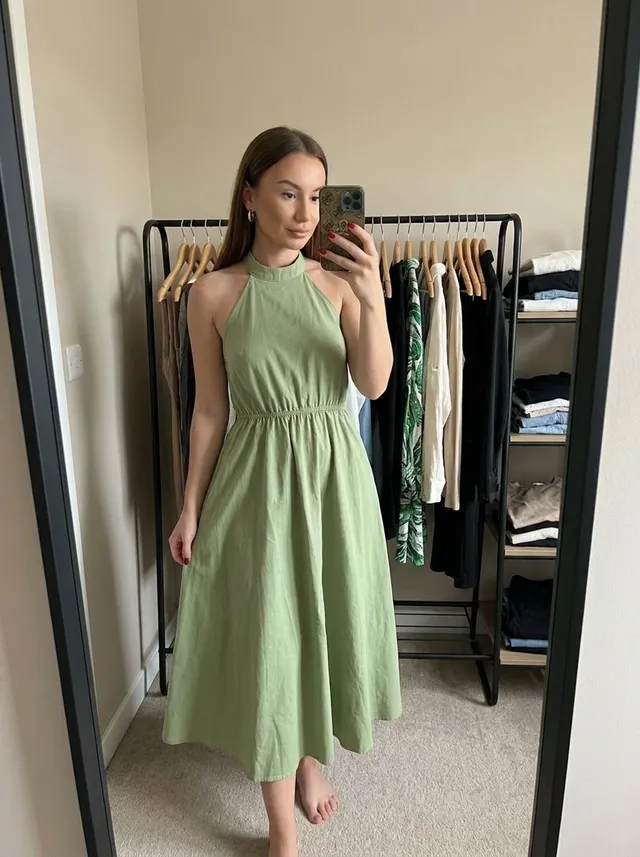
Before / after
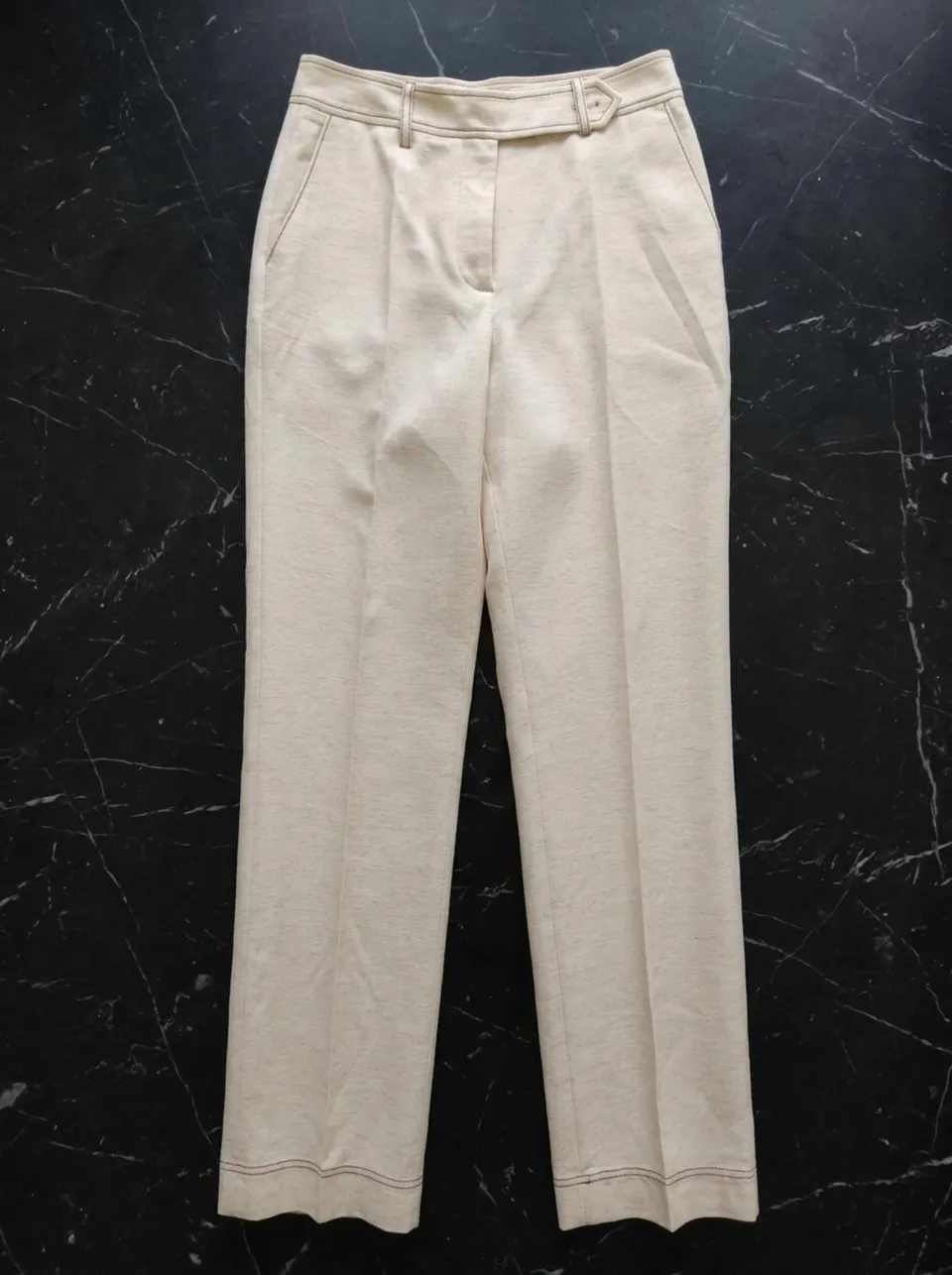
Explore the input photo alongside AI visualizations. Look closely at colours, patterns and cut, and compare your own results with the garment before publishing.
Features
Show a garment on your chosen model. Use a preset or your own full-body photo and choose the setting.
Explore the features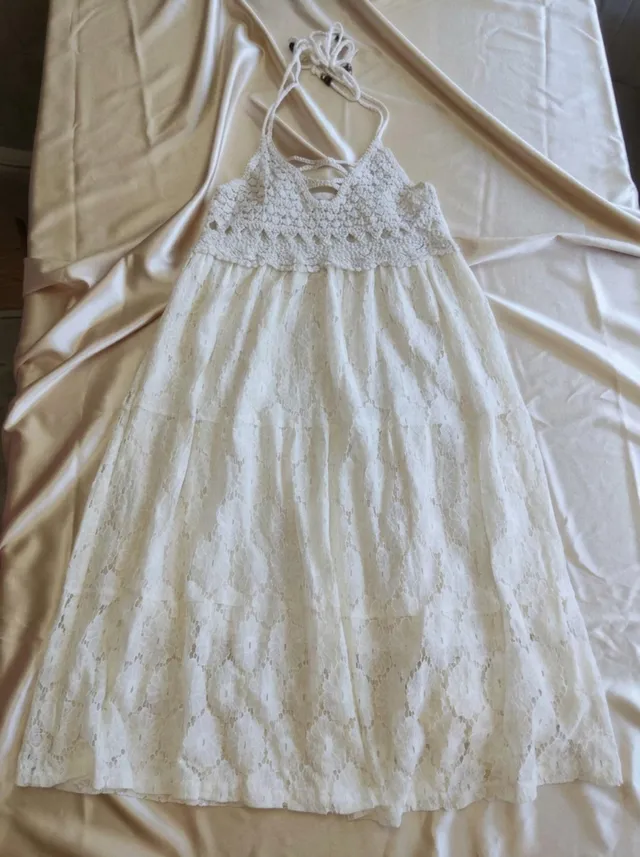
Choose a flat lay or a new background. Wood, marble and fabric give your photos a different feel without arranging a shoot.
Explore the featuresVougly Studio
Create styled photos for social media. Use your own photo or choose a model. Take your shoot to a rooftop, the beach or a photo studio. Choose the outfit, lighting and finishing touches.
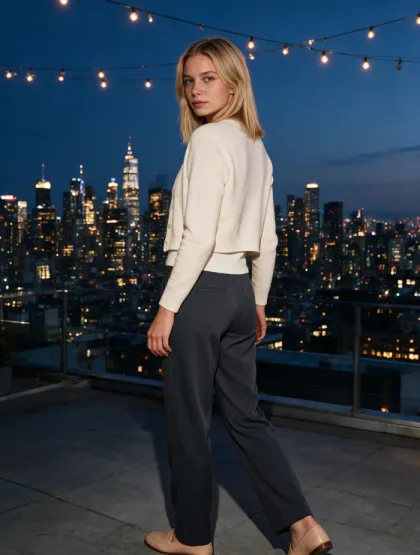
Destinations, studio backdrops or the original setting of your own photo.
Garments are optional: add up to 4 garment photos, describe an outfit or choose ready-made suggestions.
Golden-hour light, flowers, sunglasses. Add optional makeup and adjust the intensity of retouching.
1 Studio photo = 1 generation
How it works
Use diffuse light, show the whole garment and preserve natural colours. Take separate photos of labels, seams and flaws. Check AI results for pattern, buttons, colour and cut: a visualization is not evidence of the item’s condition.
On your phone, at home, in daylight. No flash, no tripod, no stylist. Just show what you have to sell.
Choose from 24 models (or upload your own full-body photo) and 5 studio backdrops: hanger, bed, wood, satin, and marble. You decide exactly how your listing looks.
Compare the colour, pattern, buttons and cut with the original. If the result changes an important detail, generate it again. Save your chosen image to your camera roll.
Upload one full-body photo of yourself to use as your model. Saving a model is free. Compare every new AI result with the actual garment.
Explore the featuresEvery generated image uses one generation, in every mode. Your allowance renewal and billing period are separate.
15 generations
60 generations
50 generations
Unused subscription allowance does not roll over to the next period. The annual plan is billed once a year and provides 50 generations each month. Read renewal, cancellation and any trial terms on the purchase screen.
See the current price in your currency and available offers in the app before confirming a purchase.
Frequently asked questions
Didn't find your answer? We reply within 24 hours.
Write to us
Vougly creates garment visualizations on a selected model or background. Choose a preset model or use your own full-body photo. Studio creates styled photos in scenic locations, including for social media.
Vinted catalogue rules require photos taken by the seller and prohibit editing. We have not confirmed an exception for AI-generated images. Use your own, unedited item photos for Vinted listings.
Use diffuse light, show the whole garment and preserve natural colours. Take separate photos of labels, seams and flaws. Check AI results for pattern, buttons, colour and cut: a visualization is not evidence of the item’s condition.
Vougly offers weekly, monthly and yearly subscriptions. Each image uses 1 generation. Your allowance renews weekly on the weekly plan and monthly on both monthly and yearly plans. Check the app for current prices and trial terms.
Choose a photo from your camera roll and explore a new way to show your garment. Models, backgrounds and Studio are all in one app.